

What is Form W-2?
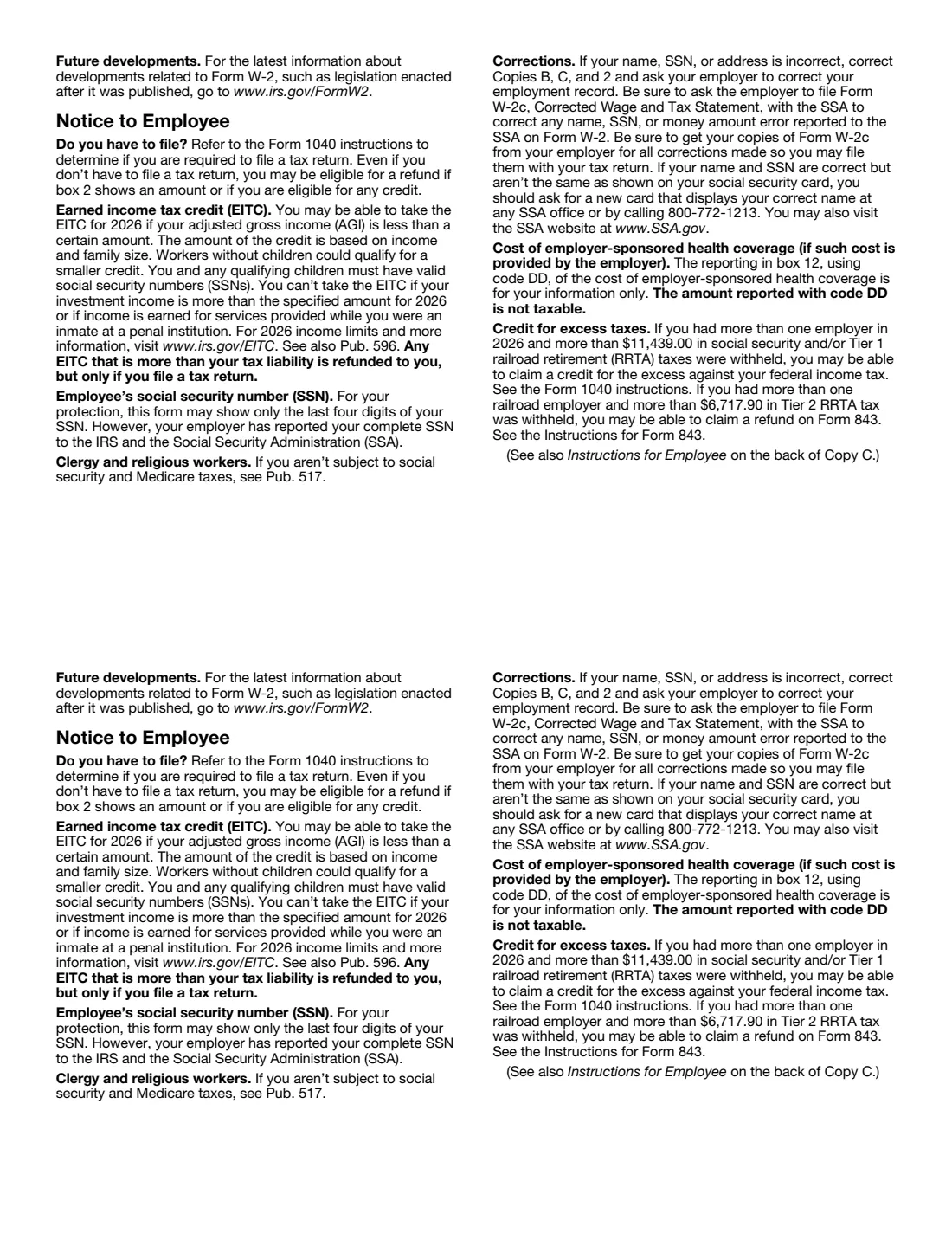
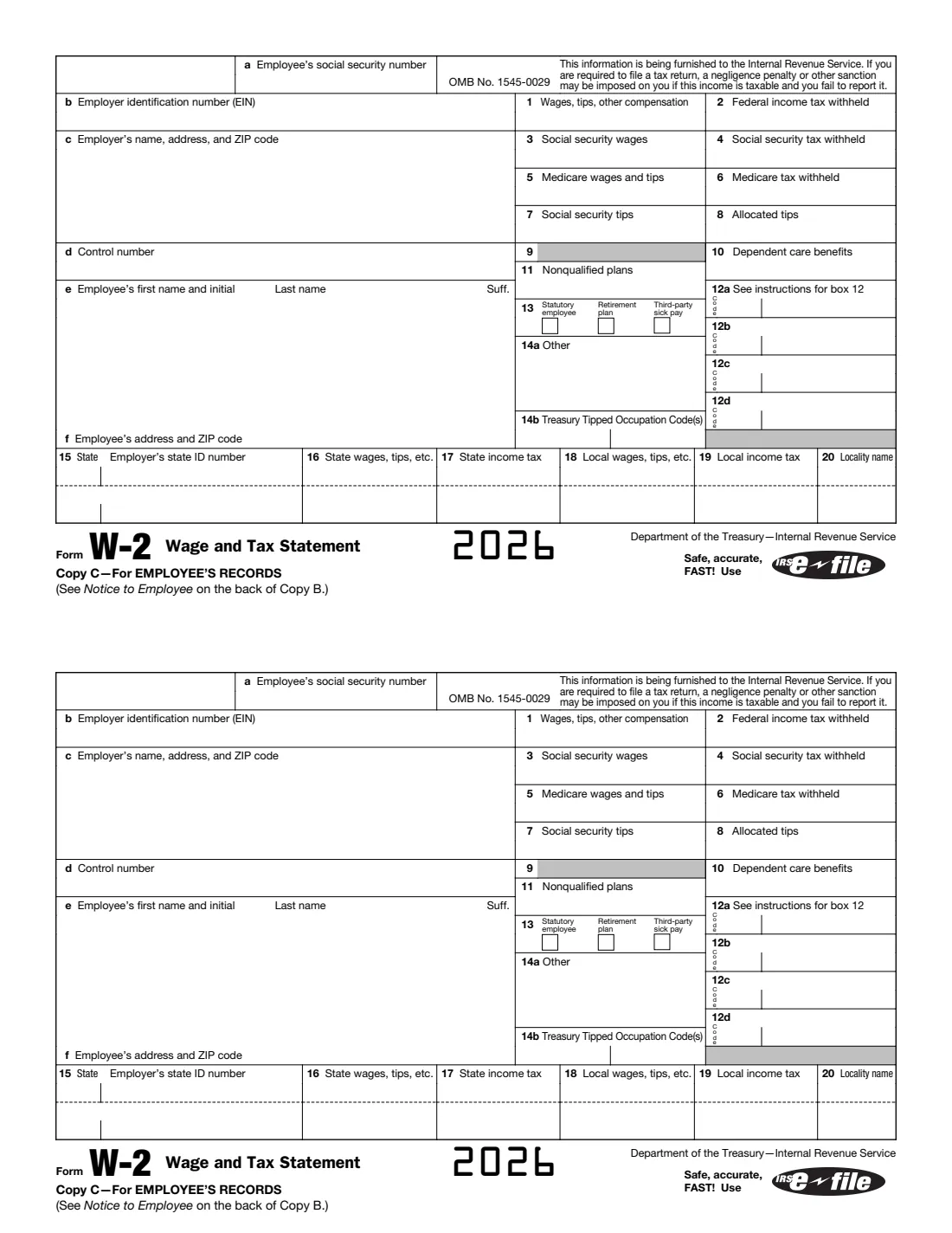
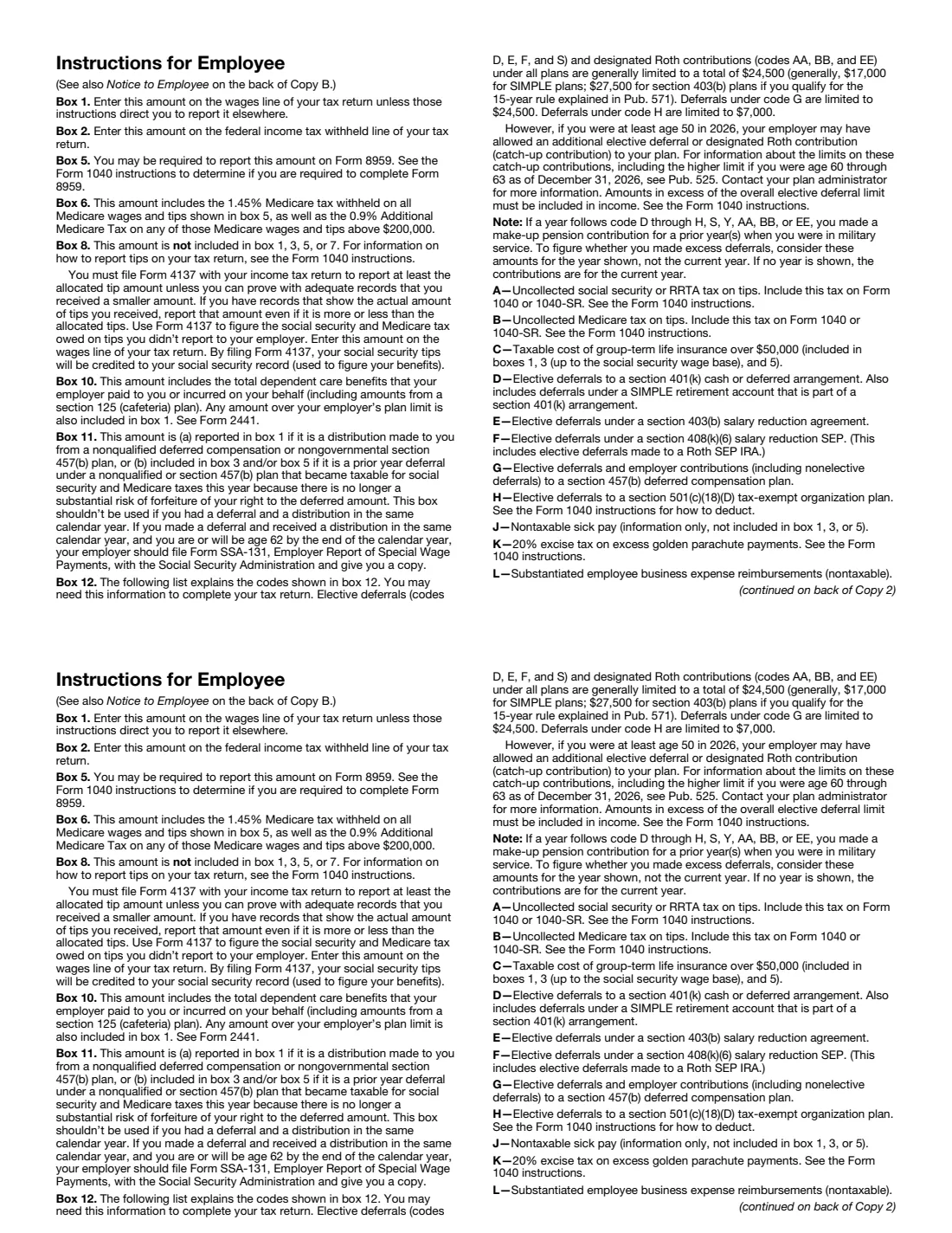
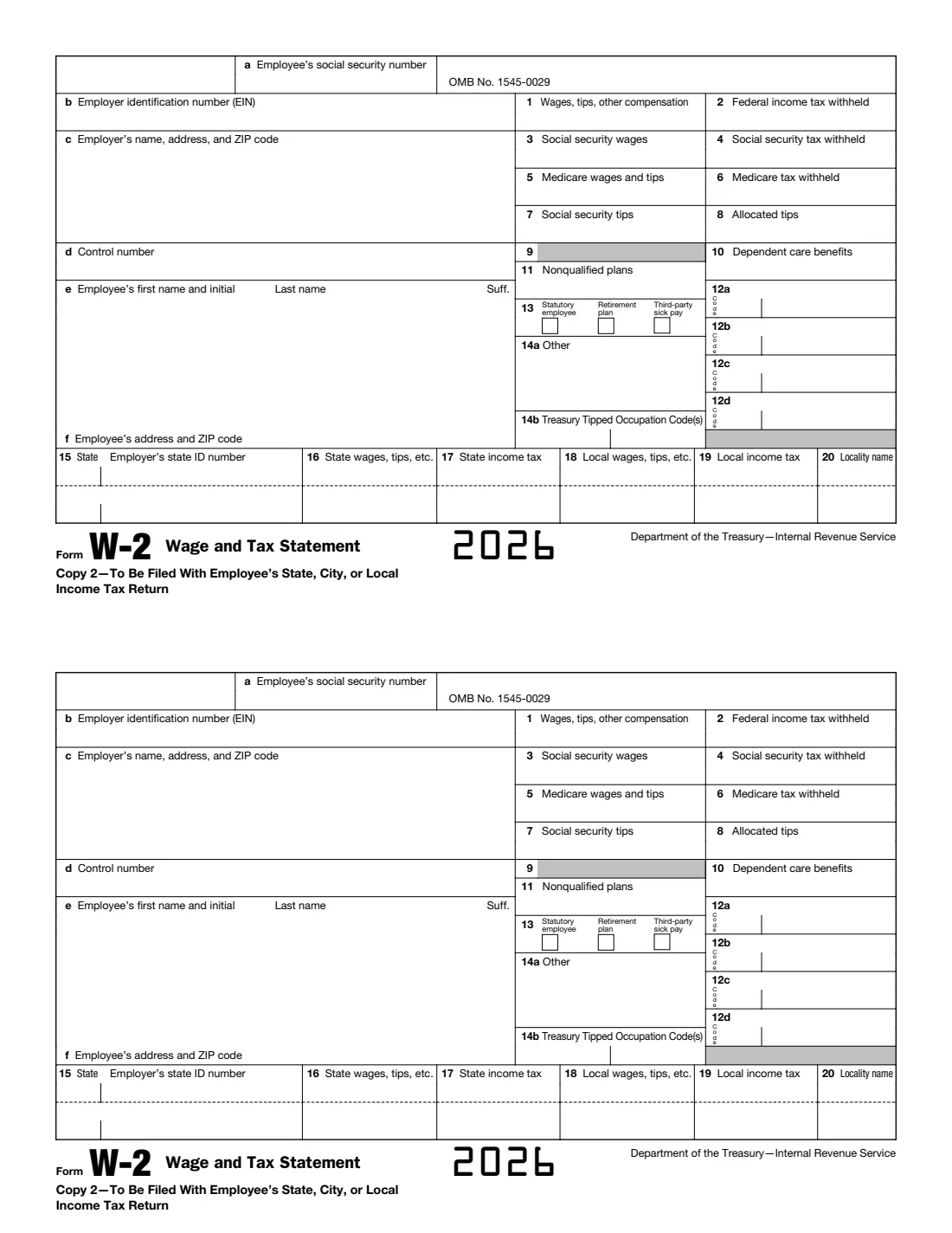
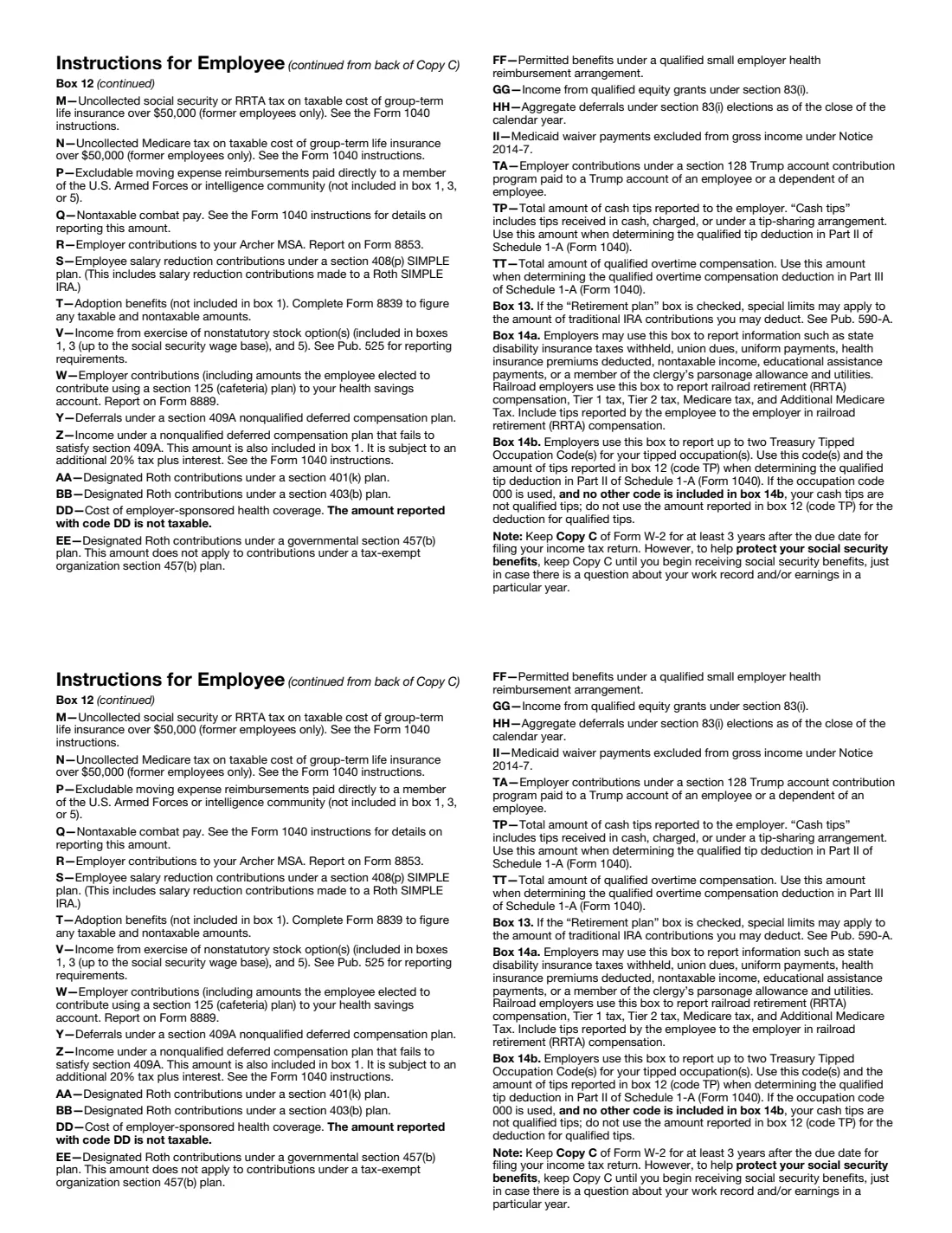
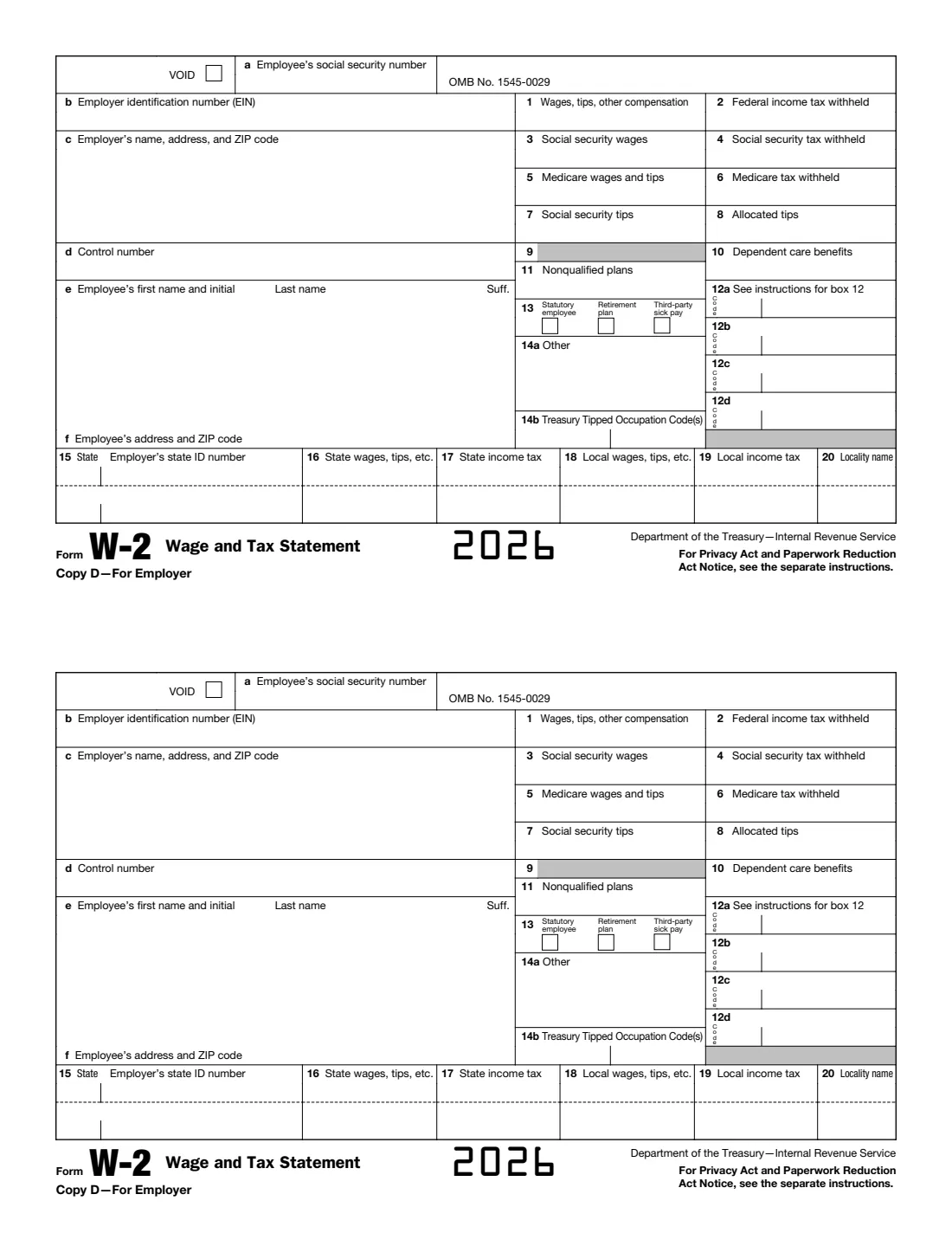
Form W-2 reports an employee's wages, tips and other compensation for the year and the federal income, social security and Medicare tax withheld, together with coded items in box 12 (retirement deferrals, health coverage cost and others) and state and local wages and tax. For 2026, box 14 is split into 14a (other) and 14b (Treasury Tipped Occupation Codes), and box 12 has new codes TA (Trump account contributions), TP (cash tips reported) and TT (qualified overtime).
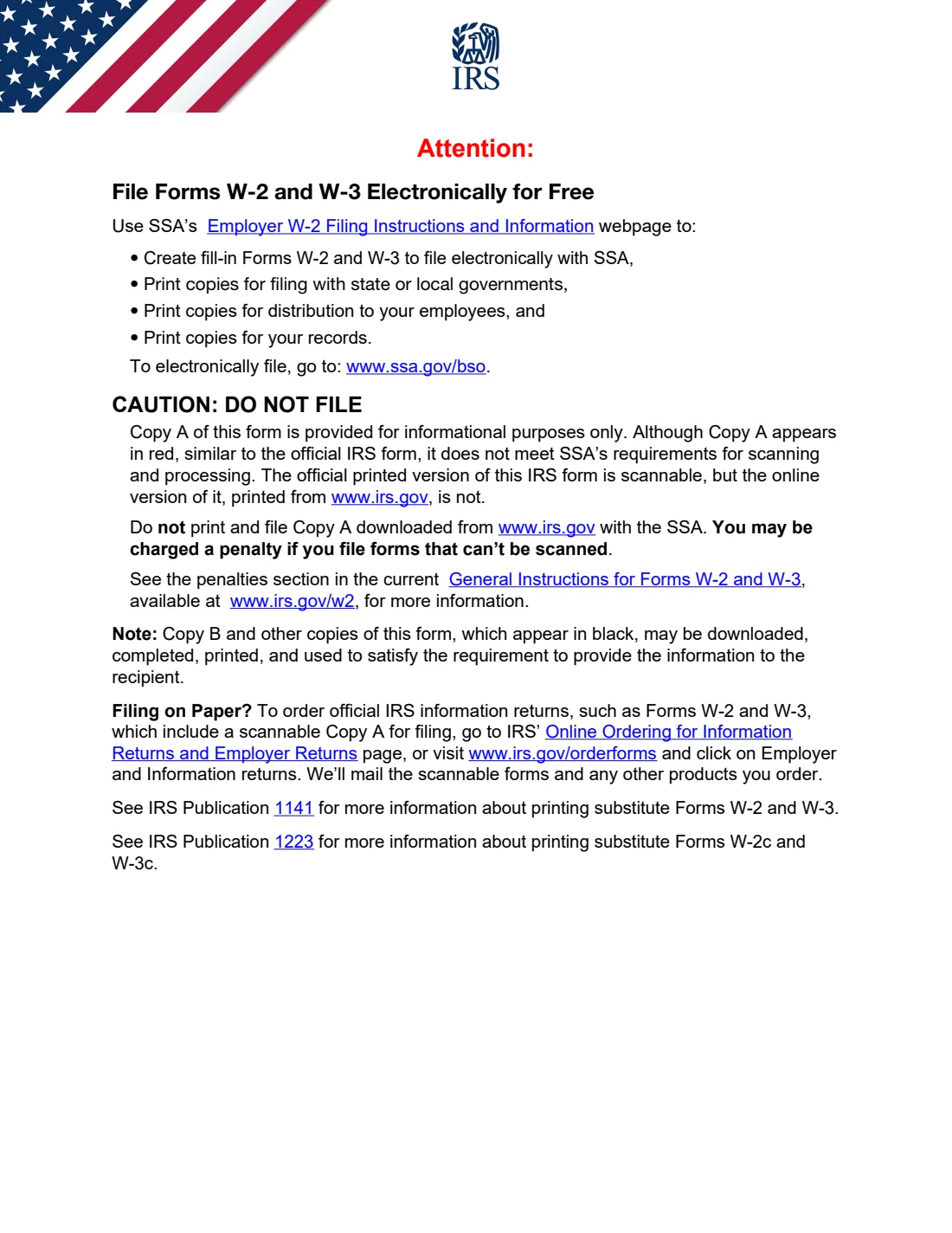
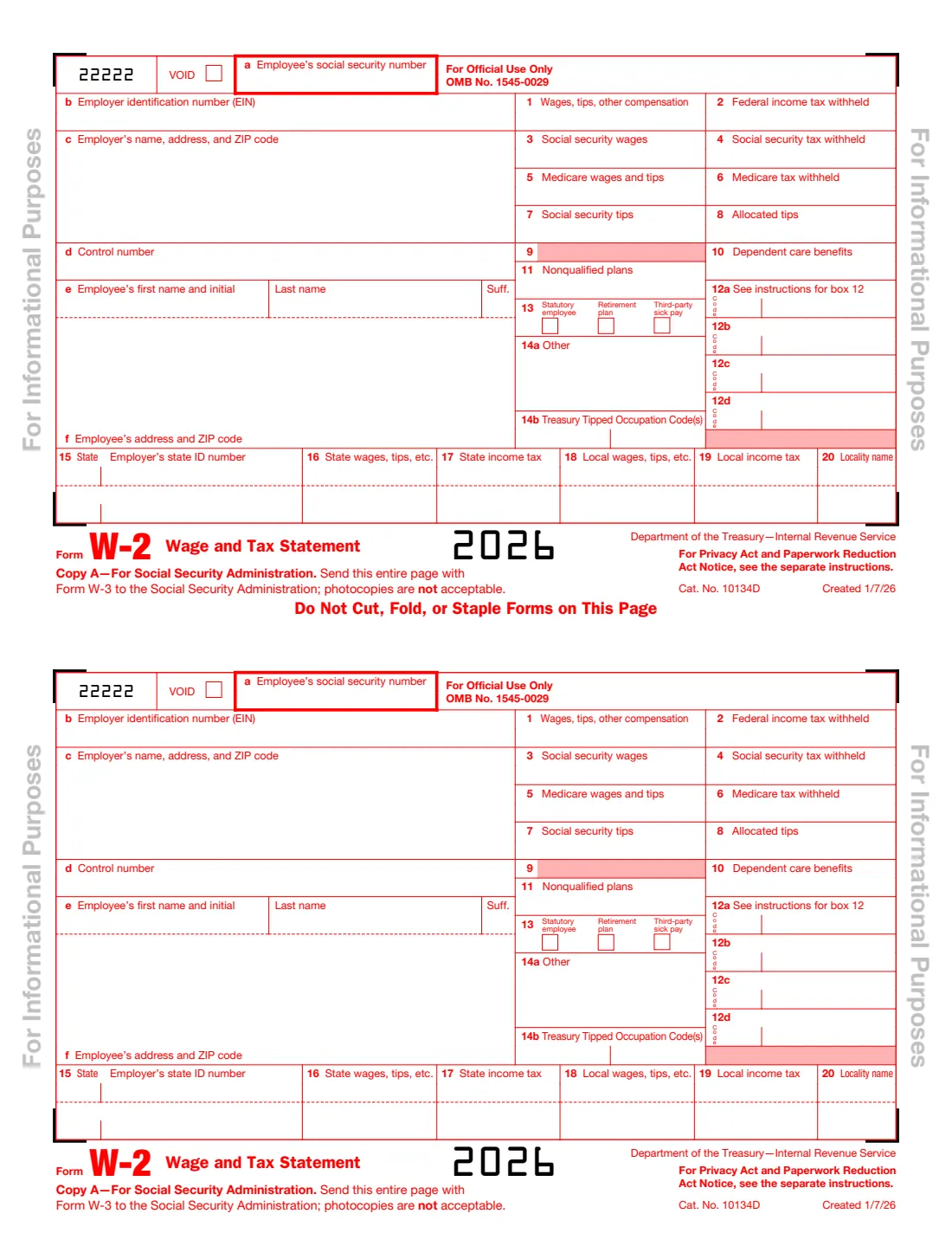
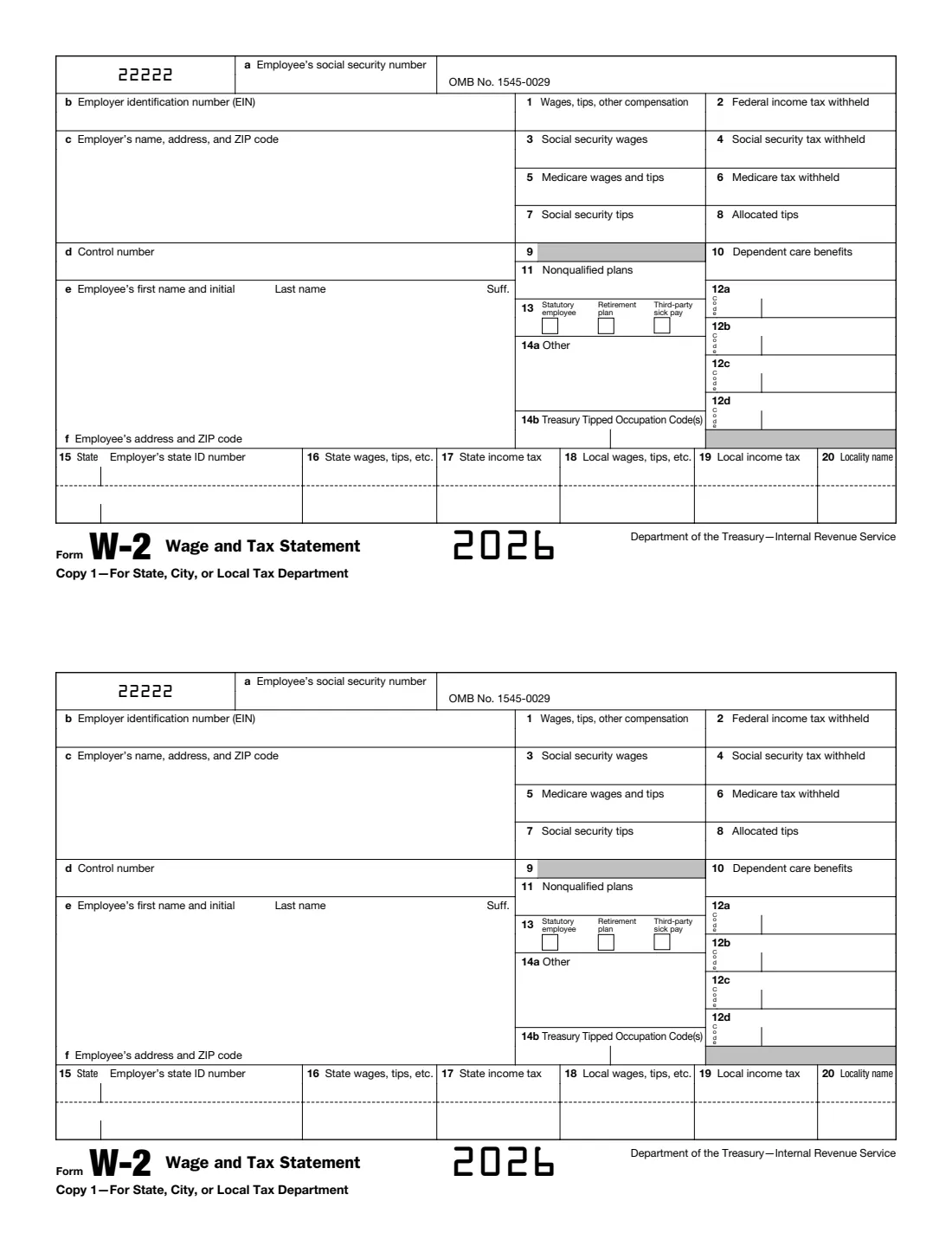
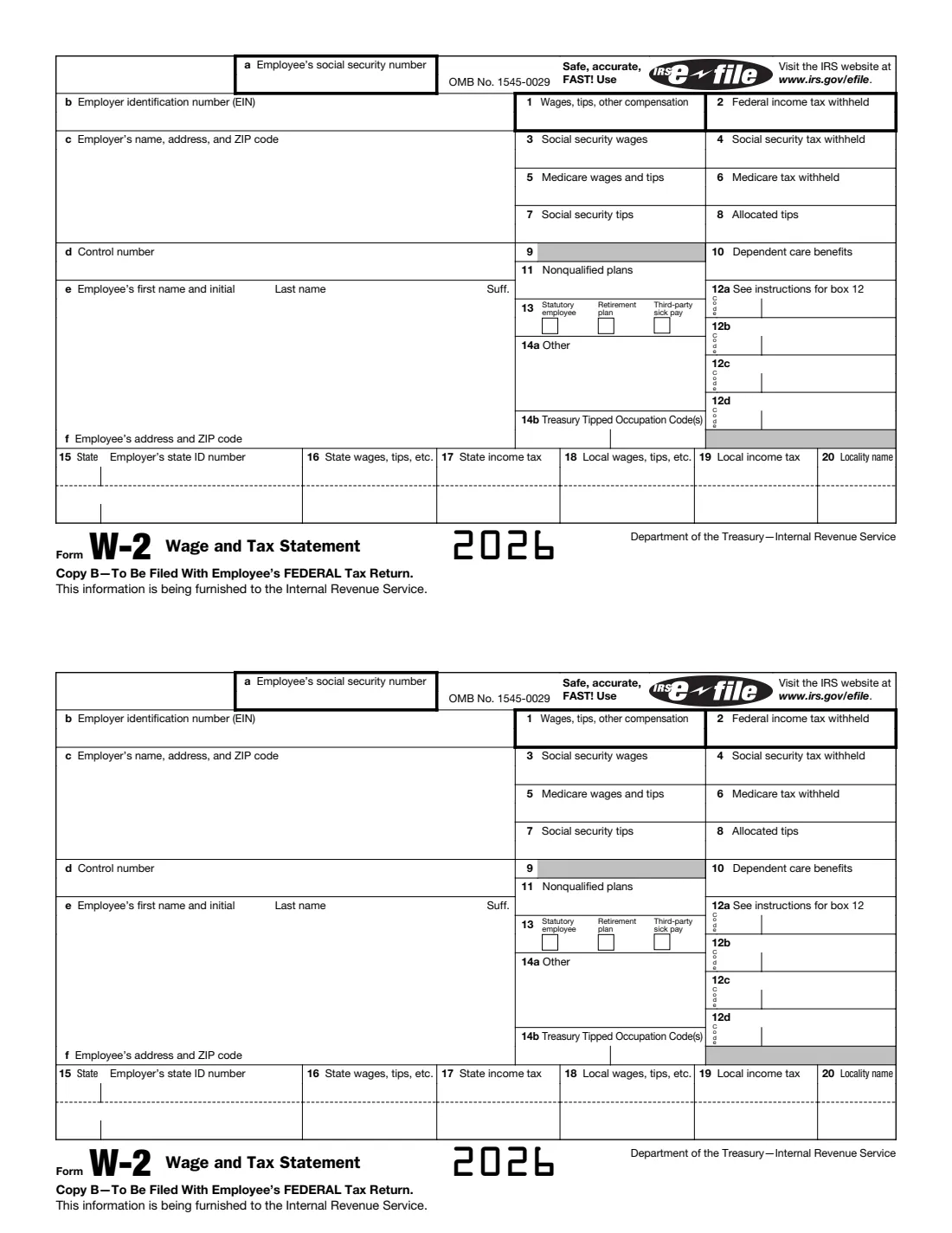
Note on Copy A: the IRS says Copy A of Form W-2 printed from IRS.gov is for informational purposes only. It appears in red but can't be scanned, so don't print it and file it with the Social Security Administration, or you may be charged a penalty. File Copy A electronically (free through SSA Business Services Online) or on the official red-ink form ordered from the IRS. Copies B, C, 2, 1 and D, which appear in black, may be downloaded, completed, printed and used to give the employee the information: those are the copies VergeHR fills.
VergeHR fills the employee's name from your records, repeats every box on all five black copies, can show only the last four digits of the SSN on the employee's copies (B, C and 2), and checks the 2026 limits: the $184,500 social security wage base, 6.2% social security tax (at most $11,439.00) and 1.45% Medicare tax plus 0.9% on wages over $200,000.
- Who Completes It
- Every employer that paid wages to an employee, for each employee.
- Due Date
- Give Copies B, C and 2 to the employee by February 1, 2027; file Copy A with the SSA by February 1, 2027.
- Copy A
- Not from a downloaded PDF: e-file through SSA Business Services Online or use the official red-ink form.
- Copies VergeHR Fills
- B (federal return), C (employee's records), 2 (state or local return), 1 (state or local tax department), D (employer).
- Edition
- 2026 (created 1/7/26)
- Agency
- Internal Revenue Service (IRS) and Social Security Administration (SSA)
Who needs to fill out Form W-2?
- Employers, for each employee they withheld any income, social security or Medicare tax from in 2026, or paid $2,000 or more in wages (the 2026 threshold, up from $600).
- Employees use Copy B for their federal tax return, Copy 2 for state or local returns and keep Copy C.
- State, city or local tax departments receive Copy 1 where they require it.
When to Use Form W-2
- Once a year for each employee, after the last payroll of 2026.
- Earlier if employment ends and the employee asks: within 30 days of the request or the final wage payment, whichever is later.
- To correct a Form W-2 already filed, use Form W-2c, not a new Form W-2.
- Not for independent contractors, who get Form 1099-NEC.
What You Need Before You Start
- Your EIN, name and address, and the employee's name and SSN exactly as on their social security card, and their address.
- Payroll totals for 2026: wages, federal income tax withheld, social security and Medicare wages, tips and tax withheld.
- Box 12 items with their codes, such as 401(k) deferrals (D), health coverage cost (DD), cash tips (TP) or qualified overtime (TT).
- State and local wages, tax withheld and your state ID number.
What’s On Form W-2
The 2026 edition has 11 pages. VergeHR asks for it in 7 parts:
- Employer: Boxes a to dEmployer
- Employee: Boxes e and fEmployer
- Boxes 1 to 11: Wages and TaxesEmployer
- Box 12: Coded ItemsEmployer
- Box 13 and Box 14Employer
- Boxes 15 to 20: State and LocalEmployer
- Boxes 15 to 20: Second State or LocalityEmployer
How to fill out Form W-2, step by step
1 Boxes a to f: Employer and Employee
The employee's SSN (box a), your EIN (b), your name and address (c), an optional control number (d), and the employee's name and address (e, f). Enter the first name and middle initial in the first box of e, the surname in the second and any suffix in the third.
2 Boxes 1 to 11: Wages and Taxes
Dollars and cents, without dollar signs or commas. Box 3 plus box 7 can't exceed $184,500 for 2026; box 4 is 6.2% of them. Box 5 has no limit; box 6 is 1.45% of it plus 0.9% on wages over $200,000. Leave box 9 blank.
3 Box 12: Coded Items
Up to four items, each a code and an amount, for example D 15000.00. Report each code once with its total.
4 Boxes 13 and 14
Tick Statutory Employee, Retirement Plan or Third-Party Sick Pay where they apply. Box 14a is for other information such as union dues; box 14b takes up to two Treasury Tipped Occupation Codes when box 12 has code TP.
5 Boxes 15 to 20: State and Local
Two states or localities fit on one form; for more, prepare another Form W-2.
Common Mistakes to Avoid
- Printing Copy A from IRS.gov and mailing it to the SSA. It can't be scanned, and a penalty may apply.
- Leaving out the decimal point and cents, or adding dollar signs.
- Social security wages over $184,500, or box 5 less than boxes 3 and 7 together.
- A name that doesn't match the employee's social security card.
- Ticking Retirement Plan for an employee who wasn't an active participant.
- Truncating the SSN on Copy A. Truncation is allowed only on the employee's copies.
After You Fill It Out
Give Copies B, C and 2 to the employee by February 1, 2027, send Copy 1 to your state or local tax department if required, and keep Copy D. VergeHR keeps the filled PDF in Files.
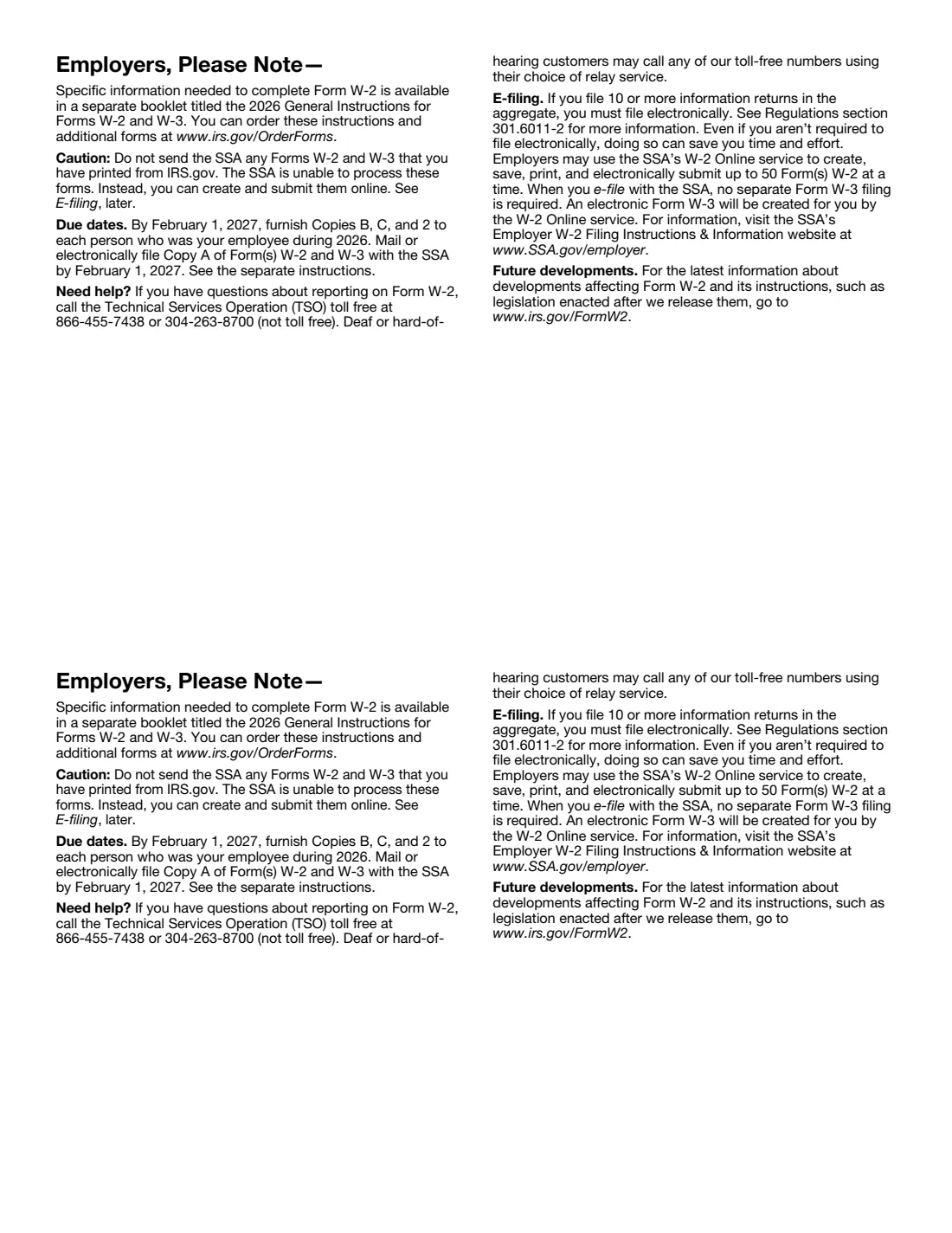
File Copy A with the SSA electronically through Business Services Online (W-2 Online creates the Form W-3 for you), or on official red-ink Forms W-2 and W-3 ordered from the IRS. Employers filing 10 or more information returns in the aggregate must file electronically.
Keep copies of Copy A and Form W-3 for at least 4 years.
Fill Out Form W-2 Online with VergeHR
- Pick the employee. Choose an employee and VergeHR fills in their name, date of birth, email and other details it already knows.
- Answer plain-language questions. One part of the form at a time, with the official help text beside each question — 56 fields in all. Your answers save as you go.
- Check the live preview. Watch your answers land on the real Internal Revenue Service (IRS) form, and let VergeHR do any worksheet arithmetic.
- Generate the official PDF. VergeHR prints your answers into the agency’s own PDF and files it in that person’s folder in your vault.
VergeHR fills the form — it never files or submits anything for you. Deliver the finished form to whoever asked for it, the way the form’s instructions say.
Start Form W-2 Now — It’s FreeForm W-2: frequently asked questions
Can I file the Form W-2 that VergeHR fills with the SSA?
Not Copy A. The IRS says Copy A printed from IRS.gov is for informational purposes only and can't be scanned. File it electronically through SSA Business Services Online, or on the official red-ink form. VergeHR fills Copies B, C, 2, 1 and D, which the IRS says may be downloaded, completed, printed and given to the employee.
When is Form W-2 due for 2026?
February 1, 2027, both for giving Copies B, C and 2 to employees and for filing Copy A with the SSA (January 31, 2027 is a Sunday).
What is the 2026 social security wage base?
$184,500. Social security wages and tips (boxes 3 and 7) can't exceed it, so social security tax withheld (box 4) is at most $11,439.00.
Can I show only the last four digits of the SSN?
On the employee's copies, yes (as ***-**-1234). Never on Copy A. VergeHR keeps the full SSN on Copies 1 and D.
What are the new box 12 codes for 2026?
TA for employer contributions to a Trump account, TP for the total cash tips reported to the employer and TT for total qualified overtime compensation. Box 14b holds the Treasury Tipped Occupation Codes for tips reported with code TP.
Official Sources
- Blank form (PDF), published by Internal Revenue Service (IRS): https://www.irs.gov/pub/irs-pdf/fw2.pdf
- Official instructions and guidance: https://www.irs.gov/forms-pubs/about-form-w-2
- Edition shown on this page: 2026 (created 1/7/26) (checked 2026-11-09).
VergeHR is not affiliated with or endorsed by Internal Revenue Service (IRS) or any government. This page explains the form in general terms and is not legal, tax or immigration advice. Always read the official instructions, and check that you are using the edition the recipient accepts. Page last reviewed 2026-11-09.