

What is a contract amendment?
Contracts rarely stay frozen. Fees change, terms are extended, scope grows or shrinks, a delivery date moves. Most contracts say changes must be in writing and signed by both parties, and a clear amendment avoids arguments later about what was agreed and when.
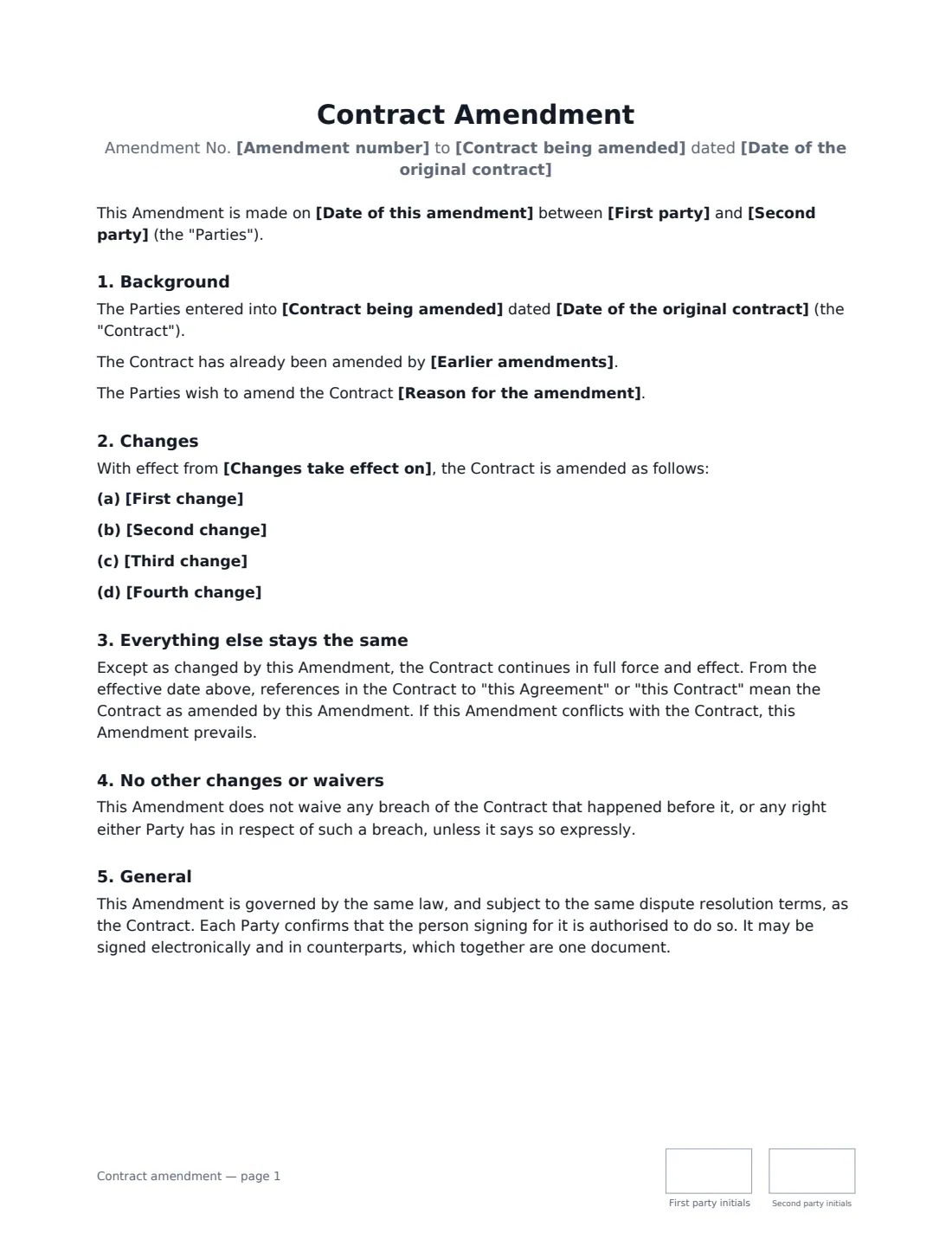
This template identifies the original contract and any earlier amendments, lists up to four changes in your own words, sets the date they take effect, and confirms that everything else continues unchanged and that the amendment prevails over the original where they conflict. It also makes clear that it does not quietly waive past breaches, and that it follows the original contract's governing law and dispute terms.
- Best for
- Any written contract between two parties that needs one or more changes
- Signed by
- Both parties to the original contract
- Changes
- Up to four, each in your own words
- Length
- About 1–2 pages, initialled on every page
When to Use a contract amendment
- Extending a services contract by another year
- Updating fees or payment terms
- Adding or removing products, services or locations
- Correcting an error or ambiguity in the original wording
- Changing notice addresses or contact names
What You Fill In
13 blanks, then the name and email of each person who signs: first party, second party.
1 The original contract
- Date of this amendment*
- Amendment number
- Contract being amended*
- Date of the original contract*
- Earlier amendments
2 The parties
- First party*
- Second party*
3 The changes
- First change*
- Second change
- Third change
- Fourth change
- Changes take effect on*
- Reason for the amendment
4 Who signs
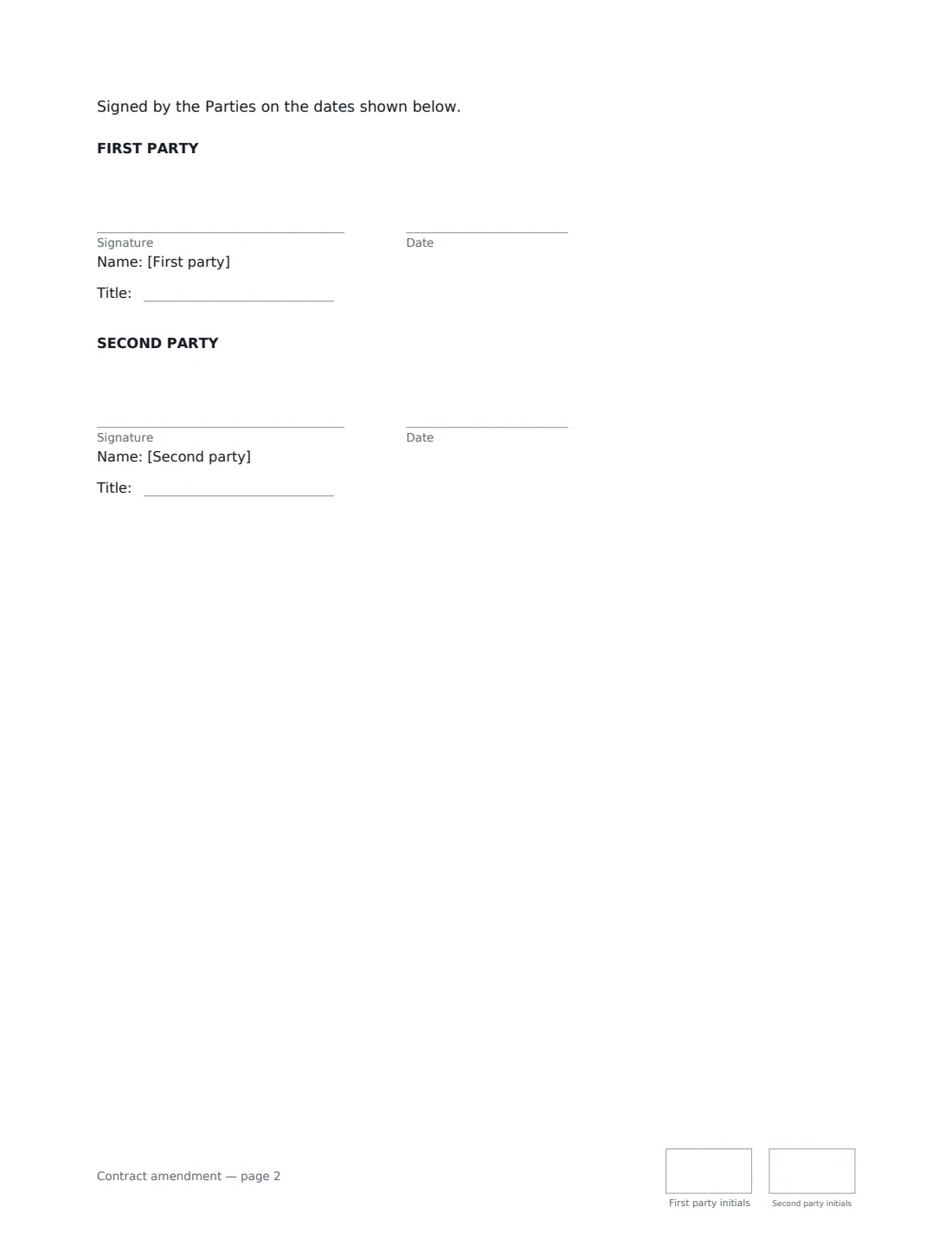
- First party signature and date, job title, initials on every page
- Second party signature and date, job title, initials on every page
What the contract amendment Covers
- Background
- Changes
- Everything else stays the same
- No other changes or waivers
- General
Using the contract amendment, step by step
1 Identify the original contract
Enter its name and date, and any earlier amendments. Number the amendment if the contract has been changed before.
2 Write each change precisely
Name the clause and give the replacement wording, or say exactly what is added or deleted. Precise drafting avoids two versions of the same clause.
3 Choose the effective date
Changes can start on the signing date, a future date, or an earlier date both parties accept.
4 Sign
Send to the other party. VergeHR adds signature, date and initials boxes for both and files the signed amendment in Files, where you can keep it with the original.
Tips Before You Send It
- Check the original contract's amendment clause: it may say who must sign, or require a specific form.
- For a project change with a cost and time impact, a change order may be a better fit.
- To give up a right only once, without changing the contract, use a waiver instead.
- Keep the amendment with the original; the two together are the contract.
Sign It Online In Minutes
- Fill in the blanks. Names, dates and amounts go straight into the agreement — the preview shows exactly where.
- Name who signs. Tick “This is me” for your own part. VergeHR builds the PDF with every signature, date and initials box on the right line, and you can check or move anything before sending.
- Send it. Each signer gets a secure link and signs from any device — no account needed. The signed PDF, with an audit trail and a Certificate of Completion, is filed in Files and emailed to everyone.
Contract amendment: frequently asked questions
What is the difference between an amendment and an addendum?
The terms are often used interchangeably. Strictly, an amendment changes existing terms, while an addendum adds new ones. This template does both.
Can an amendment apply retrospectively?
Yes, if both parties agree. Choose an effective date before the signing date. Some changes, such as tax-related ones, may have rules of their own.
Do I need the other party's agreement?
Yes. An amendment is a new agreement and needs both parties to sign. One side cannot change a contract alone unless the contract allows it.
Can I use this for a lease?
For leases, the lease addendum template is written for landlords and tenants and is a better fit.