

What is a consent to act as director?
In many places a company must have a person's consent before appointing them as a director, and it needs their details for its register and any registry filing. Collecting it in one signed document is also a good moment for the incoming director to confirm they are not disqualified and to declare any interests that could conflict with the company's.
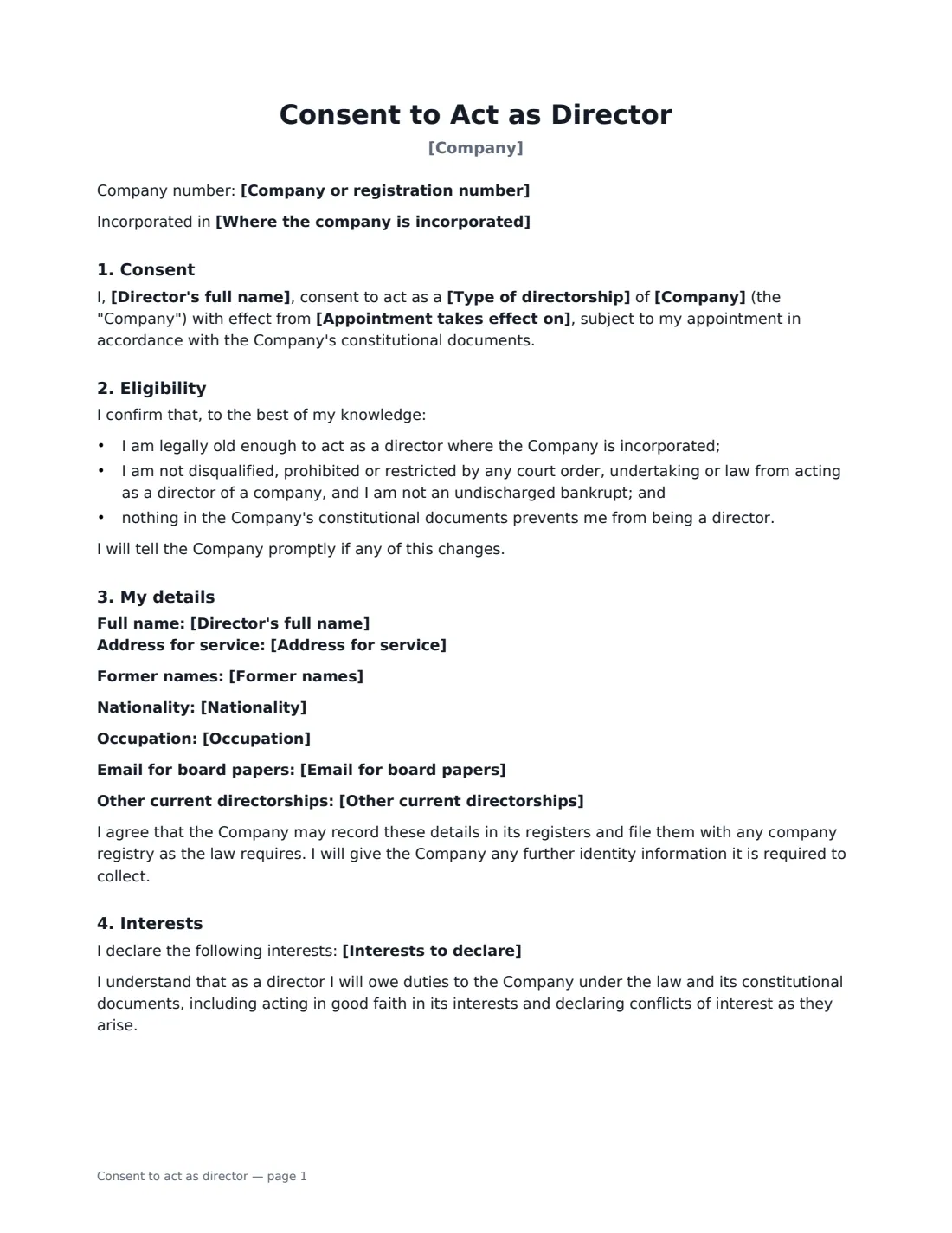
This template records the company, the director's name, former names, service address, nationality, occupation and other directorships, the type of directorship and effective date, a confirmation of eligibility, any interests declared, and an acknowledgement of directors' duties. The company countersigns to acknowledge receipt.
- Best for
- Appointing executive or non-executive directors
- Signed by
- The incoming director; the company acknowledges
- Records
- Register details, eligibility, interests
- Length
- 1–2 pages
When to Use a consent to act as director
- Appointing a new non-executive director or chair
- Adding an investor's nominee to the board
- Promoting an executive to the board
- Appointing directors to a new subsidiary
- Keeping consent on file for a registry filing
What You Fill In
14 blanks, then the name and email of each person who signs: incoming director, company.
1 The company
- Date of this consent*
- Company*
- Company or registration number
- Where the company is incorporated
2 The director
- Director's full name*
- Former names
- Address for service*
- Nationality
- Occupation
- Email for board papers
- Other current directorships
3 The appointment
- Appointment takes effect on*
- Type of directorship* non-executive director · executive director · director
- Interests to declare
4 Who signs
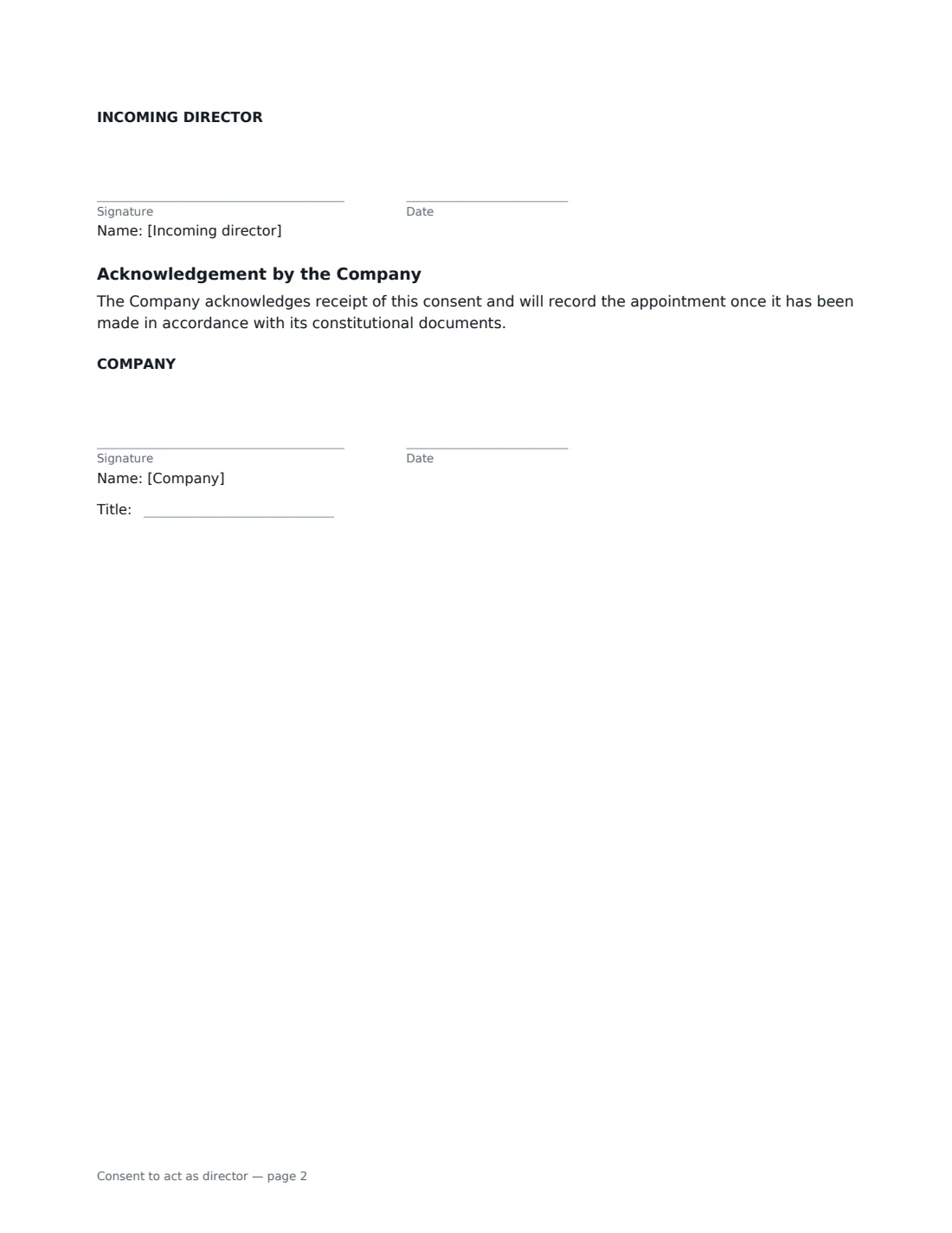
- Incoming director signature and date
- Company signature and date, job title · An existing director or the company secretary signs for the company.
What the consent to act as director Covers
- Consent
- Eligibility
- My details
- Interests
- Acknowledgement by the Company
Using the consent to act as director, step by step
1 Enter the company
Name the company and add its number and place of incorporation if useful.
2 Enter the director's details
Full name, any former names, a service address and the other details your registry asks for.
3 Set the appointment
Choose the type of directorship and effective date, and record any interests the director declares.
4 Sign, then appoint
The director signs first, then the company acknowledges. Make the appointment by board or shareholder resolution as your rules require, and file it with the registry.
Tips Before You Send It
- Check what your company registry needs; some require identity verification of directors.
- Use a service address rather than a home address where the register is public.
- Have the appointment itself made by resolution; consent alone does not appoint anyone.
- Consider a director indemnification agreement and D&O insurance for new board members.
Sign It Online In Minutes
- Fill in the blanks. Names, dates and amounts go straight into the agreement — the preview shows exactly where.
- Name who signs. Tick “This is me” for your own part. VergeHR builds the PDF with every signature, date box on the right line, and you can check or move anything before sending.
- Send it. Each signer gets a secure link and signs from any device — no account needed. The signed PDF, with an audit trail and a Certificate of Completion, is filed in Files and emailed to everyone.
Consent to act as director: frequently asked questions
Does this appoint the director?
No. It records consent. The appointment is made by the board or shareholders under the company's rules, typically by resolution.
Can someone be a director in any company?
Most places set rules on minimum age, disqualification and bankruptcy. The director confirms eligibility in this document.
What interests should be declared?
Any direct or indirect interest in a transaction or arrangement with the company, such as owning a supplier or being a director of a competitor.
Can it be signed electronically?
In many places, yes. Check whether your registry accepts electronic consent if you need to file it.