

What is a board resolution?
A board resolution is the written record of a decision made by a company's board of directors. Banks, landlords, investors, auditors and government offices often ask for one as proof that the company approved something: opening an account, signing a lease, borrowing money, appointing an officer or issuing shares. Many companies can also pass a resolution in writing without holding a meeting, if the directors needed by the company's rules all sign it. This is often called a unanimous written consent.
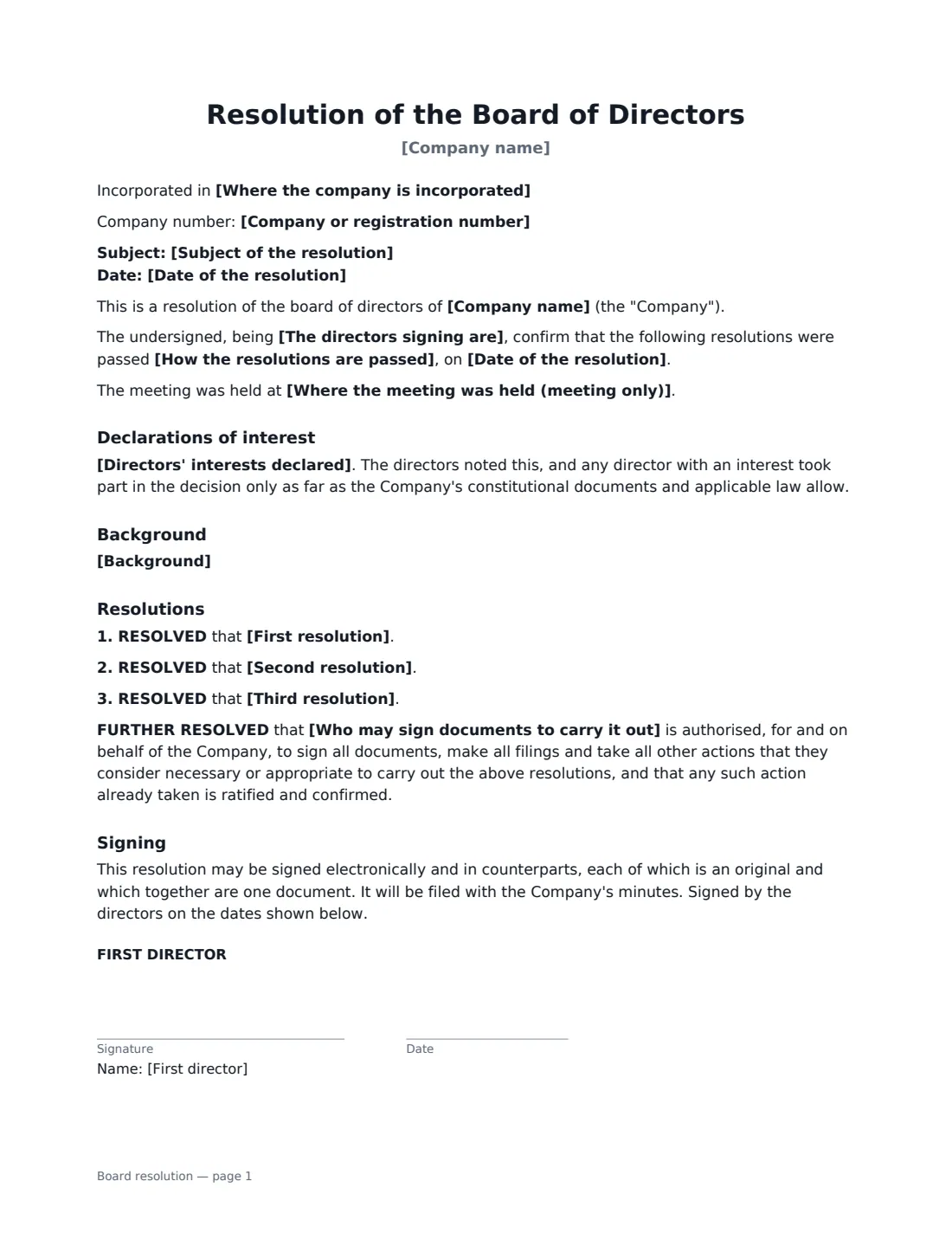
This template is signed by three directors. You record the company's details, the subject, and whether the resolution is passed in writing or was passed at a meeting (with its place). You also record whether the signers are all the directors, those present forming a quorum, or a majority where the company's rules allow. You can add a short background, up to three resolutions in your own words, and any directors' interests declared. A standard "further resolved" clause authorises a named person to sign the documents and take the steps needed, and ratifies what has already been done.
- Best for
- Companies with a three-director board recording a decision for a bank, landlord, investor or the minute book
- Signed by
- Three directors
- Passed
- In writing without a meeting, or at a board meeting
- Length
- About 2 pages
When to Use a board resolution
- Opening a business bank account and naming who may sign on it
- Approving a lease, loan, major customer contract or acquisition
- Appointing or removing an officer such as a CEO, secretary or treasurer
- Approving annual accounts, a budget or an equity grant
- Authorising a director to sign documents on the company's behalf
What You Fill In
14 blanks, then the name and email of each person who signs: first director, second director, third director.
1 The company
- Company name*
- Where the company is incorporated
- Company or registration number
2 How it was passed
- Date of the resolution*
- How the resolutions are passed* by written resolution without a meeting, as permitted by the Company's constitutional documents and applicable law · at a duly called meeting of the board of directors at which a quorum was present throughout
- The directors signing are* all of the directors of the Company · the directors present at the meeting, forming a quorum · a majority of the directors of the Company, as the Company's rules allow
- Where the meeting was held (meeting only)
3 The resolutions
- Subject of the resolution*
- Background
- First resolution*
- Second resolution
- Third resolution
- Who may sign documents to carry it out*
- Directors' interests declared
4 Who signs
- First director signature and date
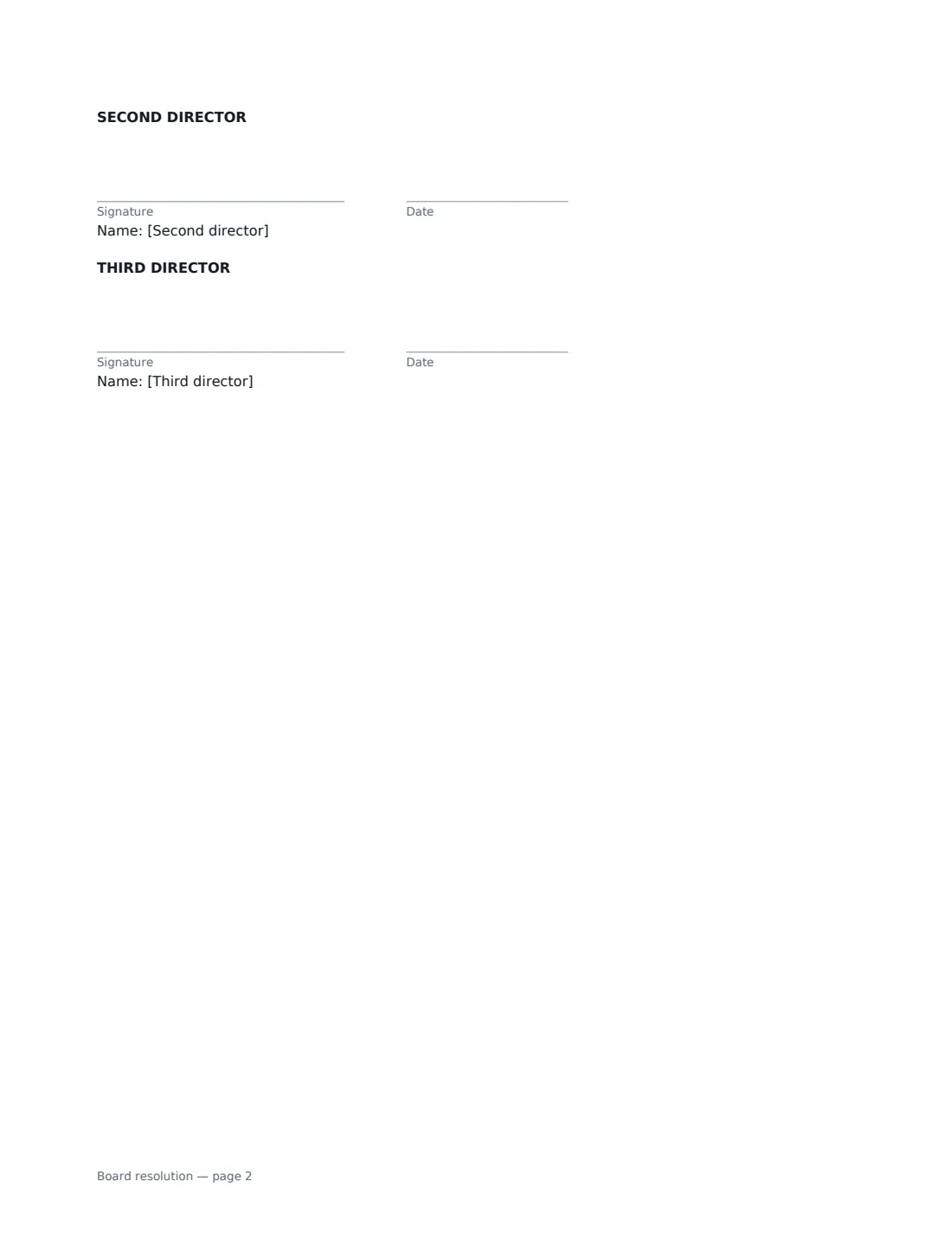
- Second director signature and date
- Third director signature and date
What the board resolution Covers
- Declarations of interest
- Background
- Resolutions
- Signing
Using the board resolution, step by step
1 Identify the company
Enter the company's name and, optionally, where it is incorporated and its registration number. Banks and registries often ask for these.
2 Say how it is passed
Choose a written resolution without a meeting, or a resolution passed at a board meeting, and who the signing directors are. For a meeting, add where it was held. The date you enter is the date the resolutions were passed.
3 Write the resolutions
Each resolution completes the sentence "RESOLVED that ...". Be exact: name the bank, the counterparty, the amount, the person appointed and the date. Add background and any declared interests if relevant.
4 Name who acts on it and sign
Name the person authorised to carry the resolutions out, such as any director or the CEO. Add all three directors as signers. Once signed, file the PDF with your minutes; VergeHR keeps it in Files.
Tips Before You Send It
- Check your articles, bylaws or constitution: many require every director entitled to vote to sign a written resolution for it to be valid.
- Some decisions need shareholder approval as well as board approval, such as changes to the company's constitution. A board resolution alone is not enough for those.
- If a director has a personal interest in the decision, record it. Your rules may stop them from voting or counting toward the quorum.
- A bank may insist on its own resolution form. Use theirs if they do, and keep this one as your internal record.
Sign It Online In Minutes
- Fill in the blanks. Names, dates and amounts go straight into the agreement — the preview shows exactly where.
- Name who signs. Tick “This is me” for your own part. VergeHR builds the PDF with every signature, date box on the right line, and you can check or move anything before sending.
- Send it. Each signer gets a secure link and signs from any device — no account needed. The signed PDF, with an audit trail and a Certificate of Completion, is filed in Files and emailed to everyone.
Board resolution: frequently asked questions
What is the difference between a written resolution and board minutes?
Minutes record everything discussed and decided at a meeting. A written resolution records a specific decision, either one taken without a meeting or one taken at a meeting and confirmed by the directors' signatures. Both are kept in the company's records.
What if my board has two or more than three directors?
This template has signature blocks for exactly three directors. For a different number, draft the resolution yourself and upload it to VergeHR eSignature to place signature boxes for each director.
Can directors sign a board resolution electronically?
Usually. Electronic signatures are generally valid for ordinary business documents in the US (ESIGN Act and UETA), the UK, the EU (eIDAS) and Canada, and many companies' rules allow written resolutions to be signed electronically. Check your articles, bylaws or constitution, and whether whoever will rely on the resolution, such as a bank or registry, has its own requirements.
Does the resolution need to be notarised?
Usually not for internal use. Some banks, foreign registries or government offices ask for a certified or notarised copy. If so, they will tell you what they need.