

What is a logo use permission?
"Trusted by" logo strips and client lists sell. But a company's name and logo are its trademarks, and many clients' contracts or brand policies don't allow suppliers to use them without permission. A short signed permission removes the doubt and sets out exactly where and how the logo can appear.
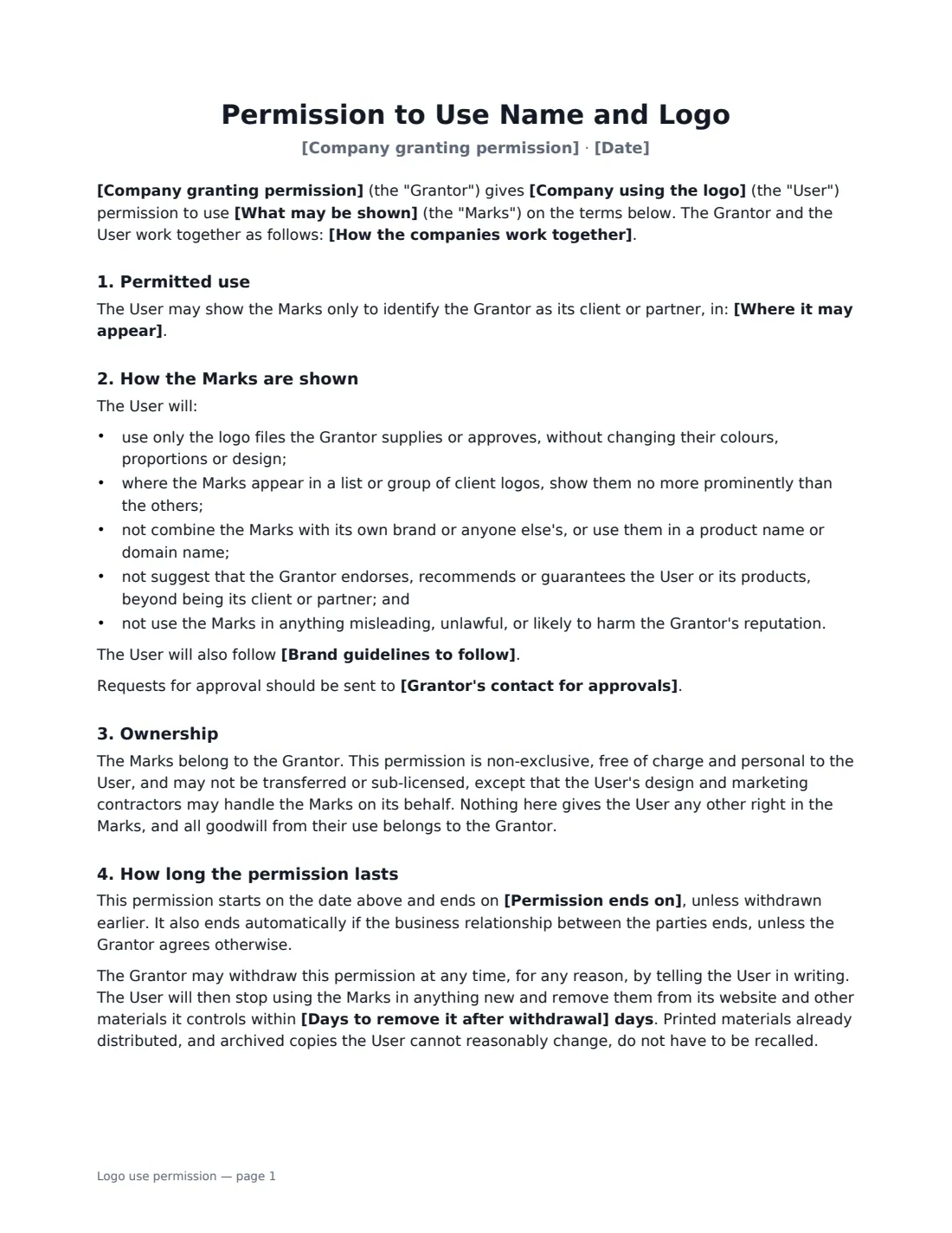
This template lets the client choose what may be shown and where, whether social media and paid ads are allowed, and whether the supplier may describe the work (for example in a case study) with the client's approval of the wording. It requires the supplier to use approved logo files without alteration, not to suggest endorsement, and to follow any brand guidelines. It confirms the client keeps ownership, and lets the client withdraw permission at any time, with removal within the number of days you choose.
- Best for
- Agencies, SaaS companies, consultants, suppliers and partners showing client logos
- Signed by
- Both companies, each with a job title
- Duration
- Until withdrawn, or until an end date you set
- Length
- About 2 pages
When to Use a logo use permission
- Adding a client to the logo wall on your website
- Listing clients in proposals, RFP responses and pitch decks
- Publishing a case study about a project with the client's approval
- A reseller or integration partner showing a partner's logo
- Tidying up logo use after an audit of your marketing materials
What You Fill In
13 blanks, then the name and email of each person who signs: company granting permission, company using logo.
1 The companies
- Company granting permission*
- Company using the logo*
- How the companies work together*
- Date*
2 Permission
- What may be shown*
- Where it may appear*
- Social media and paid advertising* Not allowed without separate approval · Allowed
- Describing the work* Name and logo only · A short description of the work, approved by the Grantor before use
- Brand guidelines to follow
- Grantor's contact for approvals
3 Duration
- Permission ends on
- Days to remove it after withdrawal*
- Governing law*
4 Who signs
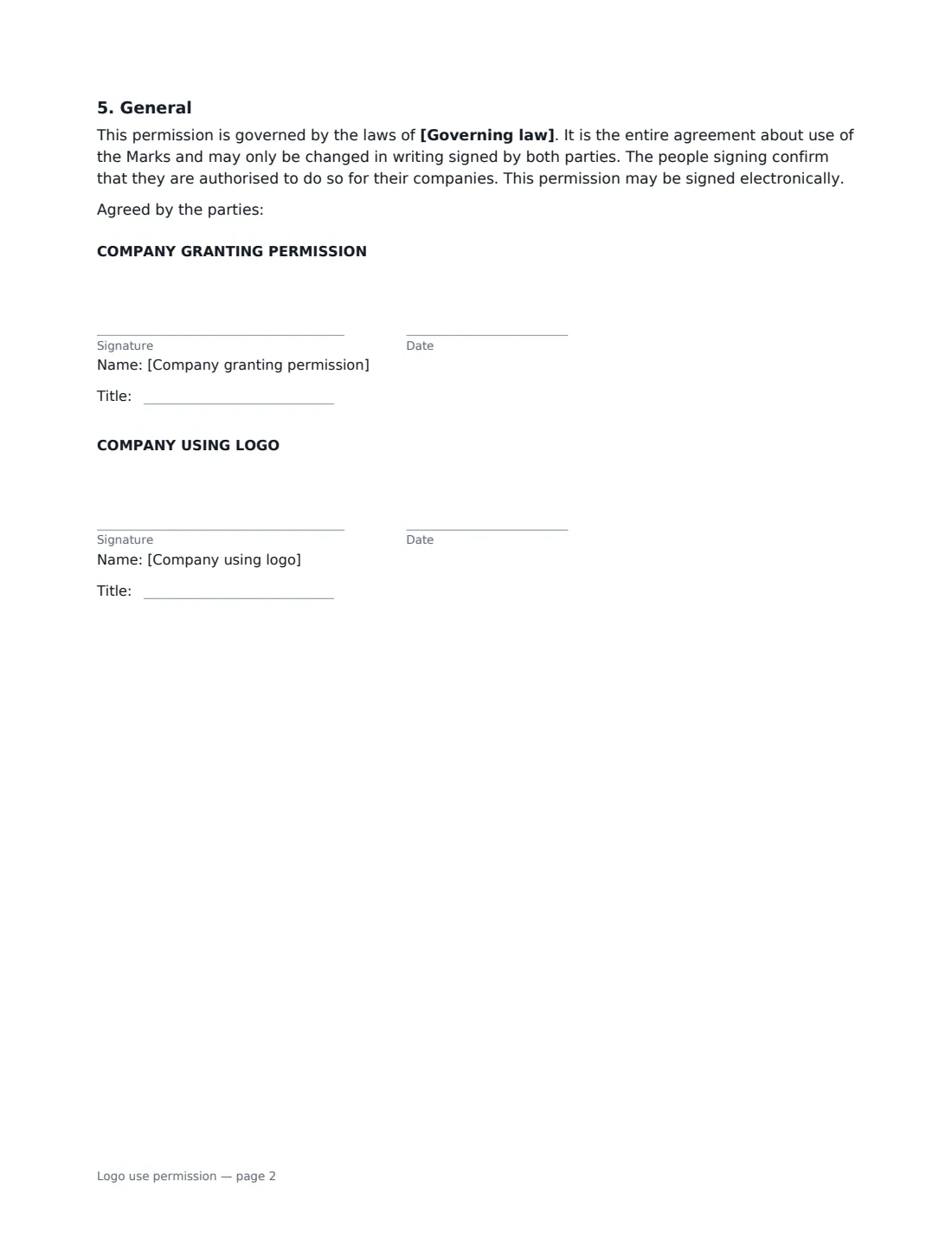
- Company granting permission signature and date, job title · Someone at the client company with authority to approve use of its brand, such as marketing or legal.
- Company using logo signature and date, job title · The supplier, agency or partner that wants to show the logo.
What the logo use permission Covers
- Permitted use
- How the Marks are shown
- Ownership
- How long the permission lasts
- General
Using the logo use permission, step by step
1 Name the companies
Enter the company granting permission, your company, and a one-line description of how you work together — for example "the Grantor uses the User's payroll software".
2 Decide what and where
Say what may be shown (usually the name and logo) and list where it may appear. Choose whether social media and paid ads are allowed, and whether you may describe the work, subject to the client approving the wording first.
3 Add brand rules and duration
Add the client's brand guidelines and an approvals email if they have them. Leave the end date empty for permission until withdrawn, and set how many days you have to remove the logo if it is.
4 Send to the client
Send it to someone at the client with authority over the brand — often marketing or legal. The signed permission is filed in Files, ready if anyone asks.
Tips Before You Send It
- Ask the client for their official logo files rather than grabbing one from their website.
- Check your services agreement first — some contracts already grant or forbid logo use.
- Quotes from a named person need that person's approval too, not only the company's.
- Diarise the end date, and remove the logo promptly when a client relationship ends.
Sign It Online In Minutes
- Fill in the blanks. Names, dates and amounts go straight into the agreement — the preview shows exactly where.
- Name who signs. Tick “This is me” for your own part. VergeHR builds the PDF with every signature, date box on the right line, and you can check or move anything before sending.
- Send it. Each signer gets a secure link and signs from any device — no account needed. The signed PDF, with an audit trail and a Certificate of Completion, is filed in Files and emailed to everyone.
Logo use permission: frequently asked questions
Do I really need permission to list a client's logo?
A logo is usually a trademark, and many companies don't allow suppliers to use theirs without consent. Getting written permission is the simple way to avoid a takedown request or an awkward conversation with a client.
Can the client change its mind?
Yes. The client can withdraw permission at any time. You then stop using the logo in anything new and remove it from your website and other materials you control within the days you agreed. Printed materials already distributed don't have to be recalled.
Does this let us say the client recommends us?
No. The permission is only to identify the client as a client or partner. You may not suggest the client endorses or recommends you. For a quote or testimonial, use a testimonial consent.
Is an electronic signature enough?
In the US (ESIGN Act and UETA), the UK, the EU (eIDAS) and Canada, electronic signatures are generally valid for ordinary contracts like this one. VergeHR keeps an audit trail and a Certificate of Completion with the signed PDF as evidence of who signed and when.
Is this template free?
Yes. The template is free to use with the eSignature app in VergeHR. The other party doesn't need a VergeHR login to sign.