

What is a business travel policy acknowledgement?
Business travel mixes money, safety and a lot of judgement calls: which flight, which hotel, whether the taxi is justified, what happens if you add a weekend. A travel policy acknowledgement puts the answers in one signed document, so travellers know the rules before they book and the company has a record that it told them about safety, insurance and emergency support — part of its duty of care.
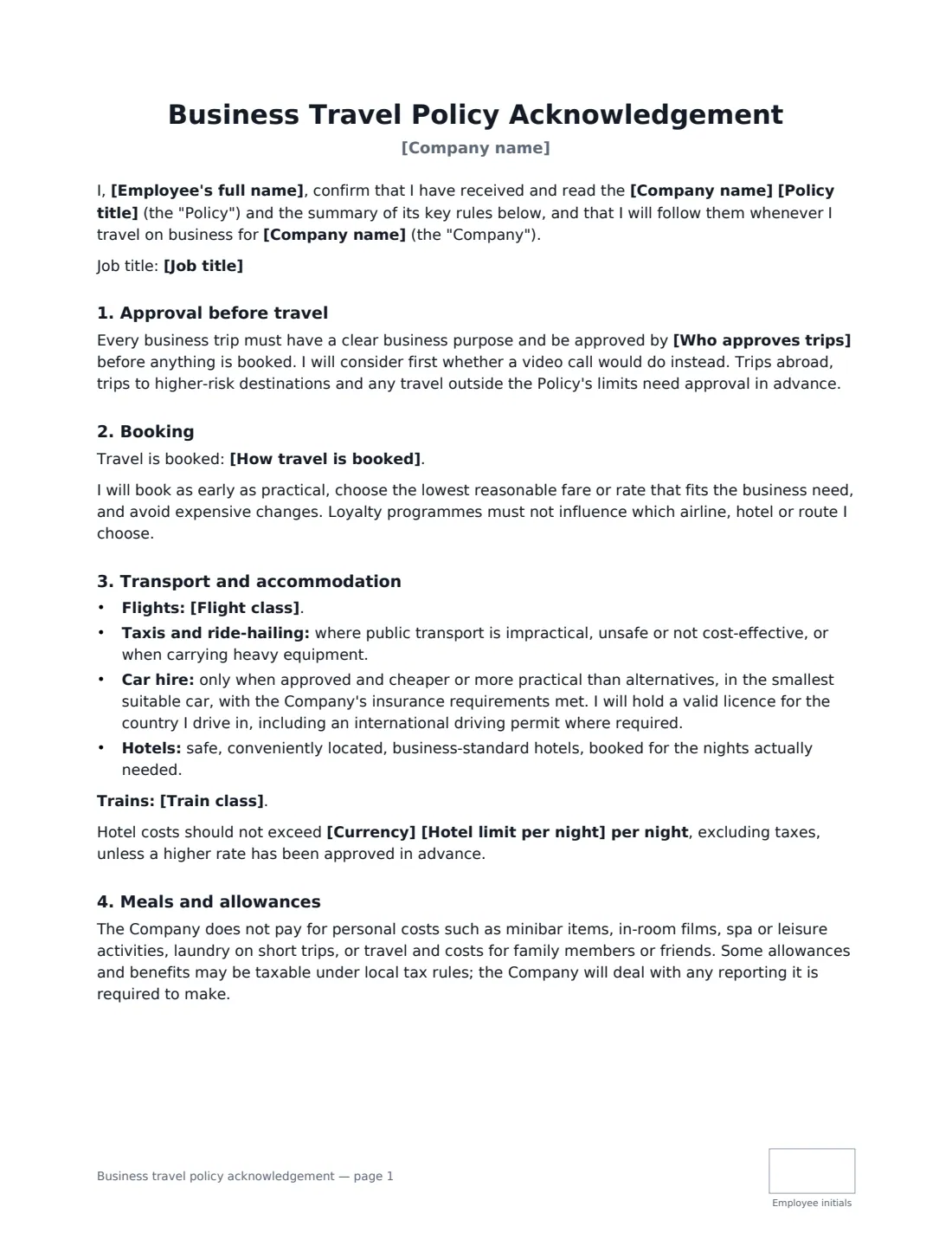
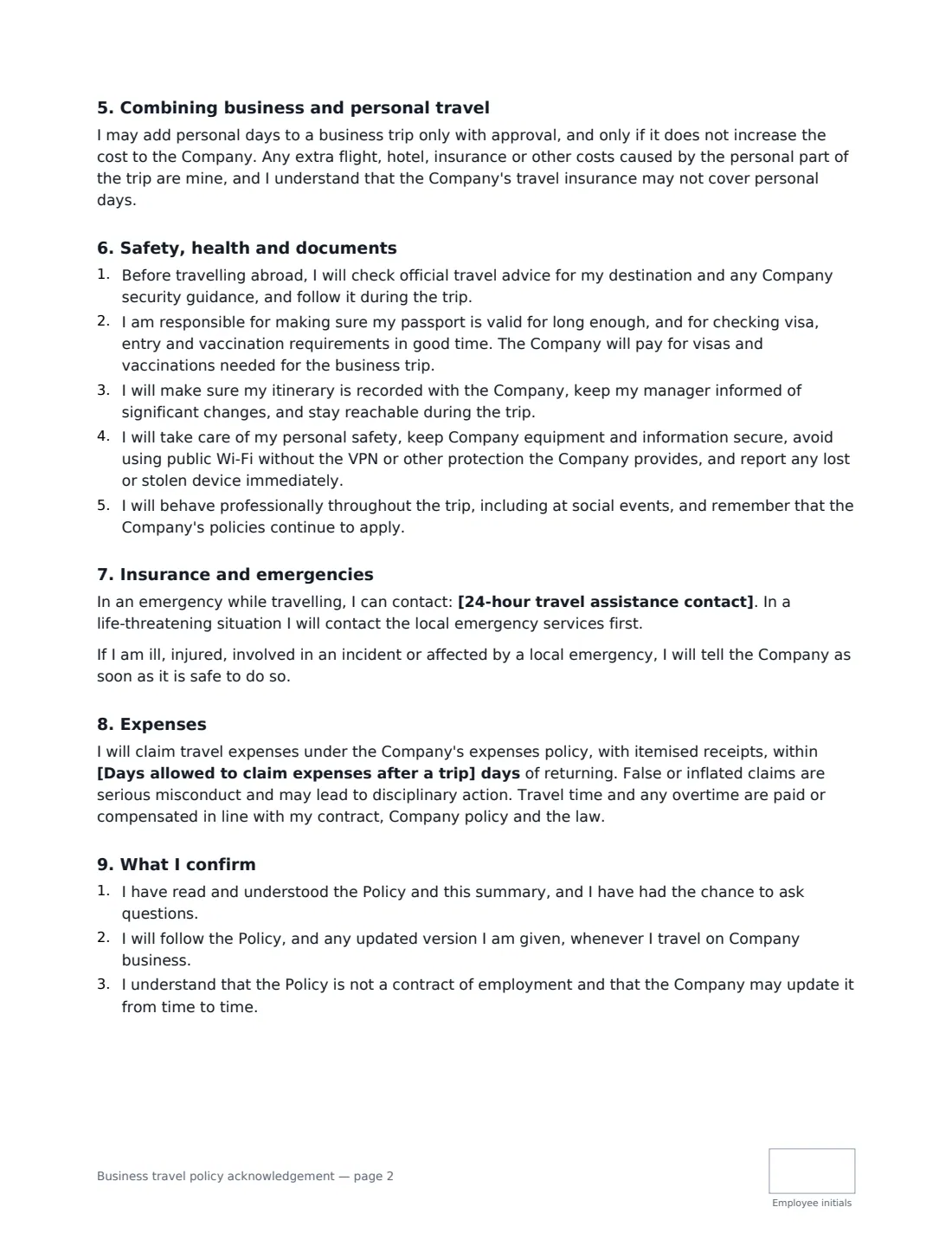
This template covers approval before booking, how travel is booked (booking tool, travel agent, coordinator or the employee), flight and train class, taxis and car hire, hotels with an optional nightly limit, and meals — either actual costs with receipts or a fixed per diem, with an optional daily amount. It sets rules for combining business and personal travel, safety abroad (official travel advice, passports, visas and vaccinations, itineraries, device security, conduct), insurance and a 24-hour assistance contact, and claiming expenses within the number of days you choose.
- Best for
- Sales, consulting, field and management staff who travel for work
- Signed by
- The employee and a manager, HR or finance
- Choices
- Booking method, flight and train class, hotel limit, actual costs or per diem, insurance
- Length
- 2–3 pages, initialled by the employee on every page
When to Use a business travel policy acknowledgement
- Onboarding a new hire whose role includes regular travel
- Rolling out a travel booking tool or travel agent
- Before an employee's first international trip
- Switching from reimbursing meals to a daily per diem
- Recording that travellers have been told about safety and insurance
What You Fill In
15 blanks, then the name and email of each person who signs: employee, employer.
1 Details
- Company name*
- Employee's full name*
- Job title
- Policy title*
2 Approval and booking
- Who approves trips*
- How travel is booked* Through the Company's travel booking tool · Through the Company's travel agent · Through the office or travel coordinator · By the employee, then claimed back through expenses
3 Transport and hotels
- Flight class*
- Train class
- Currency
- Hotel limit per night
4 Meals and allowances
- Allowance type* Actual meal costs reimbursed, with receipts · A fixed daily allowance (per diem)
- Daily meal limit or allowance
5 Safety and insurance
- Travel insurance* Covered by the Company's business travel insurance · The employee arranges travel insurance and claims the cost
- 24-hour travel assistance contact
6 Expenses
- Days allowed to claim expenses after a trip*
7 Who signs
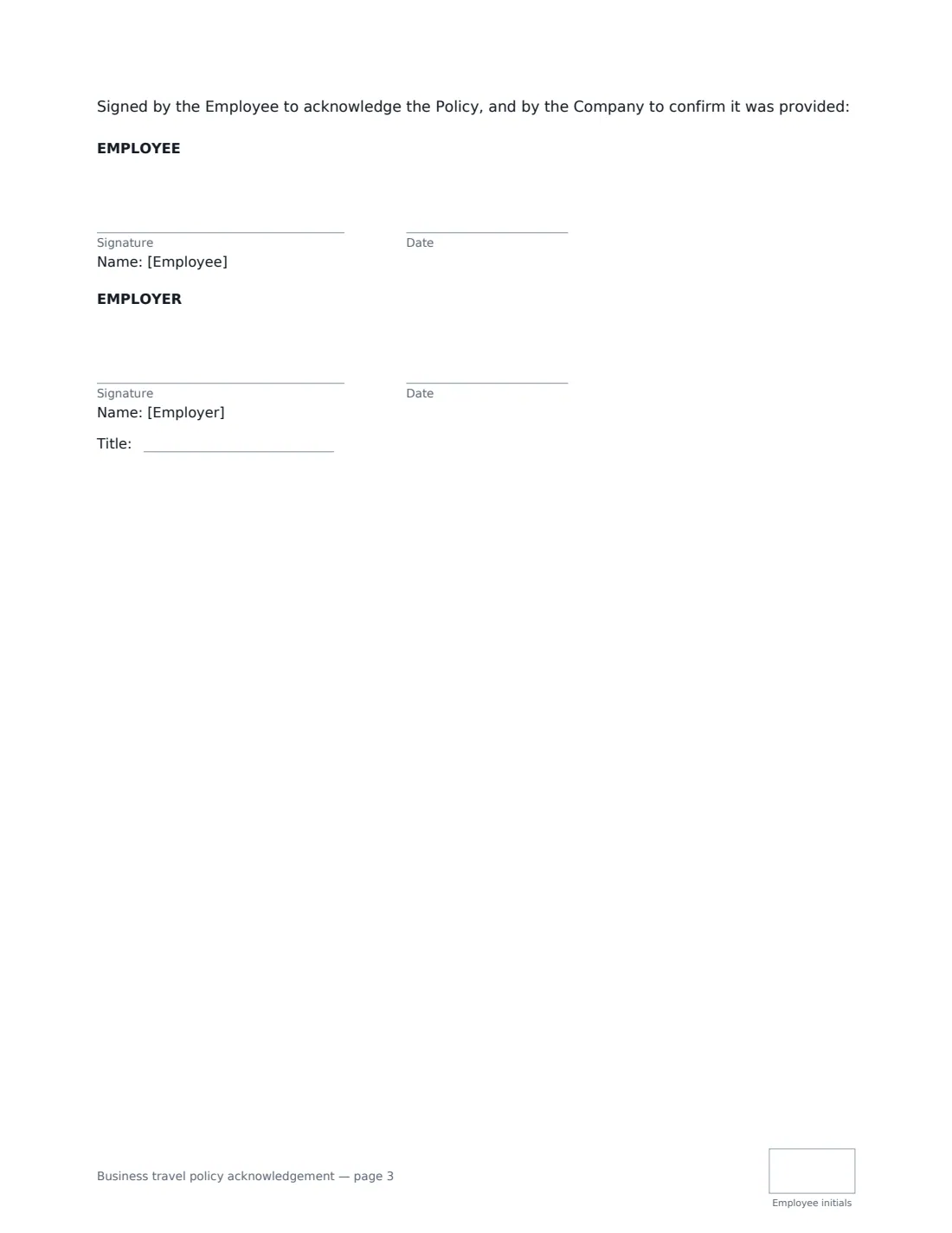
- Employee signature and date, initials on every page
- Employer signature and date, job title, initials on every page · A manager, HR or finance person signing for the company.
What the business travel policy acknowledgement Covers
- Approval before travel
- Booking
- Transport and accommodation
- Meals and allowances
- Combining business and personal travel
- Safety, health and documents
- Insurance and emergencies
- Expenses
- What I confirm
Using the business travel policy acknowledgement, step by step
1 Set approval and booking
Say who approves trips and how they are booked. The document asks travellers to consider a video call first and to get approval before anything is booked.
2 Choose transport and hotel standards
Edit the flight class (economy unless a higher class is approved is the default) and train class, and set a nightly hotel limit if you use one.
3 Pick meals: actual costs or per diem
Choose between reimbursing actual meal costs with receipts or paying a fixed daily allowance, and optionally set the daily amount. The matching clause is printed.
4 Add insurance and emergency support
Say whether trips are covered by company travel insurance or the employee arranges it and claims the cost, and add your 24-hour assistance number.
5 Set the claim deadline and send
Choose how many days after a trip expenses must be claimed, then send it for signature. The signed copy is filed in Files.
Tips Before You Send It
- Make sure every traveller has the insurance details and assistance number before they leave, not in a PDF they cannot open offline.
- Per diems above the tax-free rates set by your tax authority may be taxable — check the rates where you are.
- Be clear that extra costs from personal days are the employee's, and that insurance may not cover them.
- Remind travellers to check passport validity and visa rules early — some take weeks.
Sign It Online In Minutes
- Fill in the blanks. Names, dates and amounts go straight into the agreement — the preview shows exactly where.
- Name who signs. Tick “This is me” for your own part. VergeHR builds the PDF with every signature, date and initials box on the right line, and you can check or move anything before sending.
- Send it. Each signer gets a secure link and signs from any device — no account needed. The signed PDF, with an audit trail and a Certificate of Completion, is filed in Files and emailed to everyone.
Business travel policy acknowledgement: frequently asked questions
Should I pay a per diem or actual meal costs?
Per diems are simpler to administer; actual costs with receipts are more precise. The template supports either. Tax treatment of per diems varies by country, so check local rates.
Who pays for visas and vaccinations?
The template says the company pays for visas and vaccinations needed for the business trip, while the employee is responsible for checking requirements in good time and keeping their passport valid.
Is travel time paid?
The template says travel time and overtime are paid or compensated in line with the employee's contract, company policy and the law, because the rules differ between countries and roles.
Can I use an e-signature for this?
Yes. Electronic signatures are generally valid for workplace acknowledgements in the US (ESIGN and UETA), the UK, the EU (eIDAS) and Canada. VergeHR keeps an audit trail of who signed and when.