

What is a job description acknowledgement?
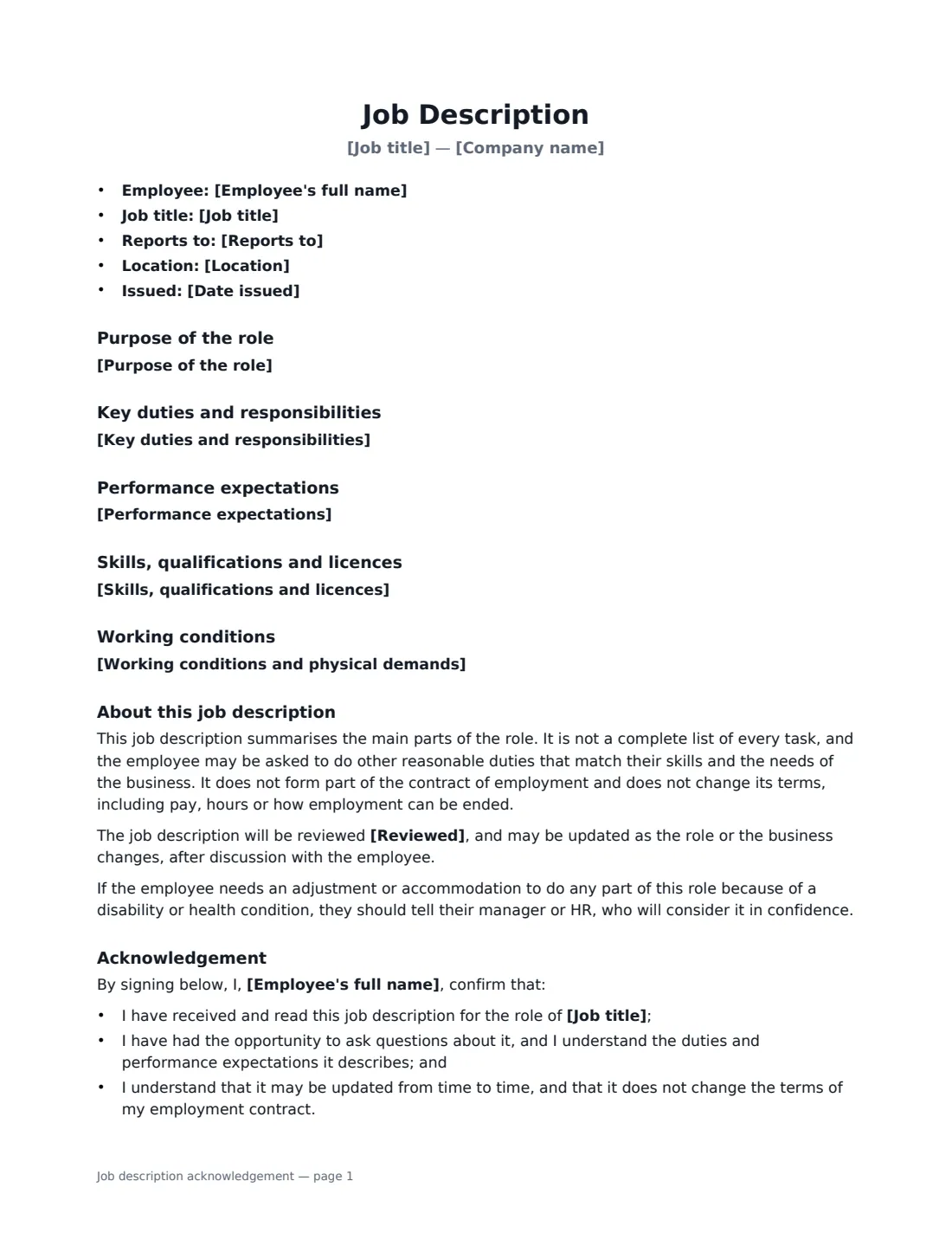
A job description acknowledgement pairs the job description itself with a short signed statement. The employee confirms they received and read it, had the chance to ask questions, and understand the duties and performance expectations. It helps at onboarding, when a role changes, and at performance reviews, because both sides are working from the same written description of the job.
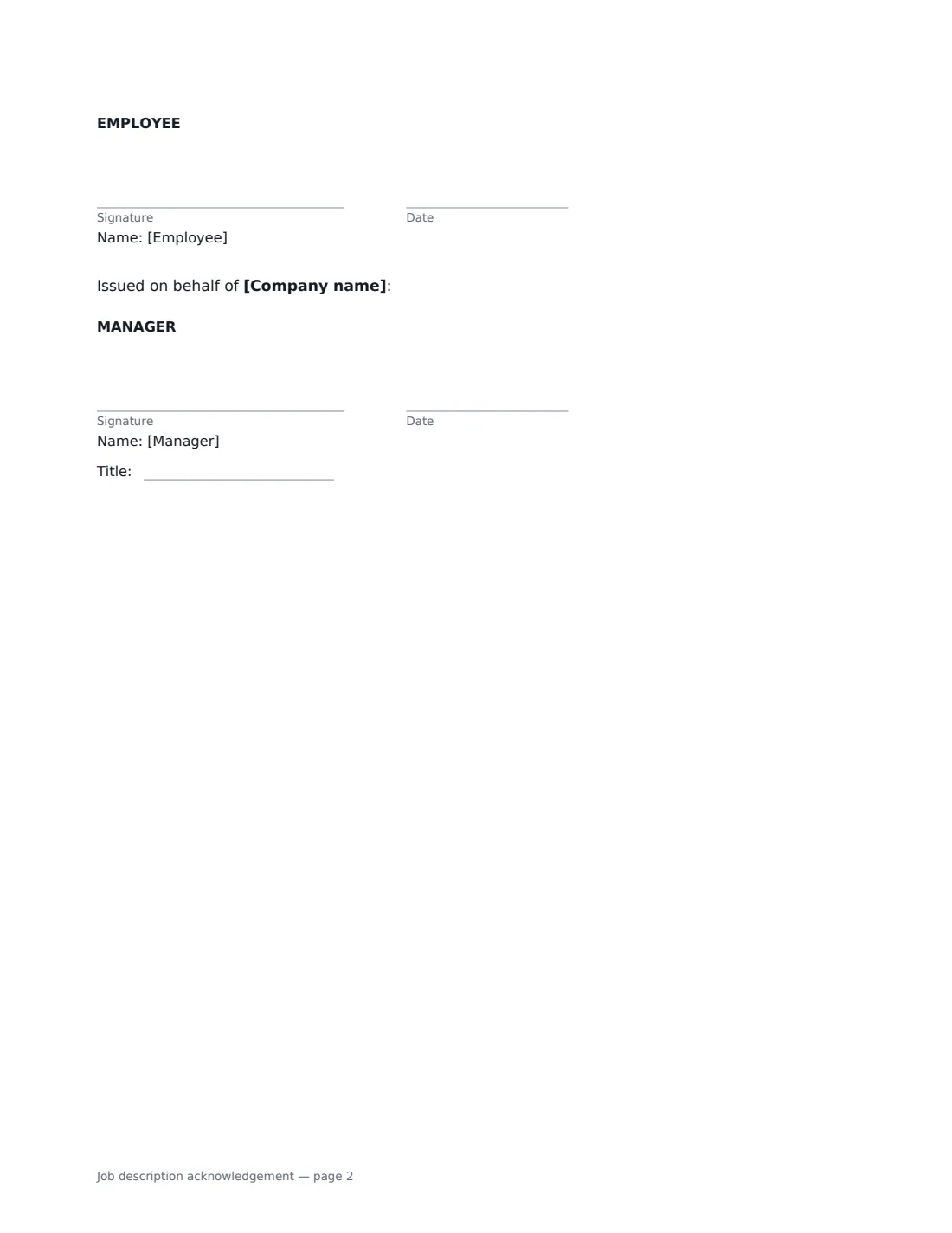
This template lays out the job title, reporting line, location and issue date, then the purpose of the role, key duties one per line, and optional sections for performance expectations, skills and licences, and working conditions or physical demands. It explains that the description isn't a complete list of every task and doesn't change the employment contract, invites the employee to ask for any adjustment or accommodation they need, and ends with the employee's acknowledgement and the manager's signature.
- Best for
- Onboarding, role changes, promotions and performance reviews
- Signed by
- The employee to acknowledge, and the manager who issues it
- Sections
- Purpose, key duties, expectations, requirements, working conditions
- Length
- 1–2 pages
When to Use a job description acknowledgement
- Giving a new hire their job description in their first week
- Updating job descriptions after a reorganisation
- Confirming expectations when an employee is promoted or changes role
- Setting clear performance measures before a review cycle
- Documenting physical demands and licences for safety-critical roles
What You Fill In
12 blanks, then the name and email of each person who signs: employee, manager.
1 The role
- Date issued*
- Company name*
- Employee's full name*
- Job title*
- Reports to*
- Location*
2 The job description
- Purpose of the role*
- Key duties and responsibilities*
- Performance expectations
- Skills, qualifications and licences
- Working conditions and physical demands
- Reviewed
3 Who signs
- Employee signature and date · The employee receiving the job description.
- Manager signature and date, job title · The employee's manager, or someone in HR, who issues the job description.
What the job description acknowledgement Covers
- Purpose of the role
- Key duties and responsibilities
- Performance expectations
- Skills, qualifications and licences
- Working conditions
- About this job description
- Acknowledgement
Using the job description acknowledgement, step by step
1 Set out the role
Enter the employee, job title (with the team, if helpful), who they report to and where they work. The issue date defaults to today.
2 Write the purpose and duties
Summarise in a sentence or two why the role exists, then list the key duties one per line. Focus on the main responsibilities, not every task.
3 Add expectations and requirements
Optionally add measurable performance expectations, the skills, qualifications or licences the role needs, and working conditions such as shifts, travel or physical demands. Sections you leave empty are left out.
4 Send for acknowledgement
The employee signs to confirm they received and understand the job description, and the manager signs to issue it. Keep the signed copy with their personnel records.
Tips Before You Send It
- Write expectations the employee can measure, such as accuracy rates or deadlines, rather than "works hard".
- Describe physical demands factually and consider how they could be adjusted — the template invites employees to raise accommodation needs.
- Review job descriptions when roles change, and issue an updated one for acknowledgement.
- A job description isn't a contract; changes to pay, hours or notice belong in the employment agreement or a letter.
Sign It Online In Minutes
- Fill in the blanks. Names, dates and amounts go straight into the agreement — the preview shows exactly where.
- Name who signs. Tick “This is me” for your own part. VergeHR builds the PDF with every signature, date box on the right line, and you can check or move anything before sending.
- Send it. Each signer gets a secure link and signs from any device — no account needed. The signed PDF, with an audit trail and a Certificate of Completion, is filed in Files and emailed to everyone.
Job description acknowledgement: frequently asked questions
Is a job description part of the employment contract?
Not under this template. It states that the job description does not form part of the contract and doesn't change its terms, so it can be updated as the role changes, after discussion with the employee.
What does the employee confirm by signing?
That they received and read the job description, had the opportunity to ask questions, understand the duties and performance expectations, and understand it may be updated and doesn't change their contract.
Can I ask the employee to do things not listed?
The template says the description isn't a complete list and the employee may be asked to do other reasonable duties that match their skills and the needs of the business.
Is an electronic acknowledgement valid?
Yes, in most countries, including the US (ESIGN Act and UETA), the UK, the EU (eIDAS) and Canada, an electronic signature is generally valid for an acknowledgement like this. VergeHR records who signed and when in the audit trail.