

What is a beta test agreement?
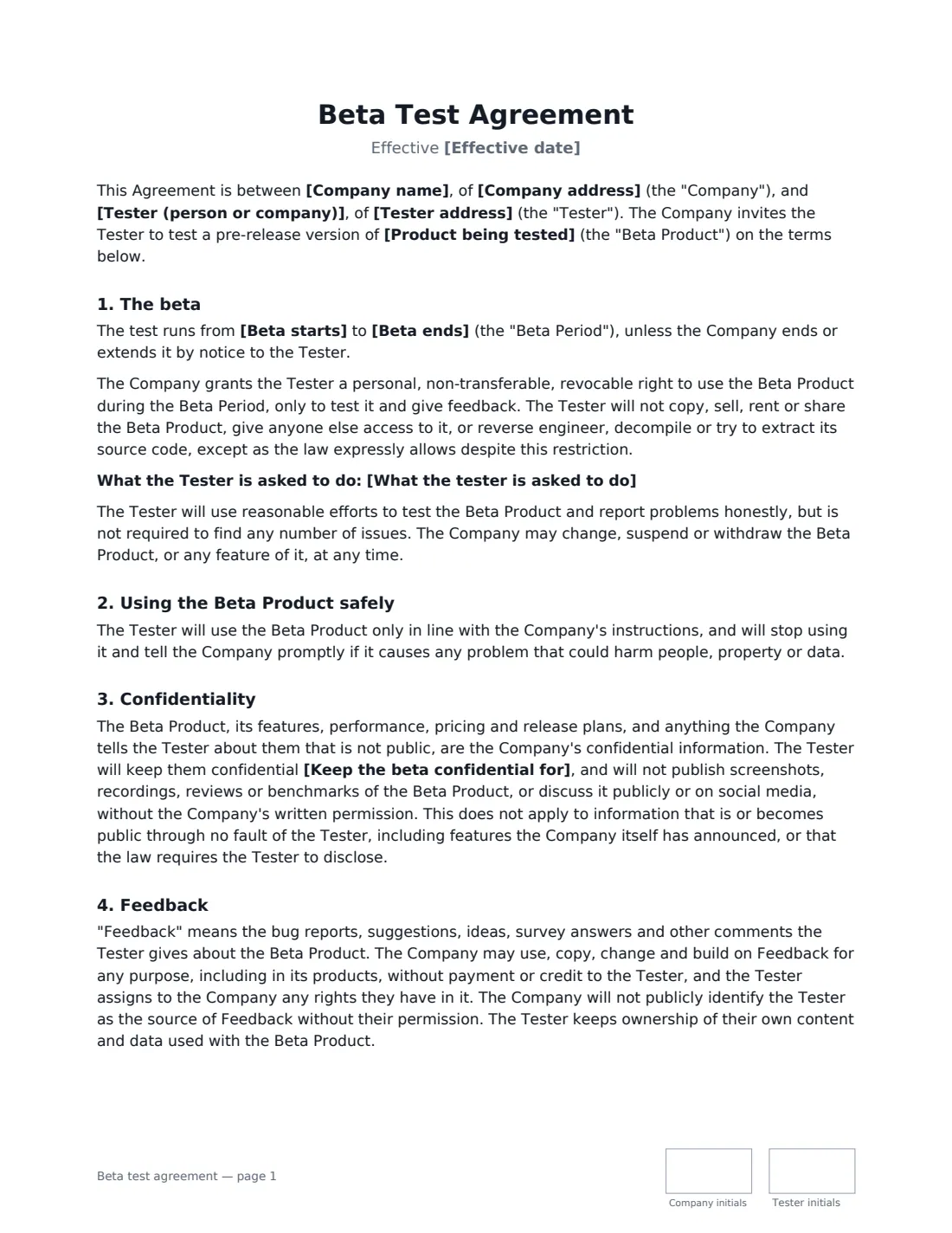
A beta test agreement is what a tester signs before getting early access to something that is not finished yet: a mobile app, a software release, a connected device or an online service. It protects the company's unreleased product and plans, gives it clear rights to use what testers report, and makes sure testers understand that pre-release products can fail.
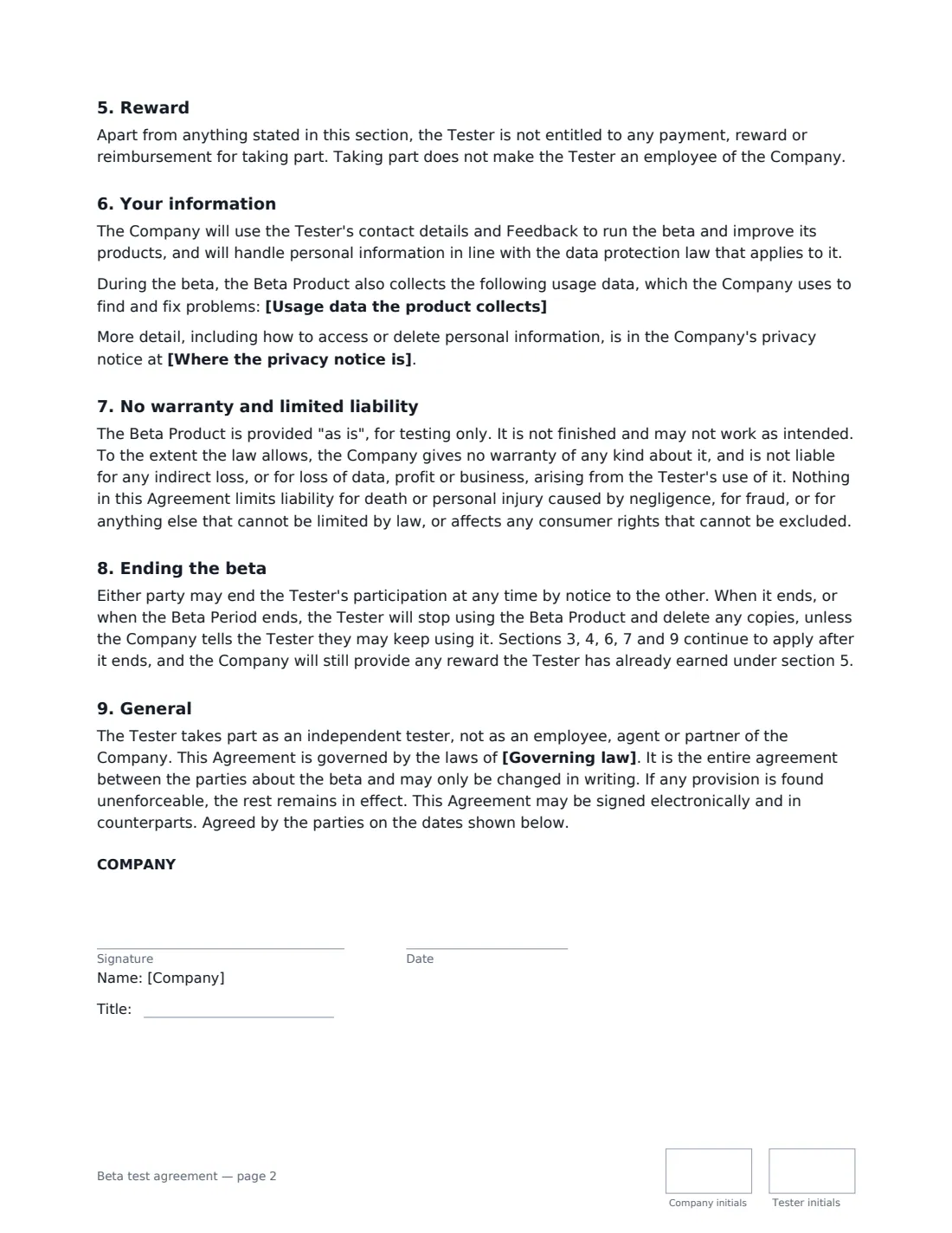
This template covers the beta period and the limited right to use the product, what testers are asked to do, safe use — with extra clauses for a physical test device (safety, care and return) or for software and online services (backups and data loss) — confidentiality until public release or for a period you choose, ownership of feedback, the reward (none, a payment, free access or credits, or keeping the device), what usage data is collected, and an "as is" warranty disclaimer that keeps rights the law does not let you exclude.
- Best for
- App, software, device and online service betas; early access and user testing
- Signed by
- The company and each tester
- Reward
- None, a payment, free access or credits, or keeping the device
- Length
- About 3 pages, initialled on every page
When to Use a beta test agreement
- Closed beta of a mobile app with invited users
- Pre-release hardware sent to testers' homes
- Early access to a SaaS product for friendly customers
- Paid user-testing sessions for a new feature
- A private beta that must stay confidential until launch
What You Fill In
16 blanks, then the name and email of each person who signs: company, tester.
1 The parties
- Effective date*
- Company name*
- Company address
- Tester (person or company)*
- Tester address
2 The beta
- Product being tested*
- Kind of product* Software or an app · A physical device · An online service
- Beta starts*
- Beta ends
- What the tester is asked to do
3 Reward
- What the tester gets* Nothing — testing is voluntary · A payment · Free access or credits · The device, to keep
- Reward details
4 Data and privacy
- Usage data the product collects
- Where the privacy notice is
5 Other terms
- Keep the beta confidential for* until the product is publicly released · for 1 year after the beta ends · for 2 years after the beta ends · for 3 years after the beta ends
- Governing law*
6 Who signs
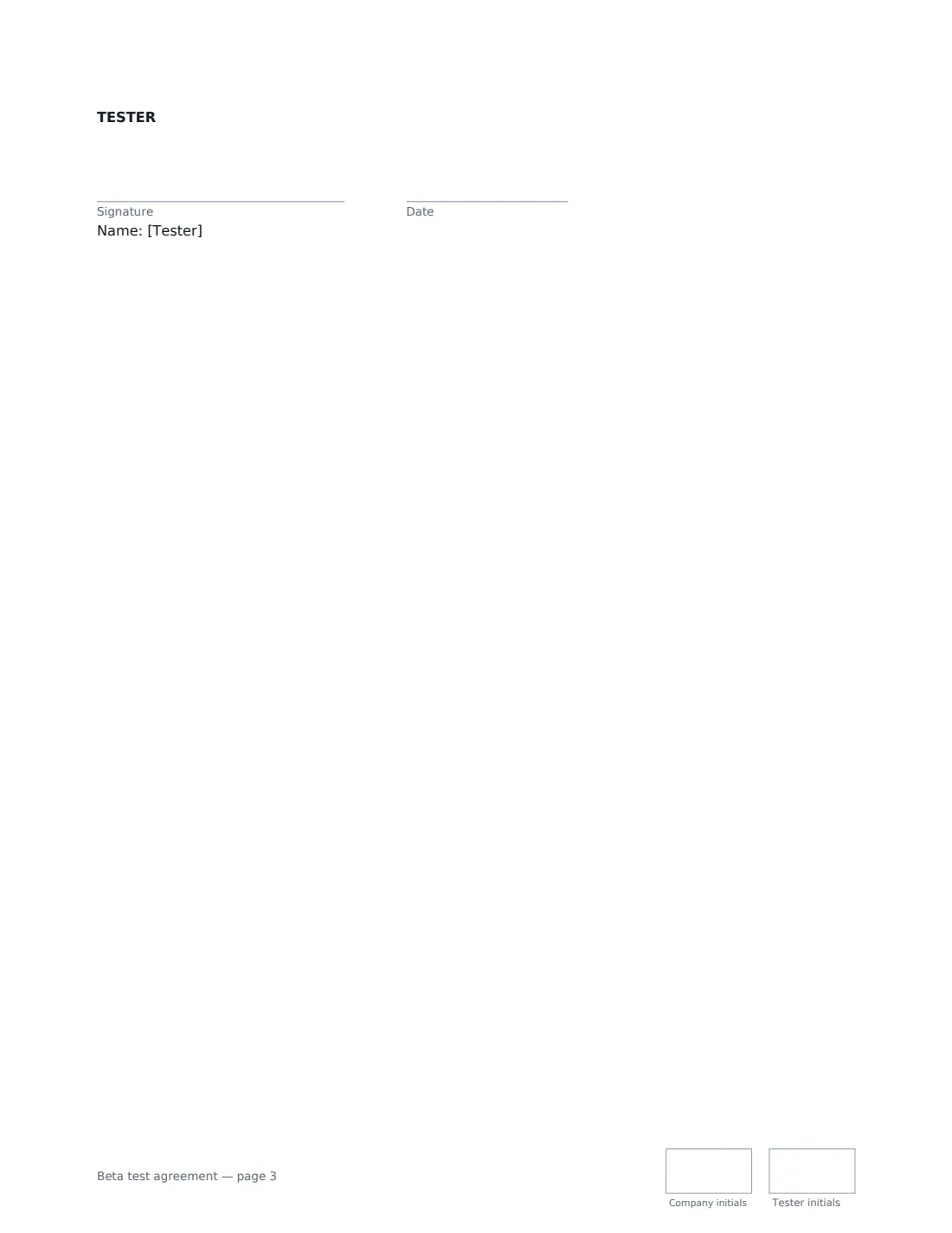
- Company signature and date, job title, initials on every page
- Tester signature and date, initials on every page · The person (or the company) testing the product.
What the beta test agreement Covers
- The beta
- Using the Beta Product safely
- Confidentiality
- Feedback
- Reward
- Your information
- No warranty and limited liability
- Ending the beta
- General
Using the beta test agreement, step by step
1 Describe the product and the beta period
Name the product and version, choose whether it is software, a device or an online service, and set the start and end dates. The kind of product decides which safety and data clauses are included.
2 Say what you want from testers
Optional, but useful: how often to use it, how to report bugs, and which surveys to complete. Testers are asked to make reasonable efforts, not to find a set number of issues.
3 Choose the reward and the data you collect
Pick no reward, a payment, free access or credits, or letting testers keep the device, and describe it. List any usage data the beta collects, such as crash reports and feature usage, and link your privacy notice.
4 Set confidentiality and send
Keep the beta confidential until public release, or for one to three years after the beta ends. Send one envelope per tester — each signs from any device without an account.
Tips Before You Send It
- Tell testers exactly what data the beta collects — surprises about data are the quickest way to lose testers' trust.
- If testers are consumers, some rights cannot be excluded by contract. The template's warranty disclaimer applies only to the extent the law allows.
- Paying testers may have tax and employment implications in some places. Keep payments clearly tied to testing, not ongoing work.
- For a device, include return packaging and postage so getting it back is easy.
Sign It Online In Minutes
- Fill in the blanks. Names, dates and amounts go straight into the agreement — the preview shows exactly where.
- Name who signs. Tick “This is me” for your own part. VergeHR builds the PDF with every signature, date and initials box on the right line, and you can check or move anything before sending.
- Send it. Each signer gets a secure link and signs from any device — no account needed. The signed PDF, with an audit trail and a Certificate of Completion, is filed in Files and emailed to everyone.
Beta test agreement: frequently asked questions
Who owns the feedback testers give?
The company may use, change and build on feedback for any purpose without paying or crediting the tester, and the tester assigns any rights in it. The company will not publicly name the tester as the source without permission, and testers keep their own content and data.
Can testers post about the beta?
Not without the company's written permission. Screenshots, recordings, reviews, benchmarks and social media posts are all covered by the confidentiality clause, which lasts until public release or for the period you choose after the beta ends.
Does the company promise the beta will work?
No. The beta is provided "as is" for testing, and the company excludes warranties and indirect losses to the extent the law allows. Liability for death or personal injury caused by negligence, fraud and consumer rights that cannot be excluded are not affected.
Is an electronically signed beta test agreement valid?
Electronic signatures are generally valid for ordinary contracts like this in the US (ESIGN Act and UETA), the UK, the EU (eIDAS) and Canada.