

What is a bring your own device agreement?
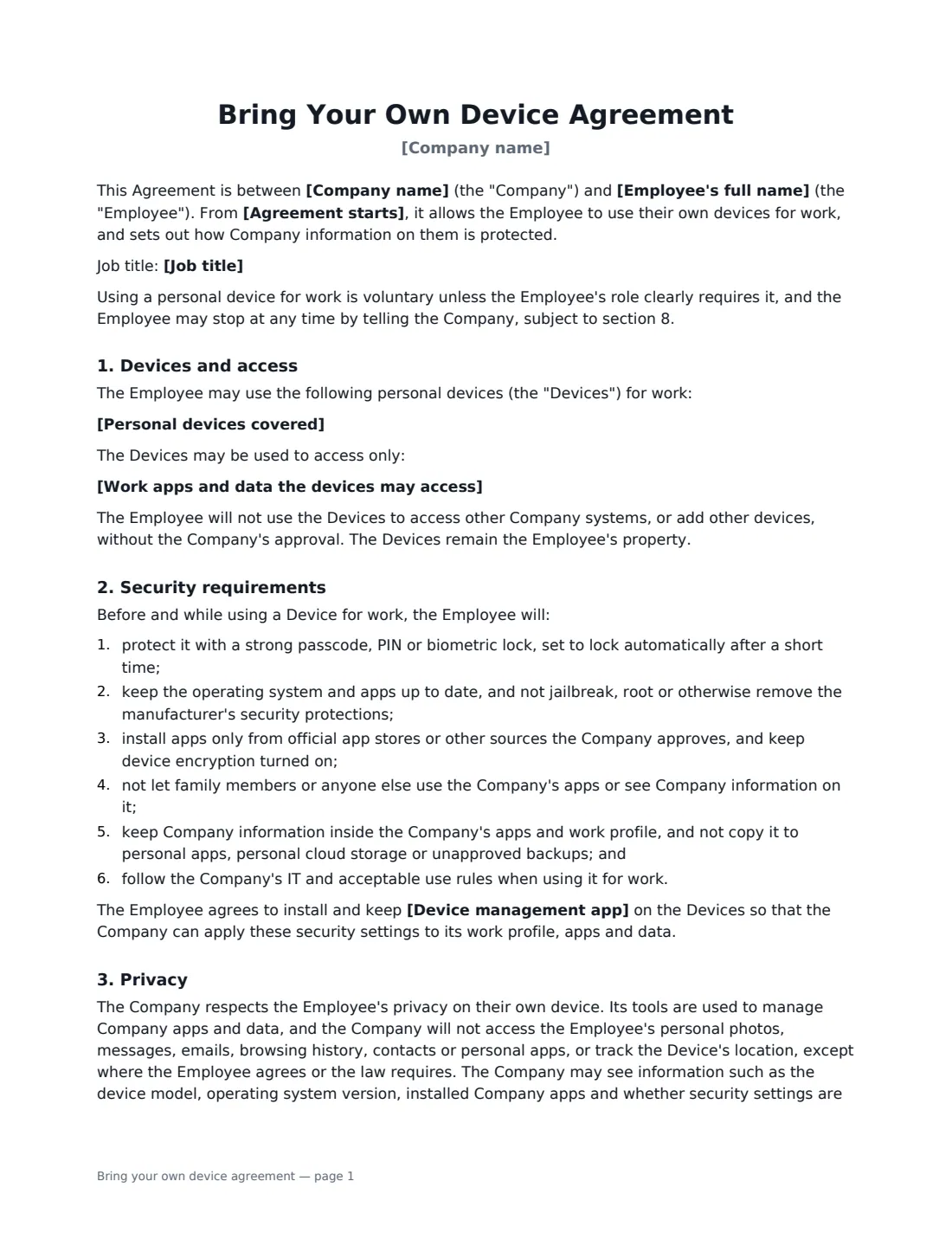
A bring your own device (BYOD) agreement sets the rules when an employee uses a personal phone, tablet or laptop for work email, chat and business apps. It has to balance two things: the company's need to protect its data if the device is lost or the employee leaves, and the employee's right to privacy on a device that also holds their photos, messages and personal apps.
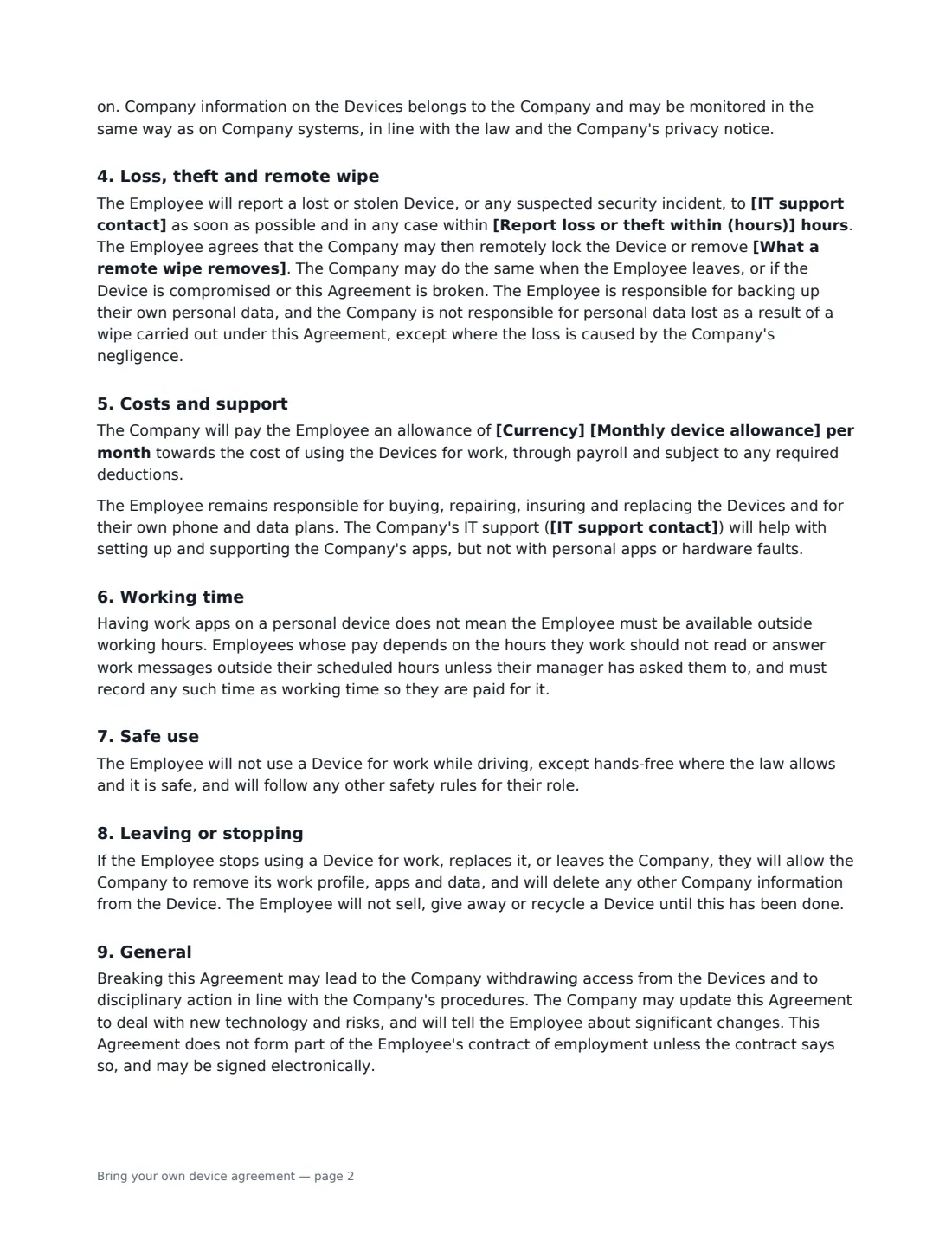
This template lists the devices covered and the work apps and data they may access, and names the device management app if you use one. The employee agrees to six security basics — a screen lock, updates, no jailbreaking or rooting, trusted app sources and encryption, no shared use of work apps, and keeping company data inside company apps. A privacy section says what the company can see (device model, OS version, company apps, security status) and what it will not access (personal photos, messages, browsing, location). You choose whether a remote wipe removes only the work profile or, where that is not possible and the employee is told first, the whole device, and set the deadline for reporting loss or theft. It also covers an optional monthly allowance, support, working time for hourly staff, not using the device while driving, and removing company data on leaving.
- Best for
- Staff using personal phones, tablets or laptops for work email and apps
- Signed by
- The employee, then the employer (with job title)
- Remote wipe
- Work profile only, or the whole device where unavoidable and with notice
- Costs
- Optional monthly allowance, or reimbursement where the law requires
- Length
- 2-3 pages
When to Use a bring your own device agreement
- Letting staff read work email and chat on their own phones
- Field, part-time or remote staff working from their own laptops or tablets
- Rolling out a device management app such as Microsoft Intune
- Paying a monthly phone allowance instead of issuing company phones
- Meeting a client's or insurer's security requirements for personal devices
What You Fill In
12 blanks, then the name and email of each person who signs: employee, employer.
1 Details
- Company name*
- Employee's full name*
- Job title
- Agreement starts*
2 Devices and access
- Personal devices covered*
- Work apps and data the devices may access*
- Device management app
- What a remote wipe removes* only the Company's work profile, apps and data · the Company's work profile, apps and data or, where the device does not allow that and the Employee is told first, the whole device
- Report loss or theft within (hours)*
3 Costs
- Currency
- Monthly device allowance
- IT support contact*
4 Who signs
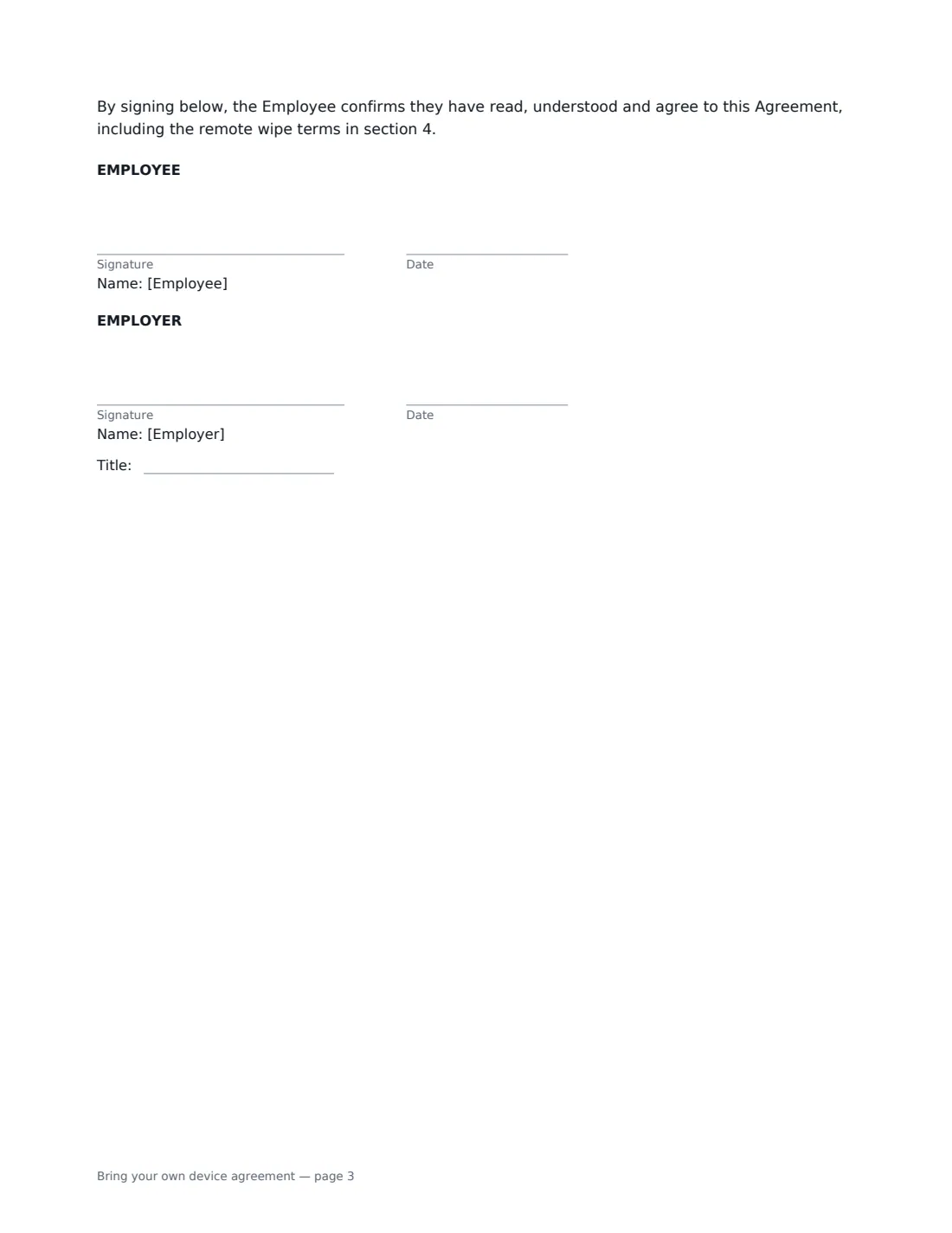
- Employee signature and date · The owner of the personal device.
- Employer signature and date, job title · HR or the IT manager.
What the bring your own device agreement Covers
- Devices and access
- Security requirements
- Privacy
- Loss, theft and remote wipe
- Costs and support
- Working time
- Safe use
- Leaving or stopping
- General
Using the bring your own device agreement, step by step
1 List the devices and access
Name each personal device the employee will use and list the work apps and data they may access. Add your device management app, if you use one.
2 Choose the remote-wipe scope
Choose whether a wipe removes only the company's work profile, apps and data, or — where the device cannot separate them and the employee is told first — the whole device. Set how many hours the employee has to report a lost or stolen device.
3 Set costs and support
Enter a monthly allowance if you pay one. If you do not, the agreement explains that reimbursement is available where the law requires it. Name your IT support contact.
4 Send for signature
The employee signs first and you countersign. The signed agreement is filed in Files, alongside your IT acceptable use agreement.
Tips Before You Send It
- Use a work profile or app container wherever possible, so you can wipe company data without touching personal photos and files.
- Tell employees exactly what your device management app can and cannot see — that is what makes them comfortable enrolling.
- Some places require employers to reimburse a reasonable share of the cost of personal phones used for work. Check local law before deciding on an allowance.
- For hourly staff, work messages answered outside scheduled hours may count as paid working time.
- Remove company data on the employee's last day as part of your offboarding checklist.
Sign It Online In Minutes
- Fill in the blanks. Names, dates and amounts go straight into the agreement — the preview shows exactly where.
- Name who signs. Tick “This is me” for your own part. VergeHR builds the PDF with every signature, date box on the right line, and you can check or move anything before sending.
- Send it. Each signer gets a secure link and signs from any device — no account needed. The signed PDF, with an audit trail and a Certificate of Completion, is filed in Files and emailed to everyone.
Bring your own device agreement: frequently asked questions
Can my employer see my personal photos and messages?
Under this agreement, no. The company manages only its own apps and data and will not access personal photos, messages, emails, browsing history, contacts or personal apps, or track location, unless the employee agrees or the law requires. It can see details such as the device model, OS version, company apps and whether security settings are on.
Can my employer wipe my phone?
The agreement lets the company remotely lock the device or remove the scope you chose — normally only the company's work profile, apps and data — if it is lost or stolen, compromised, when the employee leaves, or if the agreement is broken. Employees should back up their personal data.
Do I have to use my own device for work?
The agreement says using a personal device is voluntary unless the role clearly requires it, and the employee can stop by telling the company, after which company data is removed.
Is an e-signed BYOD agreement valid?
Electronic signatures are generally valid for workplace agreements like this in the US (ESIGN Act and UETA), the UK, the EU (eIDAS) and Canada. VergeHR records an audit trail and a Certificate of Completion with the signed PDF.
Is this template free?
Yes. It is free with the eSignature app in VergeHR, and employees sign without an account.