

What is a data protection policy acknowledgement?
Most data breaches start with an ordinary mistake: an email to the wrong person, a shared password, a spreadsheet saved to a personal drive, a lost phone. A data protection policy acknowledgement makes sure everyone who handles personal data has read your policy, understands the everyday rules, and knows exactly who to tell — and how fast — when something goes wrong. It is also useful evidence that you train and instruct your staff.
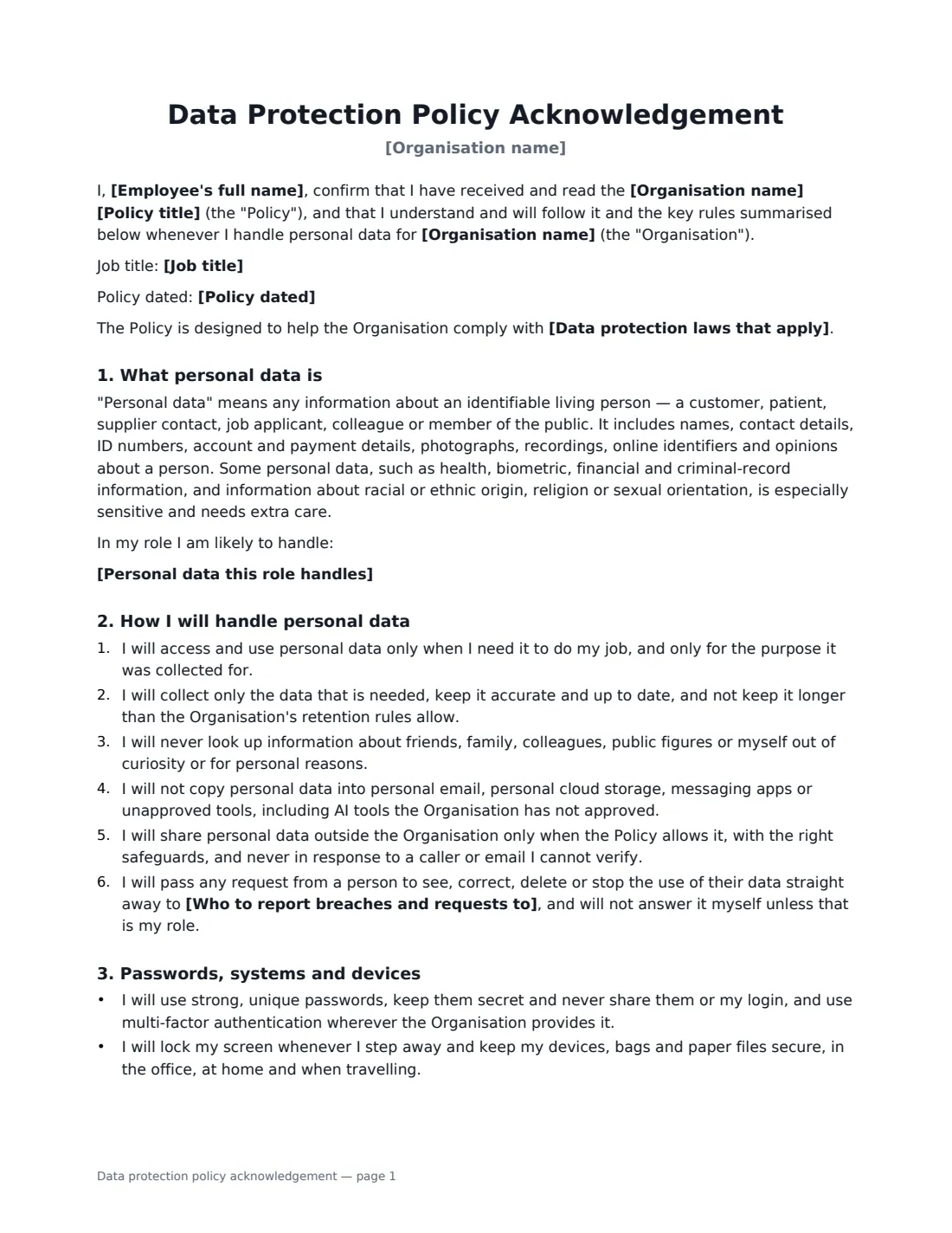
This template explains what personal data and sensitive data are, with an optional list of the data this role handles. The employee commits to using data only for their job, never looking people up out of curiosity, not moving data into personal accounts or unapproved tools (including AI tools), verifying before sharing, and passing access and deletion requests to your privacy contact. It covers passwords and multi-factor authentication, phishing, disposal of paper, your choice of rule for personal devices, how to recognise and report a breach immediately, confidentiality after leaving, and monitoring.
- Best for
- Any organisation whose staff handle customer, patient, member or employee data
- Signed by
- The employee and a manager, HR or the data protection lead
- Choices
- Personal devices rule, laws named, data this role handles, training date
- Length
- 2–3 pages
When to Use a data protection policy acknowledgement
- Onboarding new staff, temps and contractors who will access customer records
- Rolling out a new data protection or information security policy
- Recording that annual data protection training was completed
- Preparing for a client security questionnaire or audit
- Re-briefing a team after a near miss or data incident
What You Fill In
10 blanks, then the name and email of each person who signs: employee, employer.
1 Details
- Organisation name*
- Employee's full name*
- Job title
2 The policy
- Policy title*
- Policy dated
- Data protection laws that apply
3 The role
- Personal data this role handles
4 Reporting
- Who to report breaches and requests to*
5 Devices
- Personal devices for work data* Not allowed · Only through apps and accounts the organisation has approved · Allowed if the device is enrolled in the organisation's device management
6 Reporting
- Data protection training completed on
7 Who signs
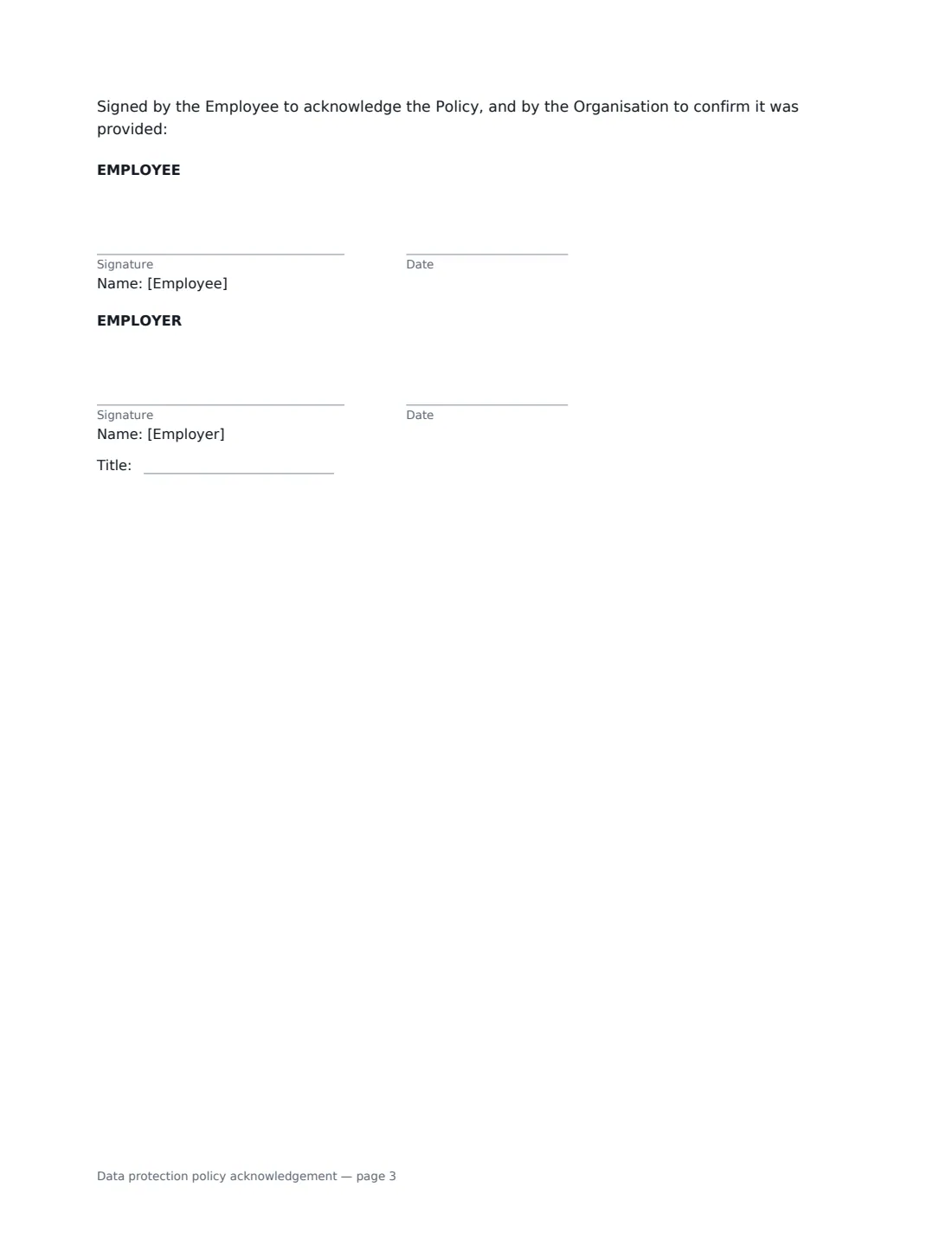
- Employee signature and date · The employee, worker or contractor who will handle personal data.
- Employer signature and date, job title · A manager, HR or the data protection lead signing for the organisation.
What the data protection policy acknowledgement Covers
- What personal data is
- How I will handle personal data
- Passwords, systems and devices
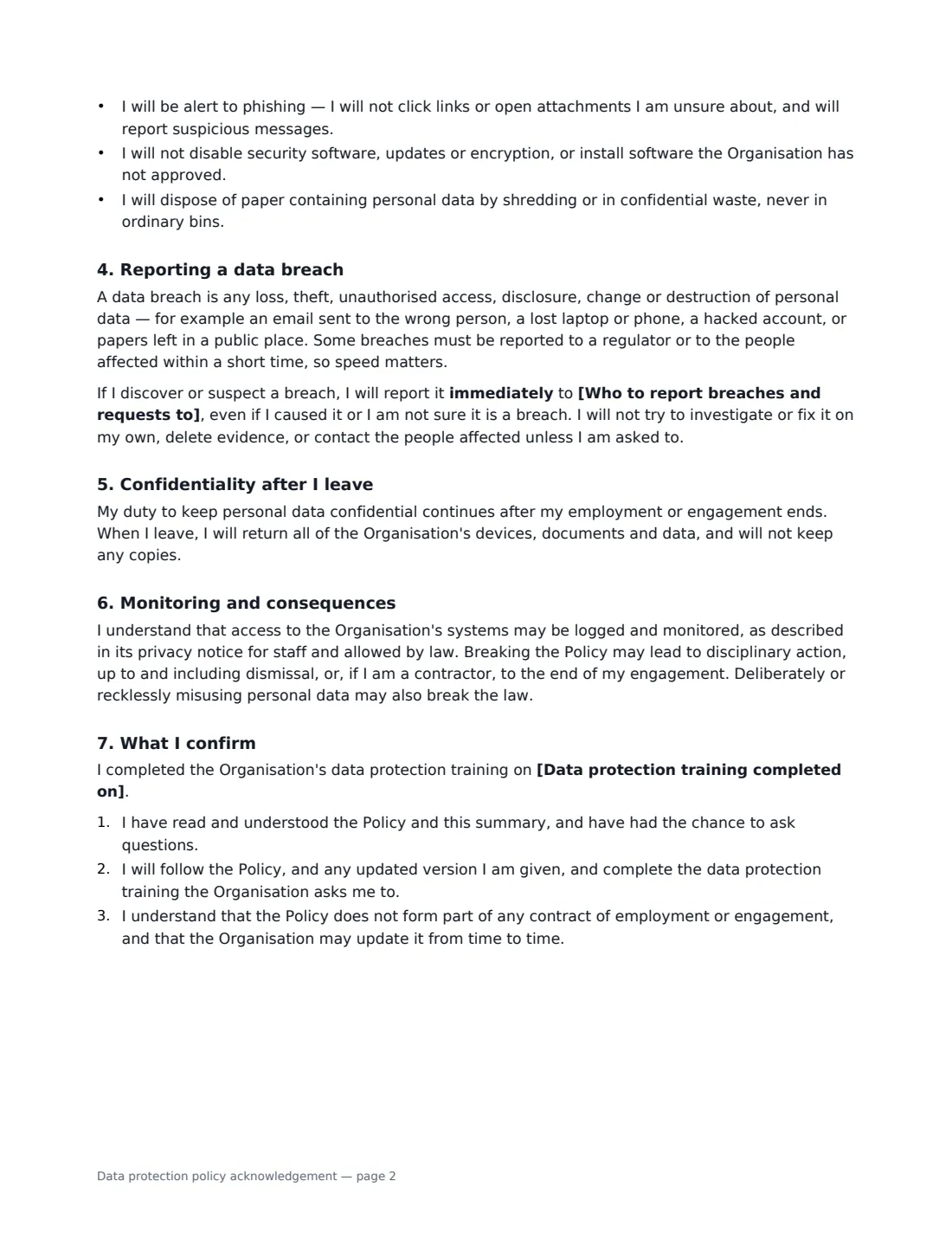
- Reporting a data breach
- Confidentiality after I leave
- Monitoring and consequences
- What I confirm
Using the data protection policy acknowledgement, step by step
1 Name the policy
Enter the policy title and date. If your adviser has confirmed which laws apply — for example the UK GDPR and Data Protection Act 2018 — you can name them; otherwise leave that blank.
2 Describe the data the role handles
Optionally list the personal data this person will see, one item per line: customer contact details, payment details, employee records. It makes the rules concrete.
3 Set the privacy contact
Name the person or mailbox for breaches and requests, such as your Data Protection Officer. The document tells the employee to report breaches to them immediately.
4 Choose the personal devices rule
Choose between not allowed, allowed only through approved apps, or allowed if the device is enrolled in your device management. The matching wording is printed.
5 Send and file
Add the training date if it has happened, send for signature, and keep the signed copy in Files as part of your training records.
Tips Before You Send It
- Pair the acknowledgement with short, practical training — the signature means more when people have seen examples.
- Make the breach contact easy to reach out of hours, because some breaches must be reported to a regulator quickly.
- Say clearly which AI and file-sharing tools are approved; the template forbids unapproved ones.
- Re-sign when the policy changes significantly, and keep each version's signatures.
Sign It Online In Minutes
- Fill in the blanks. Names, dates and amounts go straight into the agreement — the preview shows exactly where.
- Name who signs. Tick “This is me” for your own part. VergeHR builds the PDF with every signature, date box on the right line, and you can check or move anything before sending.
- Send it. Each signer gets a secure link and signs from any device — no account needed. The signed PDF, with an audit trail and a Certificate of Completion, is filed in Files and emailed to everyone.
Data protection policy acknowledgement: frequently asked questions
Is this a GDPR policy?
It is an acknowledgement of your own data protection policy, written in plain, jurisdiction-neutral language. It is compatible with GDPR-style rules and other privacy laws, but it does not replace your policy, privacy notices or legal advice.
Why does it say staff should not contact affected people about a breach?
Deciding whether and how to notify regulators and individuals is the organisation's job, and doing it inconsistently can make things worse. The employee's job is to report immediately and preserve evidence.
Can contractors sign it too?
Yes. The wording covers "employment or engagement", and the consequences clause mentions ending a contractor's engagement, so it works for contractors and temps who access your data.
Is an electronic signature enough?
Generally, yes. Electronic signatures are valid for a workplace acknowledgement like this in most places, including the US (ESIGN Act and UETA), the UK, the EU (eIDAS) and Canada. VergeHR records who signed and when in an audit trail.