

What is a patient privacy acknowledgement for staff?
In a medical, dental, physiotherapy, therapy or similar practice, the people who see the most patient information are often not clinicians: receptionists, schedulers, billing coordinators, temps and students. A patient privacy acknowledgement makes sure each of them understands what counts as confidential — including the simple fact that someone is a patient — and how to protect it in the everyday situations they face.
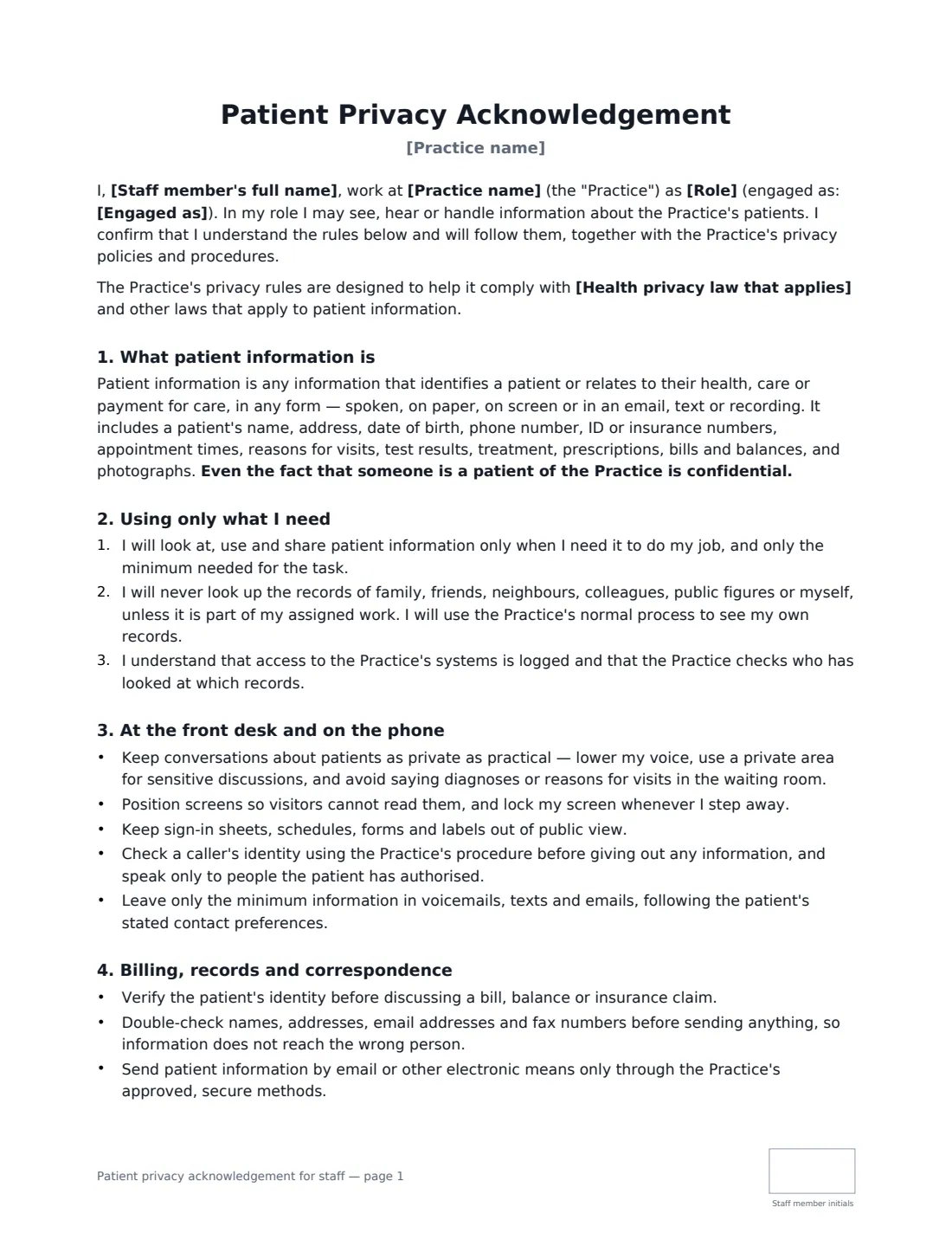
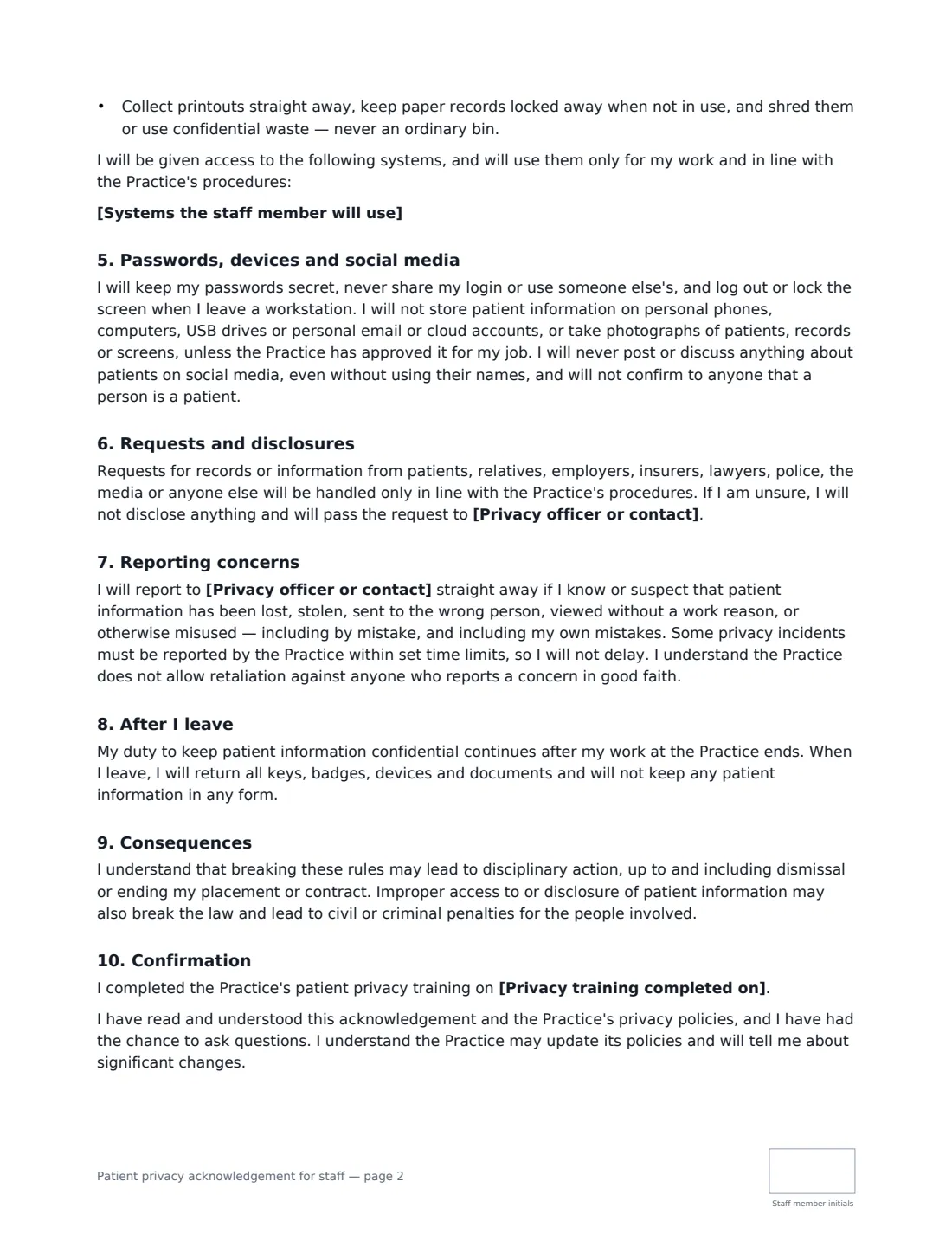
This template is written for non-clinical staff. It explains what patient information is, the rule of using only what you need, and the ban on looking up family, friends, colleagues or yourself. It covers practical front-desk habits (lowered voices, screens, sign-in sheets, verifying callers, minimal voicemails), billing and correspondence, passwords, devices, photos and social media, handling requests from relatives, insurers, lawyers or police, reporting incidents to your privacy officer, confidentiality after leaving, and consequences. You can name the health privacy law that applies, list the systems the person will use and record their training date.
- Best for
- Receptionists, schedulers, billing and admin staff, temps, students and volunteers
- Signed by
- The staff member and the practice manager or privacy officer
- Practices
- Medical, dental, physiotherapy, chiropractic, optometry, mental health and similar
- Length
- 2–3 pages, initialled by the staff member on every page
When to Use a patient privacy acknowledgement for staff
- Onboarding a new receptionist or billing coordinator
- Bringing in a temp or agency worker to cover the front desk
- Hosting a student placement or volunteer with access to schedules
- Annual re-acknowledgement alongside privacy training
- After an incident, such as a record viewed without a work reason
What You Fill In
8 blanks, then the name and email of each person who signs: staff member, practice.
1 Details
- Practice name*
- Staff member's full name*
- Role*
- Engaged as* Employee · Temporary or agency worker · Student or trainee · Volunteer · Contractor
2 Privacy contact
- Privacy officer or contact*
- Health privacy law that applies
3 Access
- Systems the staff member will use
- Privacy training completed on
4 Who signs
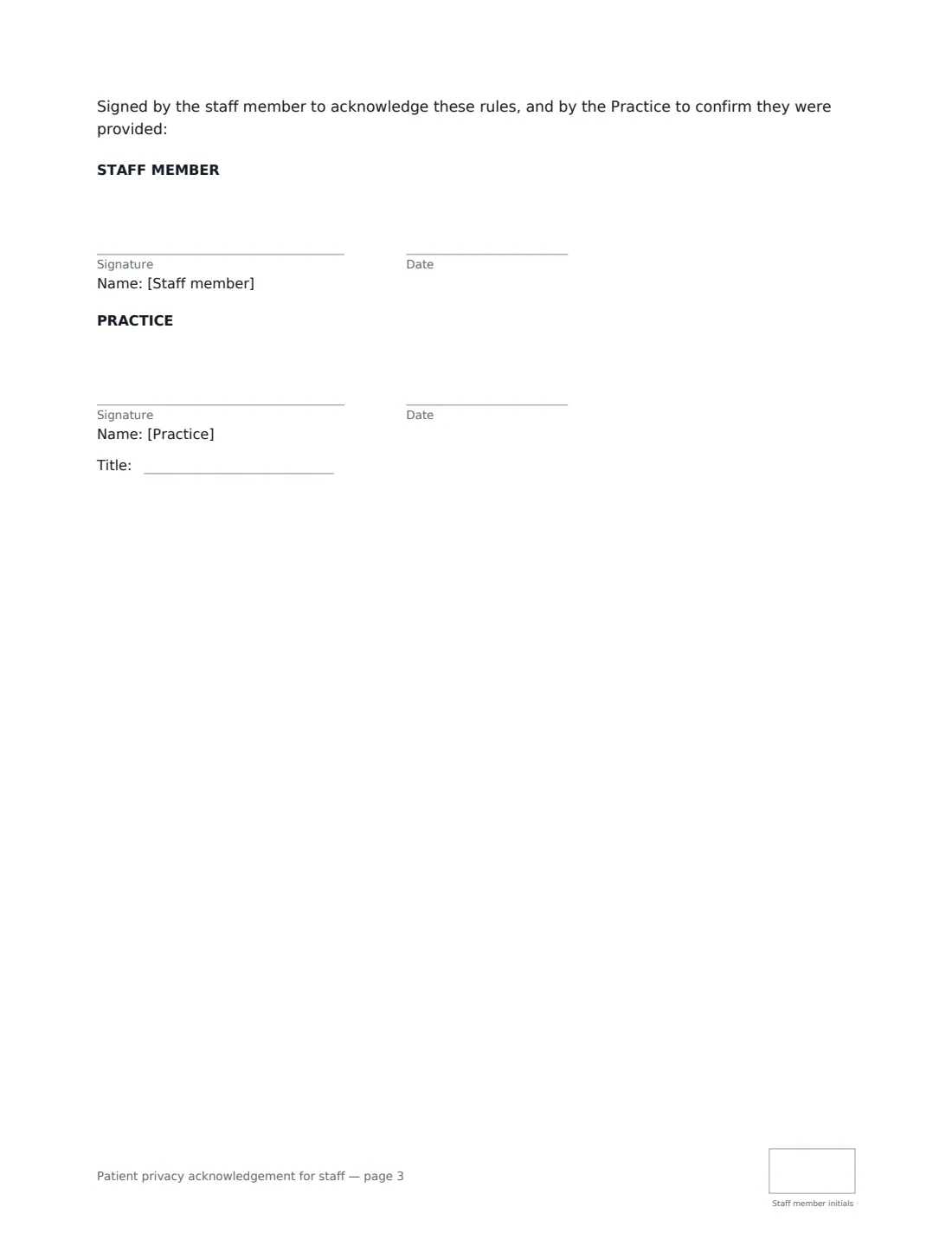
- Staff member signature and date, initials on every page · The employee, temp, student or volunteer who will have access to patient information.
- Practice signature and date, job title, initials on every page · The practice manager or privacy officer signing for the practice.
What the patient privacy acknowledgement for staff Covers
- What patient information is
- Using only what I need
- At the front desk and on the phone
- Billing, records and correspondence
- Passwords, devices and social media
- Requests and disclosures
- Reporting concerns
- After I leave
- Consequences
- Confirmation
Using the patient privacy acknowledgement for staff, step by step
1 Enter the practice and the person
Add the practice name, the staff member's name and role, and whether they are an employee, temp, student, volunteer or contractor.
2 Name your privacy contact
Enter the privacy officer or practice manager staff should go to with requests, concerns and incidents. The document points to them in several places.
3 Add the law and systems if you wish
If you are sure which health privacy law applies — for example HIPAA in the United States — you can name it. List the systems the person will use, such as scheduling, billing and patient messaging.
4 Record training and send
Add the date privacy training was completed, then send it for signature. The staff member initials each page and signs; the practice countersigns.
Tips Before You Send It
- Walk new staff through the front-desk section at the actual desk — screen angles and sign-in sheets are easy to fix on day one.
- Tell staff that access to records is logged. It is one of the most effective deterrents to snooping.
- Make sure temps and students sign before they get a login, not after.
- Keep the signed copies with your training records so you can show who was trained and when.
Sign It Online In Minutes
- Fill in the blanks. Names, dates and amounts go straight into the agreement — the preview shows exactly where.
- Name who signs. Tick “This is me” for your own part. VergeHR builds the PDF with every signature, date and initials box on the right line, and you can check or move anything before sending.
- Send it. Each signer gets a secure link and signs from any device — no account needed. The signed PDF, with an audit trail and a Certificate of Completion, is filed in Files and emailed to everyone.
Patient privacy acknowledgement for staff: frequently asked questions
Is this a HIPAA form?
It is a staff confidentiality acknowledgement that can support a HIPAA privacy programme in the US, or similar programmes elsewhere, but it does not by itself make a practice compliant with any law. You can name the law that applies to you in the optional field.
Is this for clinicians too?
It is written for front-desk, billing and admin staff. Clinicians can sign it, but their professional confidentiality duties usually go further and are covered by their contracts and professional codes.
Is it the patient's privacy notice?
No. This is signed by staff. Patients receive your separate notice of privacy practices or privacy notice.
Can staff sign electronically?
Yes. Electronic signatures are generally valid for workplace acknowledgements in the US (ESIGN Act and UETA), the UK, the EU (eIDAS) and Canada. VergeHR keeps an audit trail and Certificate of Completion.