

What is a direct deposit authorization?
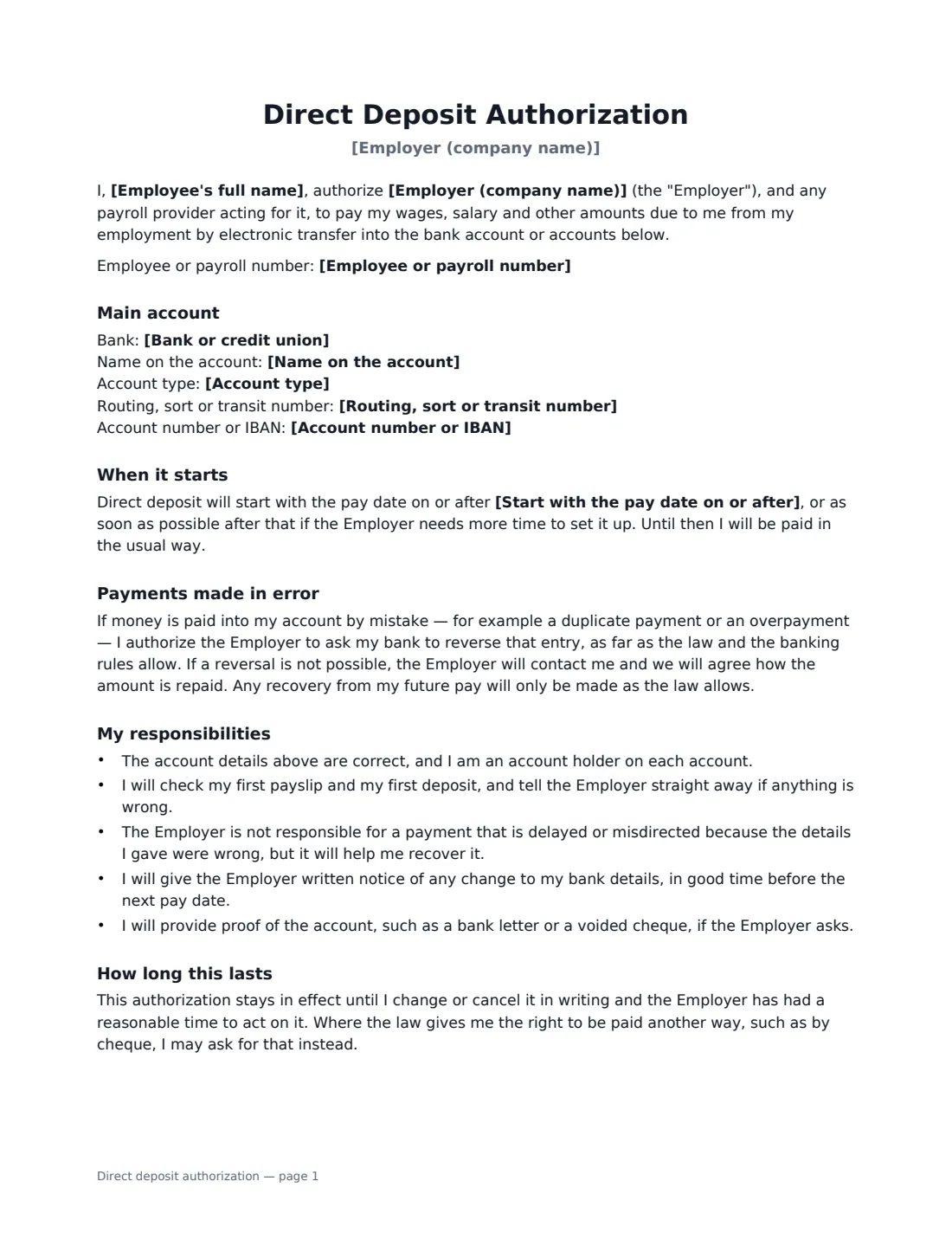
A direct deposit authorization is the form an employee signs so their employer can pay wages straight into their bank account instead of by cheque or cash. It is part of most new-hire paperwork, and it is used again whenever an employee changes banks.
This form captures the bank, the name on the account, the account type, the routing, sort or transit code and the account number or IBAN, so it works in the US, the UK, Canada and elsewhere. The employee can send all of their net pay to one account, or a fixed amount or percentage to a second account. It covers when direct deposit starts, how payments made in error are corrected, the employee's responsibility for giving correct details, how to change or cancel it, and how the employer keeps the bank details private. The employer signs to confirm it received the form.
- Best for
- New hires, and employees changing banks
- Signed by
- The employee, and someone in payroll or HR to confirm receipt
- Accounts
- One account, or split between a main and a second account
- Length
- 1–2 pages
When to Use a direct deposit authorization
- Setting up pay for a new employee in their first week
- An employee who has moved to a new bank and needs payroll updated
- An employee who wants part of each pay to go straight into a savings account
- A small business moving staff from cheques to bank transfers
- Keeping a signed record of the account details payroll was given
What You Fill In
16 blanks, then the name and email of each person who signs: employee, employer.
1 Employee and employer
- Employer (company name)*
- Employee's full name*
- Employee or payroll number
- This form is* A new direct deposit · A change to my bank details
2 Main account
- Bank or credit union*
- Name on the account*
- Account type* Checking / current account · Savings account
- Routing, sort or transit number*
- Account number or IBAN*
3 Split between two accounts
- How net pay is paid* All of my net pay into the main account · Split between the main account and a second account
- Amount paid into the second account
- Second account: bank
- Second account: name on the account
- Second account: routing, sort or transit number
- Second account: account number or IBAN
4 Start date
- Start with the pay date on or after
5 Who signs
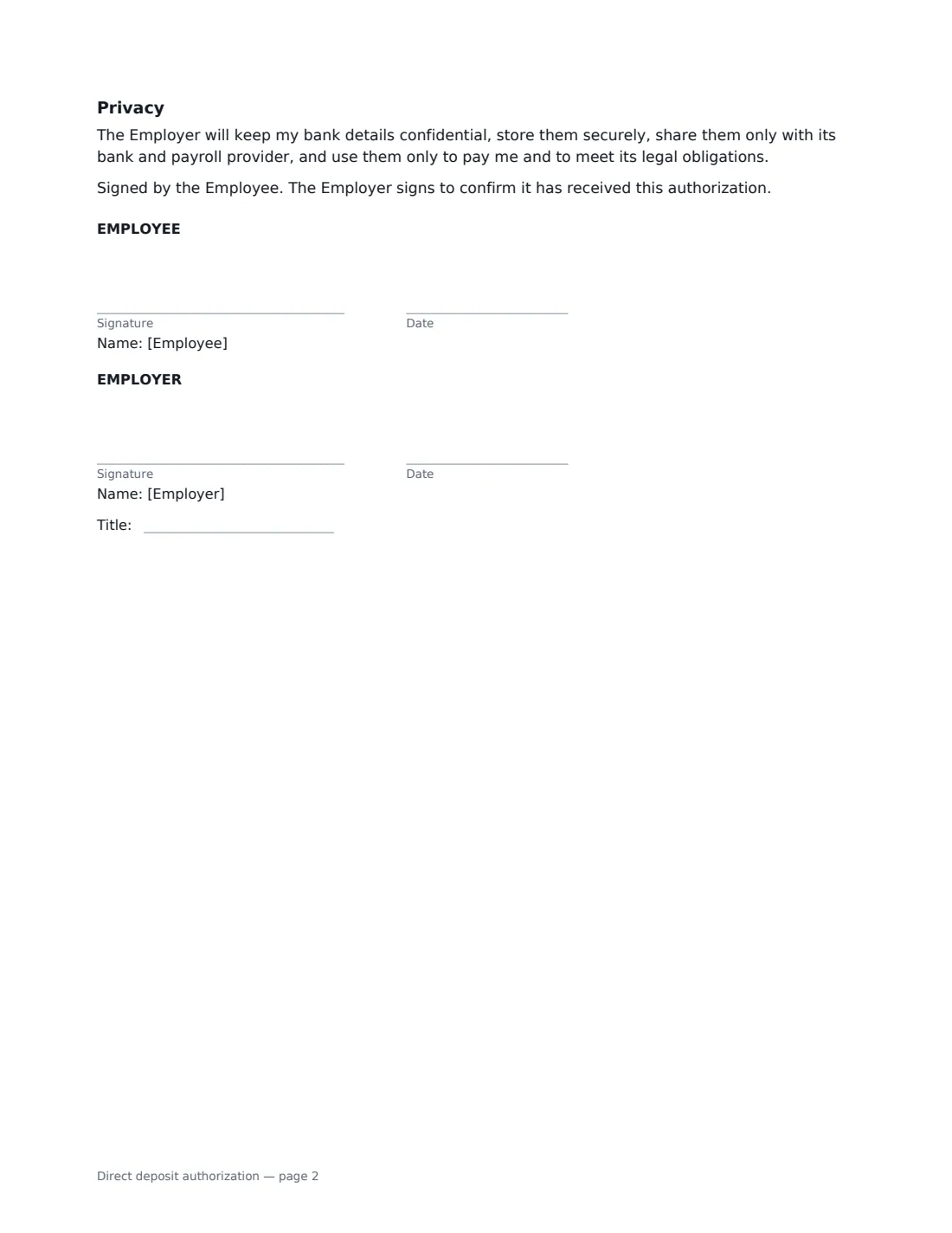
- Employee signature and date · The person being paid. Usually the employee fills in their own bank details and sends the form.
- Employer signature and date, job title · Someone in payroll or HR who confirms receipt.
What the direct deposit authorization Covers
- Main account
- Second account
- When it starts
- Payments made in error
- My responsibilities
- How long this lasts
- Privacy
Using the direct deposit authorization, step by step
1 Say whether it is new or a change
Choose "a change to my bank details" when it replaces earlier instructions — the form then says so in bold, so payroll knows to stop paying the old account.
2 Enter the main account
Add the bank, the name on the account exactly as the bank has it, the account type, the bank code (a routing number in the US, a sort code in the UK, transit and institution numbers in Canada, or a BIC/SWIFT code elsewhere) and the account number or IBAN.
3 Add a second account if needed
Choose the split option and enter how much goes to the second account — a fixed amount or a percentage — with that account's details. The rest goes to the main account.
4 Sign and send it to payroll
The form is set up for the employee to fill in their own details and send it: tick "This is me" as the employee and add the payroll or HR contact as the employer. After you sign, the employer signs to confirm receipt, and the signed PDF is filed in Files. An employer can also prepare it and send it to the employee to check and sign.
Tips Before You Send It
- Check the account number against a bank statement or a voided cheque — a single wrong digit can send pay to the wrong account.
- Treat a request to change bank details by email with suspicion: confirm it with the employee directly before updating payroll.
- Remind the employee to check their first payslip and deposit after the change.
- Store the signed form securely — it contains bank details. VergeHR keeps it in VergeHR Files.
Sign It Online In Minutes
- Fill in the blanks. Names, dates and amounts go straight into the agreement — the preview shows exactly where.
- Name who signs. Tick “This is me” for your own part. VergeHR builds the PDF with every signature, date box on the right line, and you can check or move anything before sending.
- Send it. Each signer gets a secure link and signs from any device — no account needed. The signed PDF, with an audit trail and a Certificate of Completion, is filed in Files and emailed to everyone.
Direct deposit authorization: frequently asked questions
Can an employer require direct deposit?
It depends on where you are. Some places let employers require it, while others say the employee must agree or must be offered another way to be paid. The form includes a line that, where the law gives the employee that right, they can ask to be paid another way.
What happens if money is paid into the account by mistake?
The employee authorizes the employer to ask the bank to reverse an entry made in error, as far as the law and banking rules allow. If a reversal isn't possible, the employer contacts the employee to agree repayment, and any recovery from future pay only happens as the law allows.
Can the pay be split between two accounts?
Yes. Choose the split option and enter the amount or percentage for the second account; the rest of the net pay goes into the main account.
Is an electronically signed direct deposit form valid?
Electronic signatures are generally valid for ordinary employment documents like this in the US (ESIGN Act and UETA), the UK, the EU (eIDAS) and Canada. VergeHR keeps an audit trail and a Certificate of Completion with the signed PDF.
Is this template free?
Yes. It is free to use with the eSignature app in VergeHR, and the employee doesn't need a VergeHR login to sign.