

What is a software license agreement?
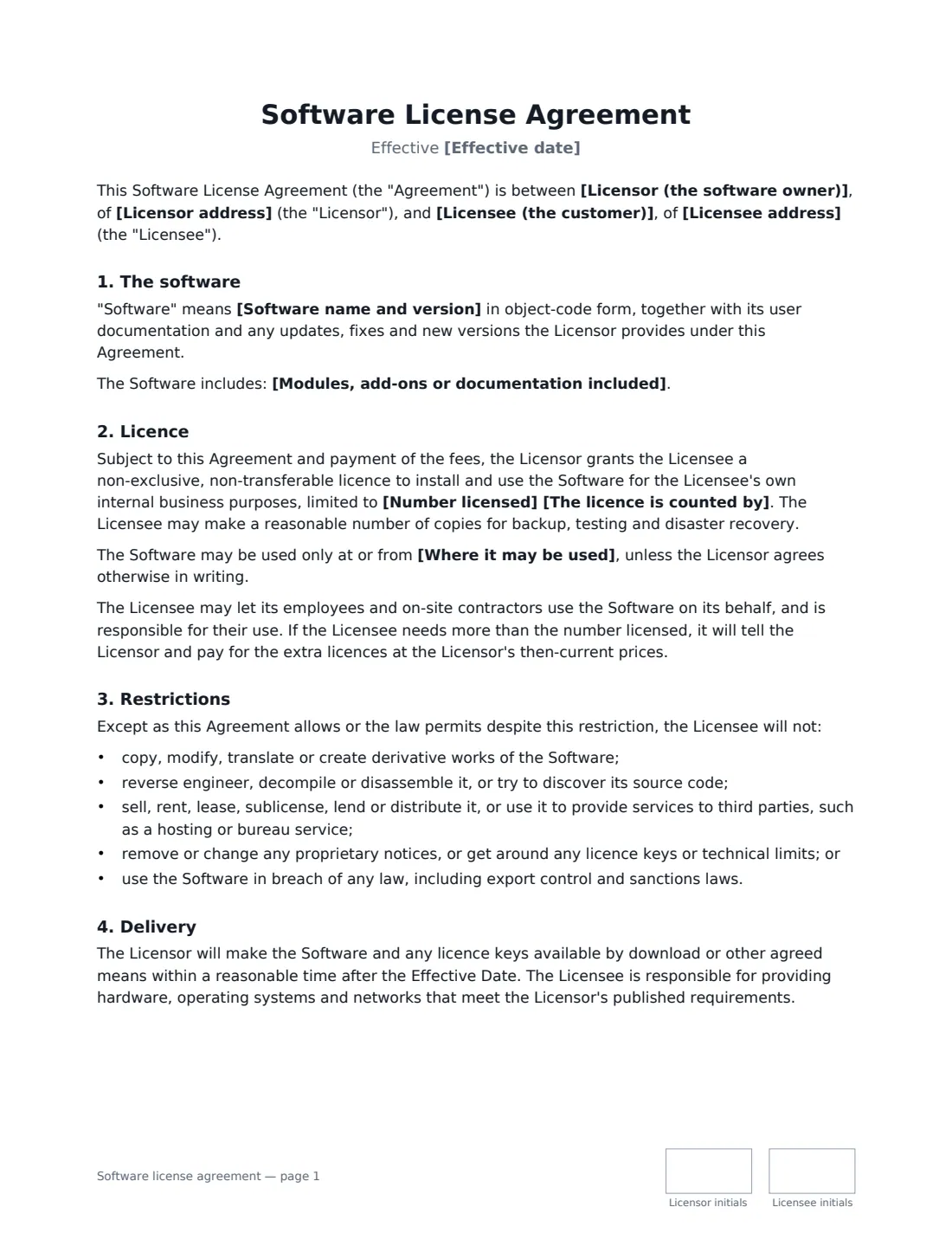
A software license agreement lets a customer use software you own without buying it. The customer gets a licence to install and run a set number of copies for its own business. You keep ownership of the code, set the limits on what the customer may do with it, and agree what you will charge and support. This template is for software the customer installs on its own computers or servers (on-premise or desktop software). For a hosted, cloud or SaaS product, a subscription or terms-of-service style agreement usually fits better.
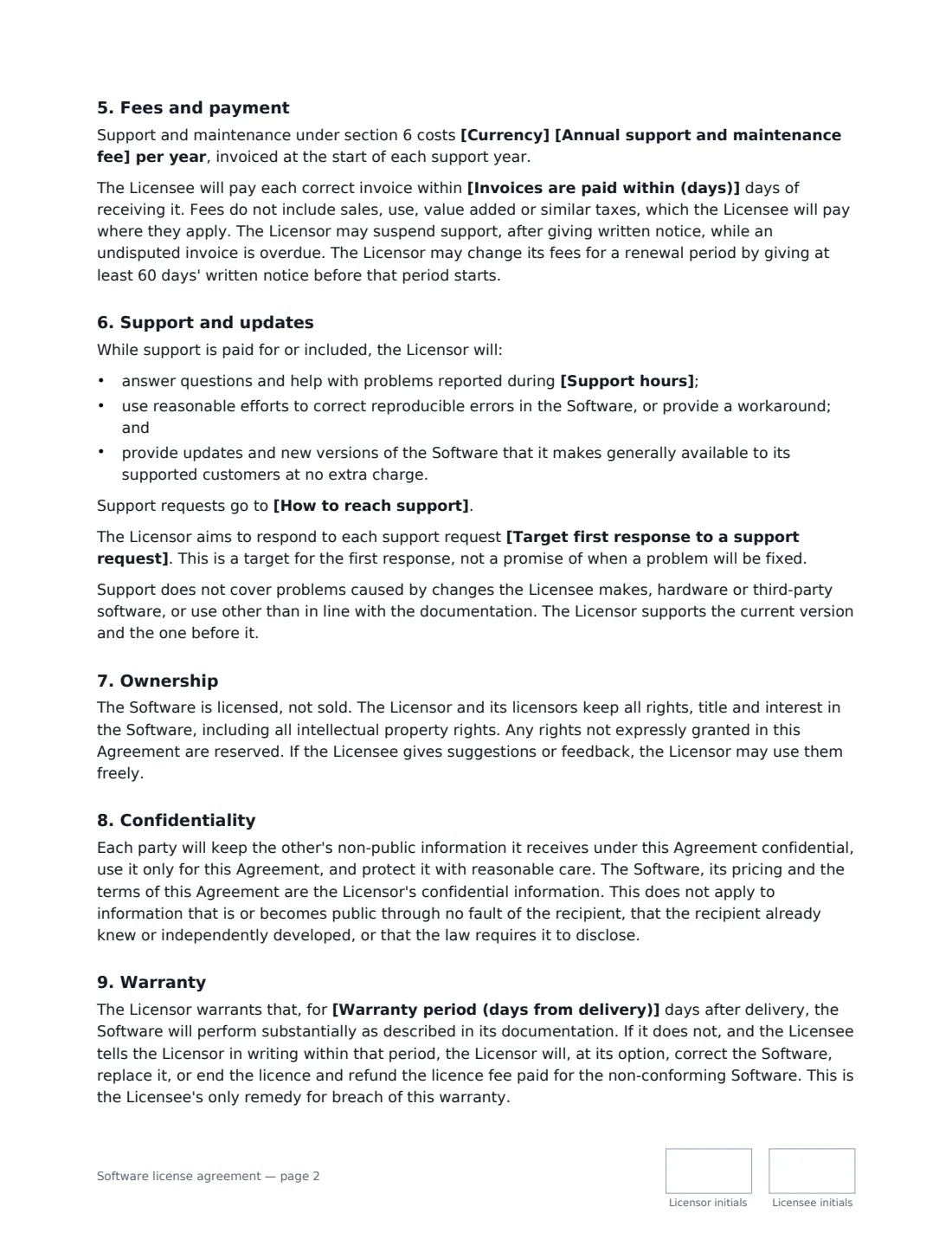
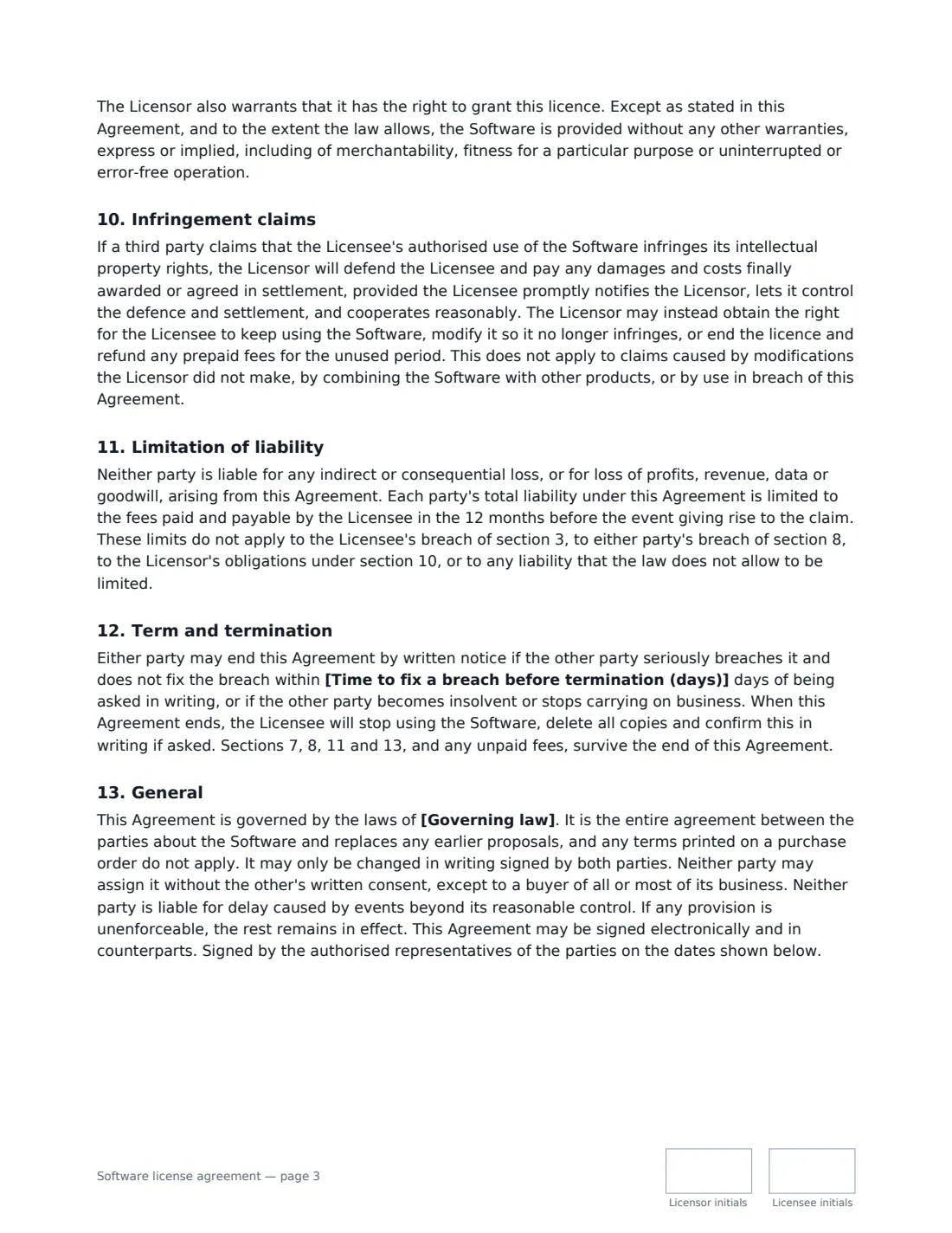
The template counts the licence by named users, installations or concurrent users. You pick an annual licence that renews each year, a perpetual licence for a one-time fee, or a fixed term with an end date, and the fee, renewal and termination wording changes to match. It also covers the usual restrictions (no copying, reverse engineering, resale or bureau use), delivery, support hours and an optional response target, updates, ownership and feedback, confidentiality, a warranty period with a repair-replace-or-refund remedy, a defence against third-party infringement claims, and a cap on liability of 12 months' fees. There is an optional clause that lets you check licence use once a year.
- Best for
- Software vendors licensing desktop, server or on-premise software to business customers
- Signed by
- The licensor and the licensee, usually an authorised officer of each company
- Licence options
- Named users, installations or concurrent users; annual, perpetual or fixed term
- Length
- About 4 pages, initialled on every page
When to Use a software license agreement
- Selling an annual licence for your inventory or accounting software to a business customer
- Granting a perpetual licence with a separate yearly support and maintenance fee
- Licensing a set number of seats to a customer's team, with extra seats charged as they grow
- A fixed-term licence for a pilot, a project or a single season
- Putting an informal software deal with an existing customer on a proper written footing
What You Fill In
23 blanks, then the name and email of each person who signs: licensor, licensee.
1 The parties
- Effective date*
- Licensor (the software owner)*
- Licensor address
- Licensee (the customer)*
- Licensee address
2 The software
- Software name and version*
- Modules, add-ons or documentation included
3 The licence
- The licence is counted by* named users · installations · concurrent users
- Number licensed*
- Where it may be used
- Licence term* Annual, renewing each year · Perpetual, for a one-time fee · Fixed term, ending on the end date
- End date (fixed term only)
4 Fees
- Currency*
- Licence fee*
- Annual support and maintenance fee
- Invoices are paid within (days)*
5 Support
- Support hours*
- How to reach support
- Target first response to a support request
6 Other terms
- Warranty period (days from delivery)*
- Allow the Licensor to check licence use?* Yes · No
- Time to fix a breach before termination (days)*
- Governing law*
7 Who signs
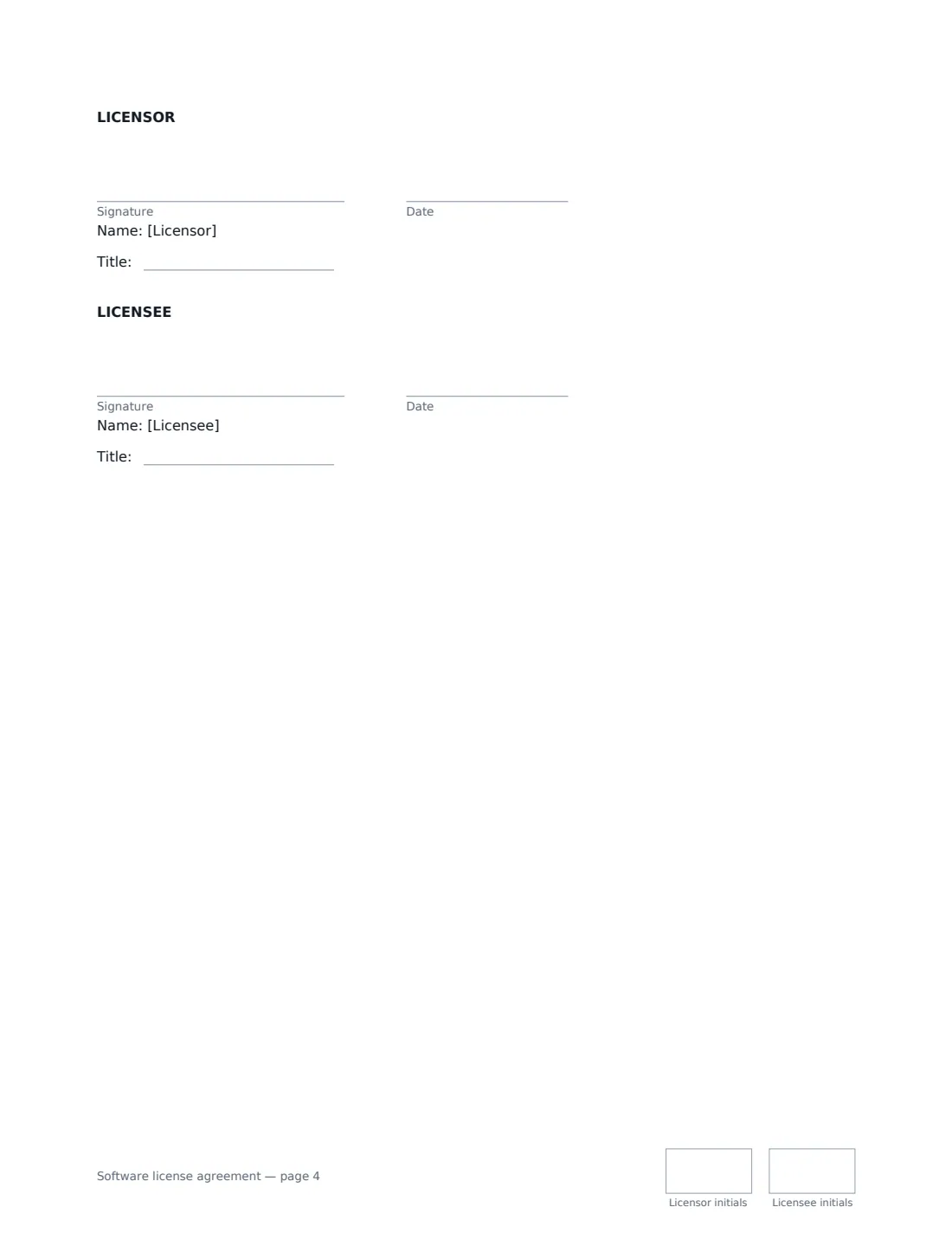
- Licensor signature and date, job title, initials on every page · The business that owns the software and grants the licence.
- Licensee signature and date, job title, initials on every page · The customer that installs and uses the software.
What the software license agreement Covers
- The software
- Licence
- Restrictions
- Delivery
- Fees and payment
- Support and updates
- Ownership
- Confidentiality
- Warranty
- Infringement claims
- Limitation of liability
- Term and termination
- General
Using the software license agreement, step by step
1 Describe the software
Give the product name and version, and list any modules, add-ons or documentation included. Updates you release later are covered automatically while support is in place.
2 Set the licence size and term
Choose how the licence is counted (named users, installations or concurrent users) and how many. Then choose annual, perpetual or fixed term. The fee paragraph, the renewal wording and the termination section all follow your choice. Add a permitted site if use should be limited to one place or country.
3 Enter the fees and support
Enter the licence fee and, if support is charged separately, the annual support fee. Leave the support fee empty to include support in the licence fee. Set your support hours, a contact and, if you want, a first-response target.
4 Choose the other terms and send
Set the warranty period, the time allowed to fix a breach, whether you may check licence use, and the governing law. Add the customer's signer, check the PDF in the editor and send it. Both parties sign online and initial each page.
Tips Before You Send It
- If the customer sends a purchase order, the agreement says its printed terms do not apply. Keep this agreement as the one that governs.
- Pick the licence metric that matches how customers get value from the software. Concurrent-user licences suit shift work; named users suit office teams.
- The liability cap and exclusions matter most on large deals. Some places limit how far liability can be excluded, so have that section checked locally if a lot is at stake.
- For software you host for the customer, use a subscription or SaaS agreement instead. This template assumes the customer installs and runs the software.
Sign It Online In Minutes
- Fill in the blanks. Names, dates and amounts go straight into the agreement — the preview shows exactly where.
- Name who signs. Tick “This is me” for your own part. VergeHR builds the PDF with every signature, date and initials box on the right line, and you can check or move anything before sending.
- Send it. Each signer gets a secure link and signs from any device — no account needed. The signed PDF, with an audit trail and a Certificate of Completion, is filed in Files and emailed to everyone.
Software license agreement: frequently asked questions
What is the difference between a software license and a software sale?
With a licence, the customer gets permission to use the software on stated terms, and the licensor keeps ownership of the code and all intellectual property in it. This template says so expressly and reserves every right it does not grant.
Is this the same as an end user license agreement (EULA)?
A EULA is usually a click-through licence for many consumers or small users. This template is a negotiated, signed agreement with one business customer, with agreed seats, fees, support and warranty.
What happens when a perpetual licence is chosen?
The customer pays once and may use the software indefinitely unless the agreement is ended for breach or insolvency. Support runs a year at a time and can be stopped without ending the licence.
Is a software license agreement signed electronically binding?
Electronic signatures are generally valid for ordinary commercial contracts like this one in the US (ESIGN Act and UETA), the UK, the EU (eIDAS) and Canada. VergeHR keeps an audit trail and a Certificate of Completion with the signed PDF.
Can I change the wording?
You fill in the blanks and choose the options. If you need different clauses, draft your own document and upload it to VergeHR eSignature; you can still place signature boxes in the editor.