

What is a venue rental agreement?
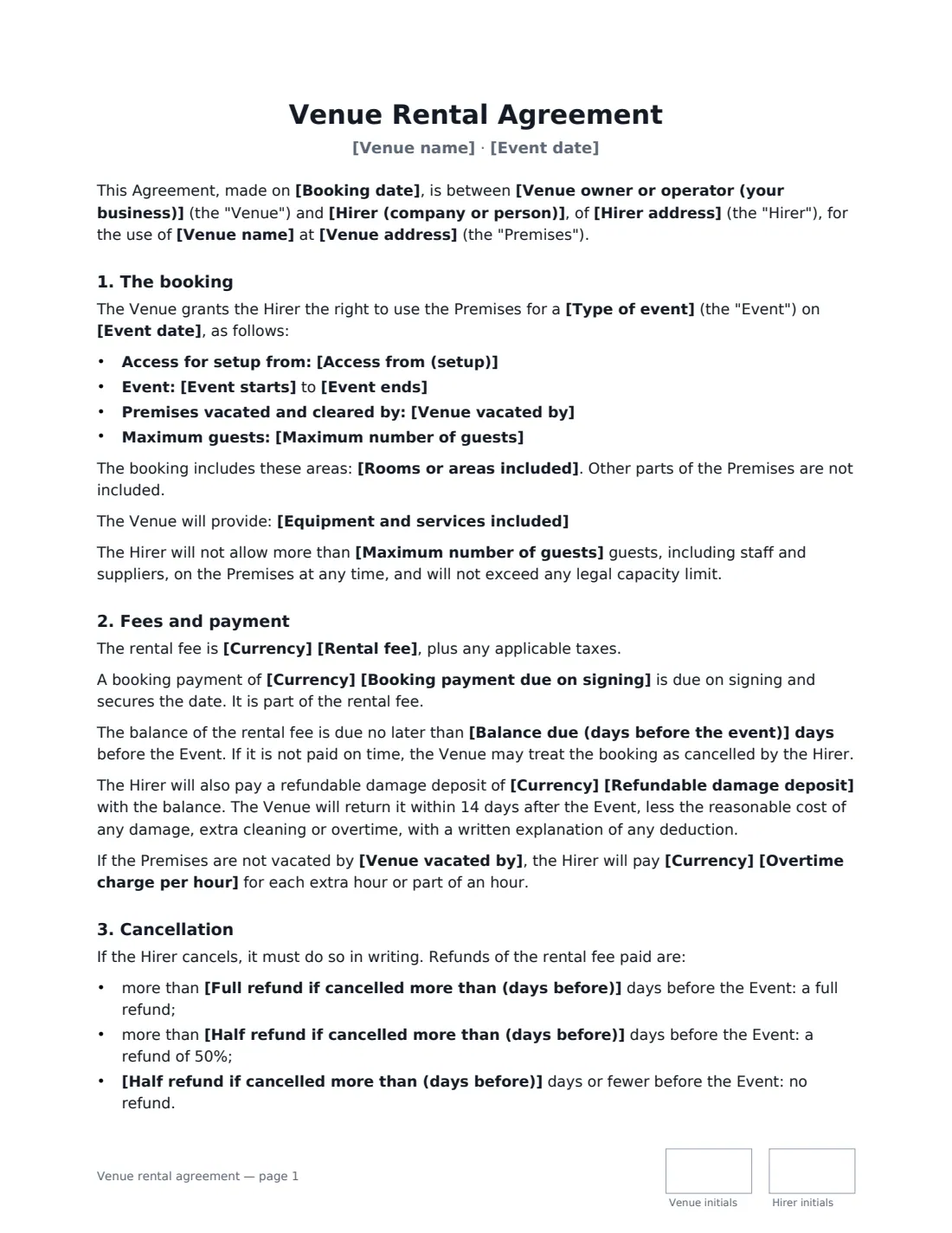
A venue rental (or venue hire) agreement confirms an event booking between the venue and the person or organisation hiring it. It's what turns "we'd like the Saturday" into a firm booking: the exact date and times, how many guests, what's included, what it costs and when it's paid, what happens if either side cancels, and who pays if something gets broken.
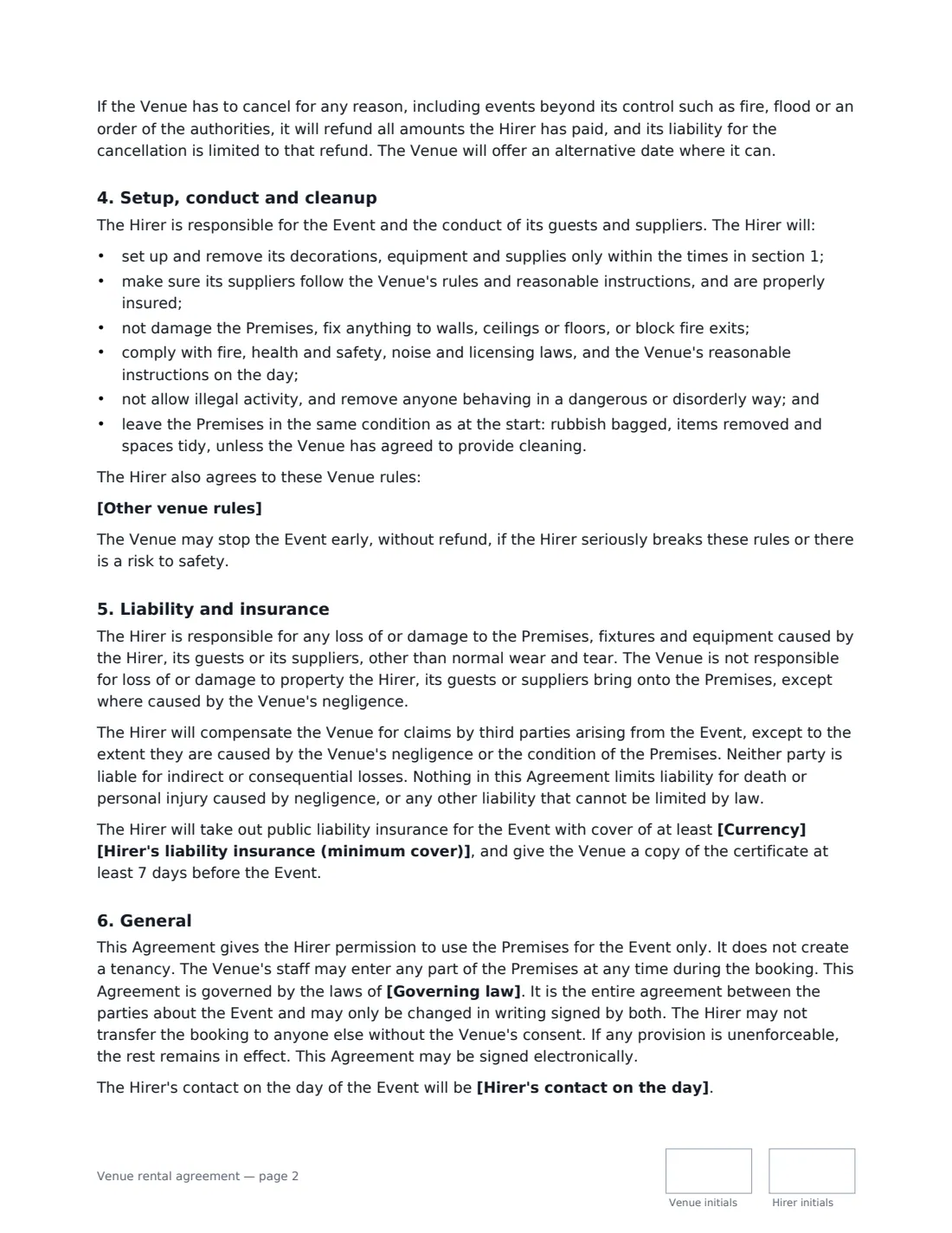
This template covers the booking — setup access, event start and end, vacate time and the guest limit — plus the areas and equipment included, the rental fee, a booking payment and balance deadline, an optional refundable damage deposit and overtime charge, a tiered cancellation refund, the venue cancelling, the hirer's responsibilities for setup, conduct and cleanup, the alcohol rule, extra venue rules, liability, optional public liability insurance and the governing law. It makes clear the hirer gets permission to use the premises for the event, not a tenancy.
- Best for
- Event halls, studios, restaurants, bars, barns, community centres and wedding venues
- Signed by
- The venue and the hirer — with job titles for businesses
- Cancellation
- Full refund, half refund or no refund depending on how close to the event — you set the days
- Length
- About 3 pages, initialled on every page
When to Use a venue rental agreement
- Hiring out a function room for a birthday or anniversary party
- Booking a wedding reception at a barn, restaurant or hall
- Renting a studio or loft for a product launch or photo shoot
- Letting a community hall to a club, class or charity event
- Corporate events, conferences and away days
What You Fill In
29 blanks, then the name and email of each person who signs: venue, hirer.
1 The parties
- Venue owner or operator (your business)*
- Hirer (company or person)*
- Hirer address
- Hirer's contact on the day
- Booking date*
2 The venue
- Venue name*
- Venue address*
- Rooms or areas included
- Equipment and services included
3 The event
- Type of event*
- Event date*
- Access from (setup)*
- Event starts*
- Event ends*
- Venue vacated by*
- Maximum number of guests*
4 Fees
- Currency*
- Rental fee*
- Booking payment due on signing
- Balance due (days before the event)*
- Refundable damage deposit
- Overtime charge per hour
5 Cancellation
- Full refund if cancelled more than (days before)*
- Half refund if cancelled more than (days before)*
- Booking payment is* non-refundable · refundable under the cancellation terms
6 Rules
- Alcohol* Only through the Venue's own bar · Allowed through a licensed caterer or bartender · Not allowed
- Other venue rules
7 Insurance
- Hirer's liability insurance (minimum cover)
8 Other terms
- Governing law*
9 Who signs
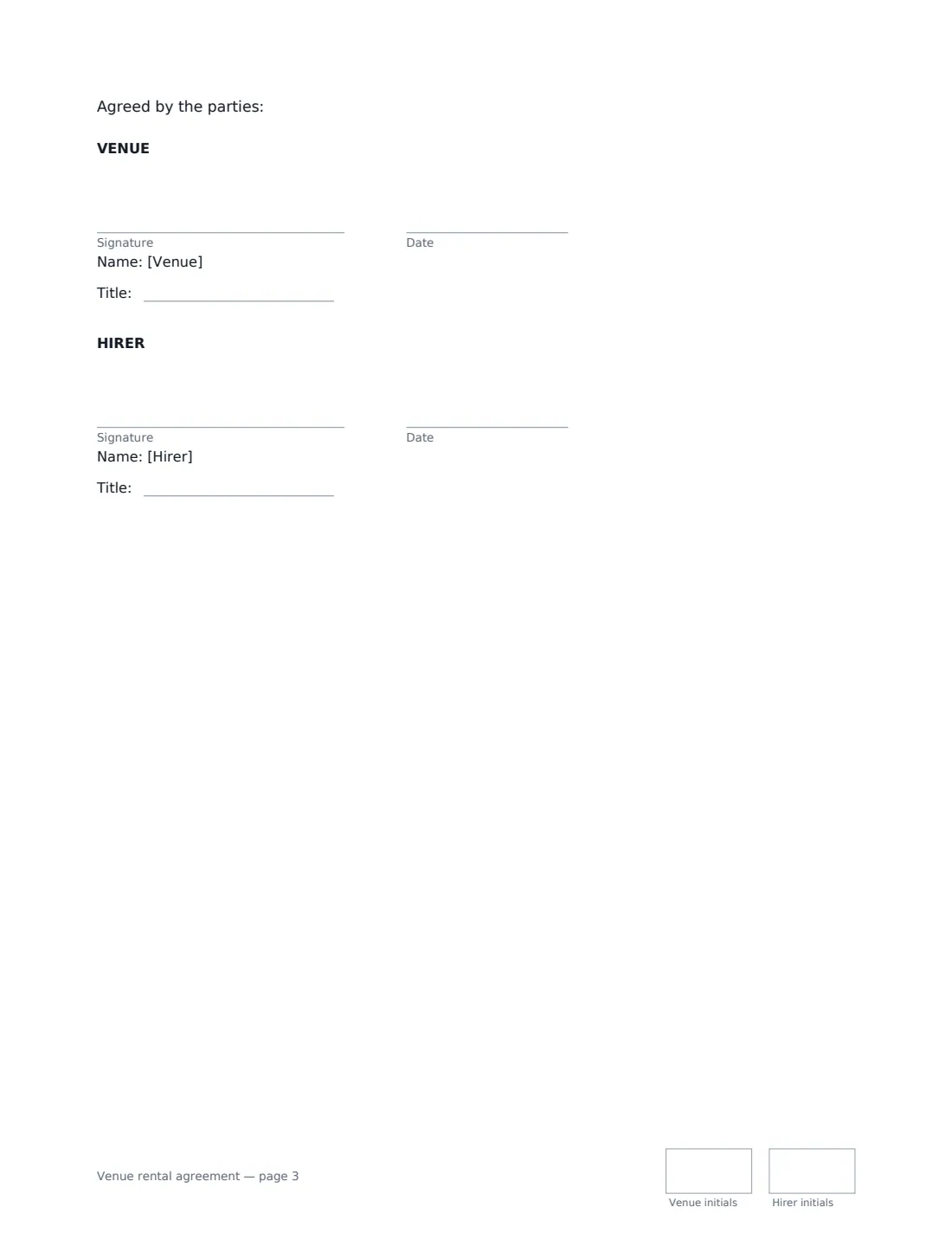
- Venue signature and date, job title, initials on every page · The venue owner or operator.
- Hirer signature and date, job title, initials on every page · The person or organisation booking the venue.
What the venue rental agreement Covers
- The booking
- Fees and payment
- Cancellation
- Setup, conduct and cleanup
- Liability and insurance
- General
Using the venue rental agreement, step by step
1 Set the booking
Enter the venue name and address, the rooms or areas included, and any equipment or services such as tables, chairs, a PA or an on-site manager. Then the type of event, date, setup access time, start and end times, the time the venue must be cleared, and the maximum number of guests.
2 Set the fees and deposits
Enter the rental fee, any booking payment due on signing to secure the date, and how many days before the event the balance is due. Add a refundable damage deposit and an hourly overtime charge if you use them.
3 Choose the cancellation terms
Set the number of days before the event for a full refund and for a 50% refund — closer than that, no refund. Decide whether the booking payment is non-refundable or follows the same terms. If the venue cancels, the hirer gets everything back.
4 Add your rules and send
Choose the alcohol rule, list other house rules (no confetti, music volume, nothing fixed to walls), set any minimum liability insurance and the governing law. Add the hirer's email and send; the signed booking is filed in Files.
Tips Before You Send It
- Set the guest limit at or below your legal capacity. The hirer agrees not to exceed either, and the limit includes staff and suppliers.
- If you require the hirer to insure, ask for the certificate at least 7 days before the event, as the agreement says.
- Walk the space with the hirer before and after the event, and take photos — it makes damage deposit deductions easy to explain.
- Alcohol, noise and late-night rules often depend on your venue's licence and local law. Match your rules to your licence.
Sign It Online In Minutes
- Fill in the blanks. Names, dates and amounts go straight into the agreement — the preview shows exactly where.
- Name who signs. Tick “This is me” for your own part. VergeHR builds the PDF with every signature, date and initials box on the right line, and you can check or move anything before sending.
- Send it. Each signer gets a secure link and signs from any device — no account needed. The signed PDF, with an audit trail and a Certificate of Completion, is filed in Files and emailed to everyone.
Venue rental agreement: frequently asked questions
What's the difference between the booking payment and the damage deposit?
The booking payment is part of the rental fee, paid on signing to secure the date. The damage deposit is extra, paid with the balance, and returned within 14 days after the event, less the reasonable cost of any damage, extra cleaning or overtime, with a written explanation.
What happens if the venue has to cancel?
The venue refunds everything the hirer has paid, including for events beyond its control such as fire, flood or an order of the authorities, and offers an alternative date where it can. Its liability is limited to that refund.
Is a venue rental agreement signed electronically binding?
In the US (ESIGN Act and UETA), the UK, the EU (eIDAS) and Canada, electronic signatures are generally valid for ordinary commercial contracts like a venue booking. VergeHR keeps an audit trail and a Certificate of Completion with the signed PDF.
Is this template free?
Yes. The template is free to use with the eSignature app in VergeHR, and your hirer doesn't need a VergeHR login to sign.