

What is a debt forgiveness letter?
Lending money to family or friends is common, and so is deciding later not to take it back — as a wedding or graduation gift, because circumstances changed, or simply to clear the slate. A debt forgiveness letter records that decision so there is no doubt later: how much was lent, what is still owed, how much you are forgiving and that the borrower is released.
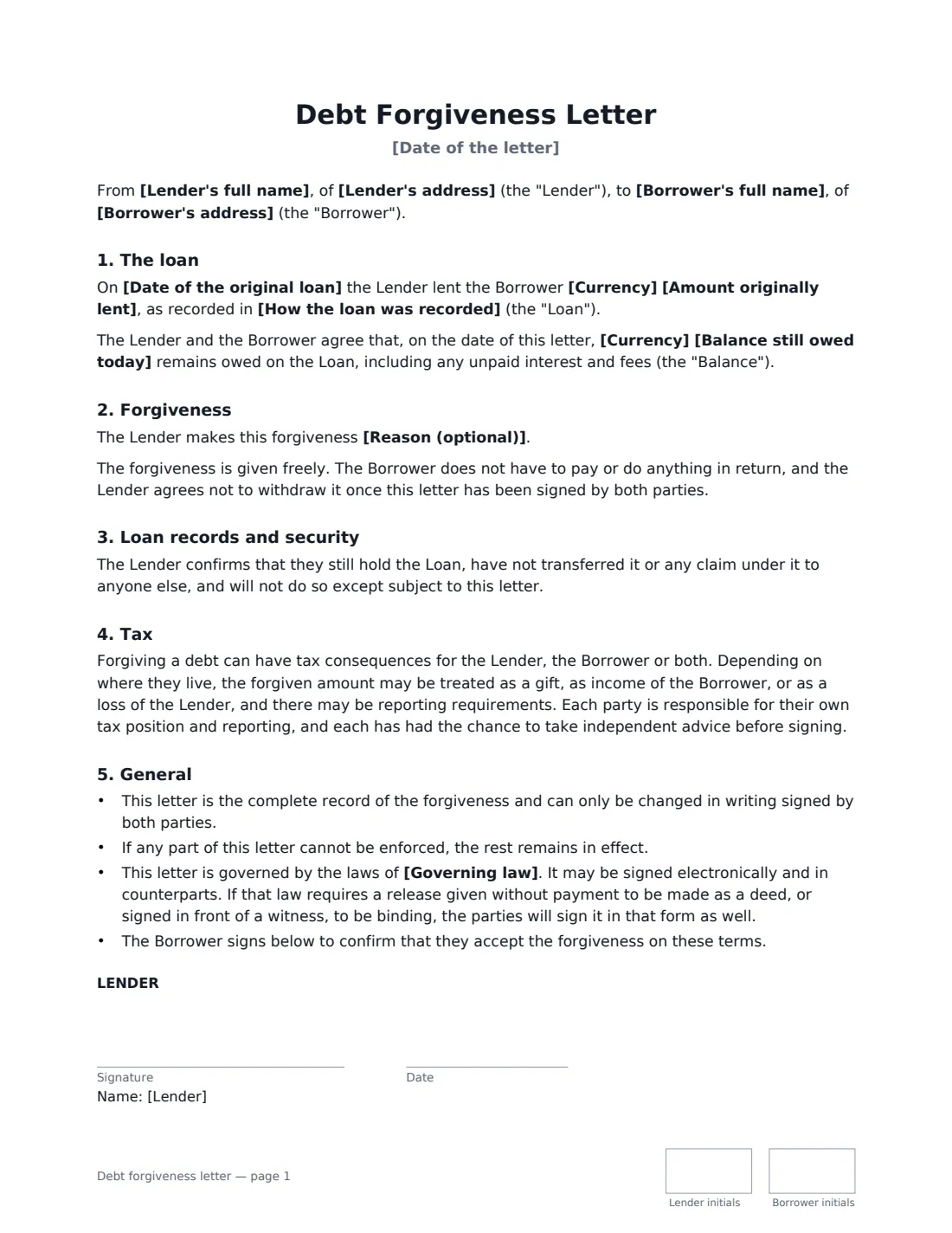
This template identifies the original loan (and the promissory note or agreement, if there was one), confirms the balance owed on the date of the letter, and forgives either the whole balance or part of it. For part forgiveness it states the remaining balance and how it will be repaid, or keeps the original terms. It says the forgiveness is given freely and that the lender will not withdraw it, covers cancelling the original note, releasing any security such as a lien over a car, and notes that forgiving a debt can have tax effects that depend on where you live. The lender signs and the borrower signs to accept, and both initial each page.
- Best for
- Personal and family loans you have decided not to collect in full
- Signed by
- The lender, and the borrower to accept
- Forgiveness
- The whole balance, or part of it with the rest still repayable
- Length
- 2 pages, initialled on every page
When to Use a debt forgiveness letter
- A parent forgiving a loan to an adult child as a gift
- Writing off the rest of a friend's loan after they have repaid most of it
- Reducing a family loan after a change in the borrower's circumstances
- Cancelling a promissory note and releasing a lien over a car or other property
- Clearing an old family debt before an estate plan or inheritance is settled
What You Fill In
17 blanks, then the name and email of each person who signs: lender, borrower.
1 The parties
- Date of the letter*
- Lender's full name*
- Lender's address
- Borrower's full name*
- Borrower's address
2 The loan
- Date of the original loan*
- Currency*
- Amount originally lent*
- How the loan was recorded
- Balance still owed today*
3 The forgiveness
- What is forgiven* The whole balance · Part of the balance
- Amount forgiven (part only)
- Amount still to be repaid (part only)
- How the rest will be repaid (part only)
- Reason (optional)
- Security to be released
4 Other terms
- Governing law*
5 Who signs
- Lender signature and date, initials on every page · The person who lent the money and is now forgiving it.
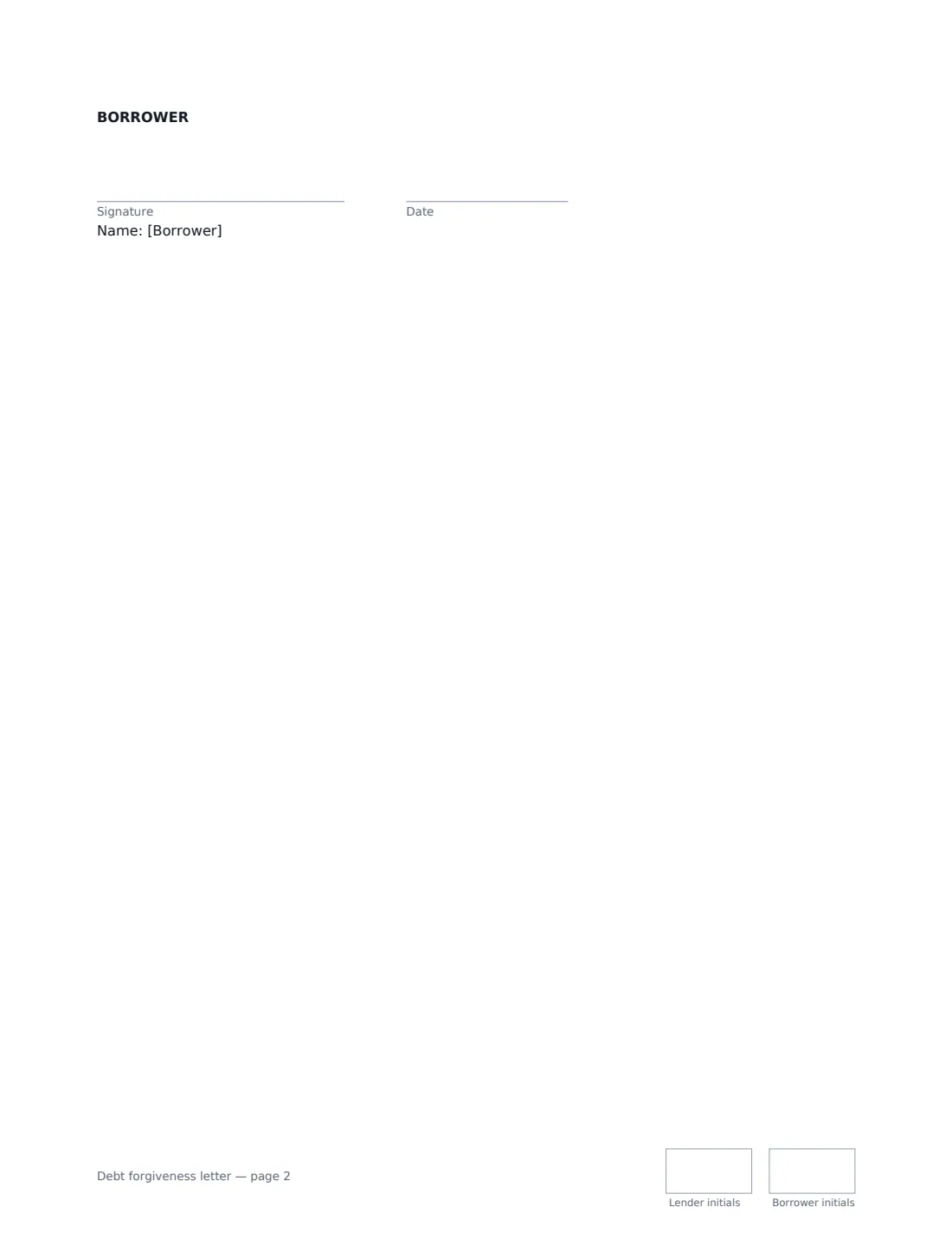
- Borrower signature and date, initials on every page · The person who owes the money. Their signature confirms they accept the forgiveness and its terms.
What the debt forgiveness letter Covers
- The loan
- Forgiveness
- Loan records and security
- Tax
- General
Using the debt forgiveness letter, step by step
1 Describe the original loan
Enter the date and amount lent, and name the note or loan agreement if there was one. Then enter the balance still owed today, including any unpaid interest — both of you confirm that figure.
2 Choose how much to forgive
Choose the whole balance to release the borrower completely. Choose part of the balance to forgive a set amount; enter what is still owed and, if you want, new repayment terms for it. Otherwise the original terms continue.
3 Add a reason and any security
Optionally say why — for example "as a wedding gift". If something was pledged for the loan, such as a car, name it: the letter releases it when the whole balance is forgiven, or keeps it for the remaining balance only.
4 Send for signature
Add the borrower as a signer. When both have signed, the PDF is filed in Files. Mark any original note "cancelled" and hand it back, as the letter says.
Tips Before You Send It
- Check the tax position before you sign. Depending on where you live, a forgiven loan may count as a gift from the lender, income for the borrower, or neither — and there may be reporting thresholds.
- Be clear on the balance. Agreeing the exact figure owed on the date of the letter avoids arguments about interest later.
- If a lien or charge was registered, the letter commits the lender to sign the release, but you may still need to file it with the relevant registry.
- Keep the signed letter with the original promissory note — together they show the whole history of the loan.
Sign It Online In Minutes
- Fill in the blanks. Names, dates and amounts go straight into the agreement — the preview shows exactly where.
- Name who signs. Tick “This is me” for your own part. VergeHR builds the PDF with every signature, date and initials box on the right line, and you can check or move anything before sending.
- Send it. Each signer gets a secure link and signs from any device — no account needed. The signed PDF, with an audit trail and a Certificate of Completion, is filed in Files and emailed to everyone.
Debt forgiveness letter: frequently asked questions
Can I forgive only part of a loan?
Yes. Choose "Part of the balance", enter the amount forgiven and the amount still owed, and either set new repayment terms or keep the original ones.
Are there tax consequences?
There can be, for either party, and they vary widely by country and state. The letter says so and that each party is responsible for their own tax position. If the amount is large, take advice before signing.
Can the lender change their mind later?
The letter records that the forgiveness is given freely and that the lender agrees not to withdraw it once both have signed, and the borrower signs to accept it. Because the borrower gives nothing in return, some legal systems only treat a release like this as binding if it is made as a deed or witnessed. The letter commits both of you to sign in that form too where the governing law requires it, so check if the amount matters.
Is a debt forgiveness letter signed online valid?
Electronic signatures are generally valid for ordinary agreements like this in the US (ESIGN Act and UETA), the UK, the EU (eIDAS) and Canada. VergeHR keeps an audit trail and a Certificate of Completion with the signed PDF. Releasing security registered against property may need a separate filed document.
Is this template free?
Yes. The template is free to use with the eSignature app in VergeHR, and the borrower doesn't need a VergeHR login to sign.