

What is a non-solicitation agreement?
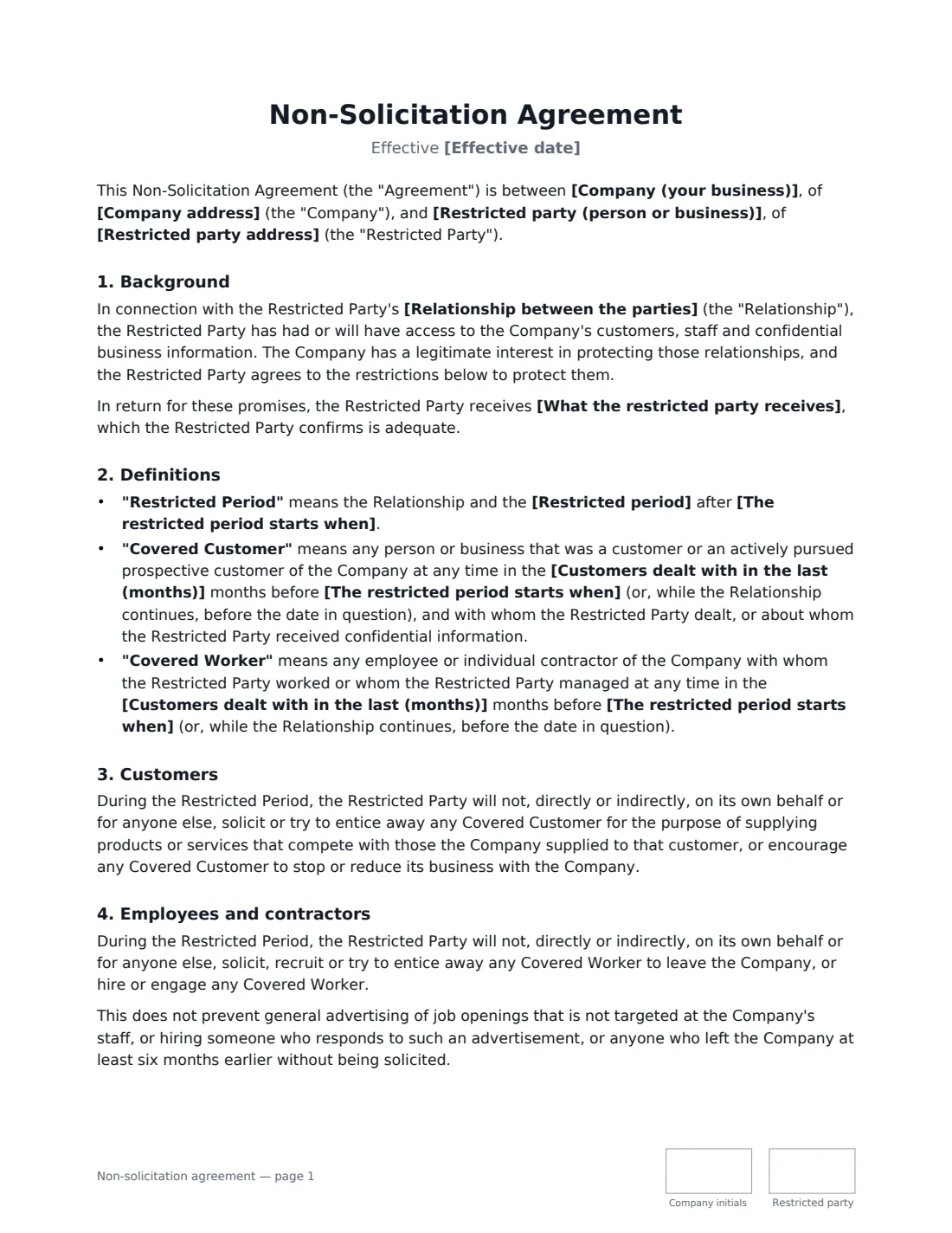
A non-solicitation agreement stops a person or business from approaching your customers or recruiting your staff for a limited time after a relationship ends. It is common when an employee or account manager leaves, when a contractor has worked closely with your clients, when you sell a business, or when a partner steps away. Unlike a non-compete, it does not stop them working for a competitor or starting their own business — it only protects the relationships you built.
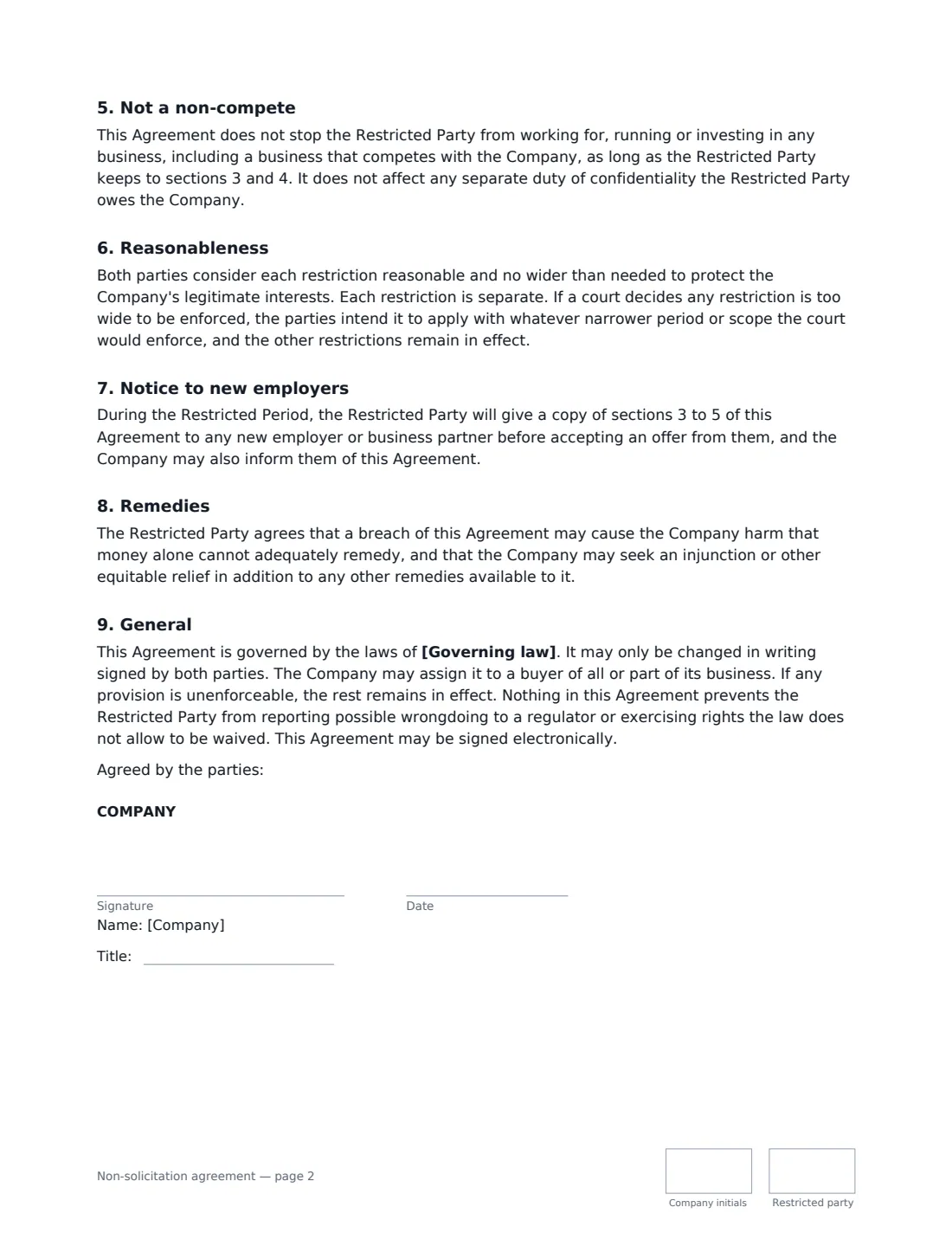
This template limits the restrictions to what is usually easier to justify: only customers and prospects the restricted party actually dealt with, or learned about, in a look-back period you set, and only staff they worked with or managed. The restrictions apply throughout the relationship and for a period you choose (6 to 24 months) after an event you name, and you decide whether they must also turn down business from a covered customer who approaches them first. It includes a carve-out for general job advertising and for people who left at least six months earlier without being solicited, a duty to show the restrictions to a new employer, a fall-back if a court finds a restriction too wide, and a statement that nothing stops the restricted party reporting wrongdoing to a regulator. Both parties sign and initial every page.
- Best for
- Departing employees, contractors, business sales, departing partners
- Signed by
- Your company and the restricted person or business
- Restricted period
- During the relationship, plus 6, 12, 18 or 24 months after it ends (or after an event you name)
- Covers
- Soliciting customers and hiring staff — not competing
- Length
- 2 pages, initialled on every page
When to Use a non-solicitation agreement
- An account manager or salesperson with close client relationships joining or leaving your team
- A contractor or agency that has worked directly with your customers
- Selling a business, where the seller agrees not to take back the customers or staff
- A partner or co-founder stepping away from the business
- A consultant placed with a client, where both sides want to avoid poaching staff
What You Fill In
12 blanks, then the name and email of each person who signs: company, restricted party.
1 The parties
- Company (your business)*
- Company address
- Restricted party (person or business)*
- Restricted party address
2 The restrictions
- Effective date*
- Relationship between the parties*
- The restricted period starts when*
- Restricted period* 6 months · 12 months · 18 months · 24 months
- Customers dealt with in the last (months)*
- Also stop them accepting business from those customers?* No · Yes
3 Other terms
- What the restricted party receives
- Governing law*
4 Who signs
- Company signature and date, job title, initials on every page
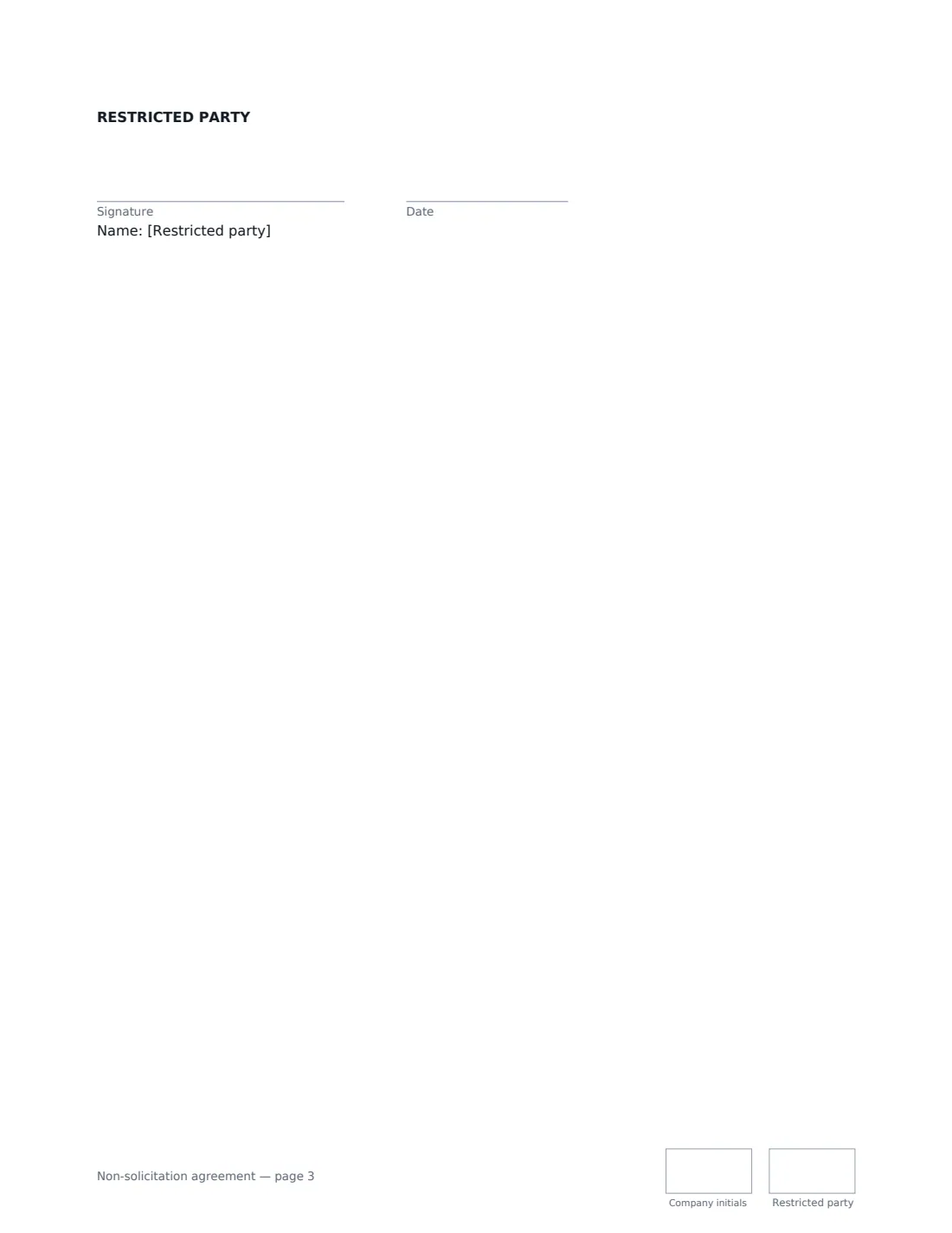
- Restricted party signature and date, initials on every page · The person or business agreeing not to solicit.
What the non-solicitation agreement Covers
- Background
- Definitions
- Customers
- Employees and contractors
- Not a non-compete
- Reasonableness
- Notice to new employers
- Remedies
- General
Using the non-solicitation agreement, step by step
1 Describe the relationship
The relationship explains why the restrictions are needed and completes the sentence "in connection with the Restricted Party's …" — for example "employment as Senior Account Manager" or "sale of the Riverside Bakery business". Then say what starts the restricted period, such as "the employment ends" or "the sale completes".
2 Keep the restrictions reasonable
Pick the shortest restricted period that genuinely protects you — 12 months is a common choice — and a look-back period that matches how often customers buy. Decide whether to add the stricter no-dealing clause; it also stops them accepting work from a covered customer who contacts them first, which is harder to justify.
3 Say what they receive
Some places require the restricted party to get something of value in return for these promises, especially if they sign after starting work. Enter a payment or benefit, or leave it empty to rely on the relationship itself.
4 Set the governing law and send
Enter the law that applies — usually where the restricted party works. Add the signer's email and send. VergeHR places signature and initials boxes, and the signed copy is filed in Files and emailed to both of you.
Tips Before You Send It
- Rules on restrictive covenants differ widely. Some places refuse to enforce customer non-solicitation clauses for employees, or only enforce them in a business sale, so have a local lawyer check before you rely on it.
- Narrow and specific restrictions are more likely to be upheld than broad ones. Resist the urge to pick the longest period.
- Sign the agreement at the start of the relationship or at the point of sale where you can, rather than on the way out.
- Pair it with a confidentiality agreement — the non-solicitation clauses protect relationships, an NDA protects information.
- Keep a record of which customers the person handled. It makes it much easier to show who is covered later.
Sign It Online In Minutes
- Fill in the blanks. Names, dates and amounts go straight into the agreement — the preview shows exactly where.
- Name who signs. Tick “This is me” for your own part. VergeHR builds the PDF with every signature, date and initials box on the right line, and you can check or move anything before sending.
- Send it. Each signer gets a secure link and signs from any device — no account needed. The signed PDF, with an audit trail and a Certificate of Completion, is filed in Files and emailed to everyone.
Non-solicitation agreement: frequently asked questions
What is the difference between a non-solicitation agreement and a non-compete?
A non-compete stops someone working for a competitor or running a competing business. A non-solicitation agreement only stops them approaching your customers or recruiting your staff. This template says expressly that it is not a non-compete.
Is a non-solicitation agreement enforceable?
It depends on the law where the person works and on how reasonable the restrictions are. Many places enforce restrictions that are limited in time and scope and protect a real business interest, but some limit or refuse them, particularly for employees. The template records that both parties consider the restrictions reasonable and asks a court to apply a narrower version rather than strike a restriction out, but not every court will do that and no wording can guarantee enforceability — take local advice.
Does it stop them working with a customer who contacts them first?
Only if you choose "Yes" for the no-dealing option. Otherwise the restriction covers actively soliciting or enticing away covered customers, not accepting unprompted business.
Is a non-solicitation agreement signed electronically valid?
In the US (ESIGN Act and UETA), the UK, the EU (eIDAS) and Canada, electronic signatures are generally valid for ordinary commercial and employment agreements like this one. VergeHR keeps an audit trail and a Certificate of Completion with the signed PDF.
Can I change the wording?
You fill in the parties, relationship, periods, options and governing law. If you need different clauses, draft your own document and upload it to VergeHR eSignature; you can still place the signature boxes in the editor.
Is this template free?
Yes. The template is free to use with the eSignature app in VergeHR. The other signer doesn't need a VergeHR login.