

What is a student learning contract?
A learning contract (also called a student contract, behaviour contract or home-school agreement) is a short, positive plan that a student makes with their parent and teacher. It's used when homework has slipped, grades have dropped, behaviour needs a reset, or a student simply wants to reach a goal — and it works because everyone commits to something, not just the student.
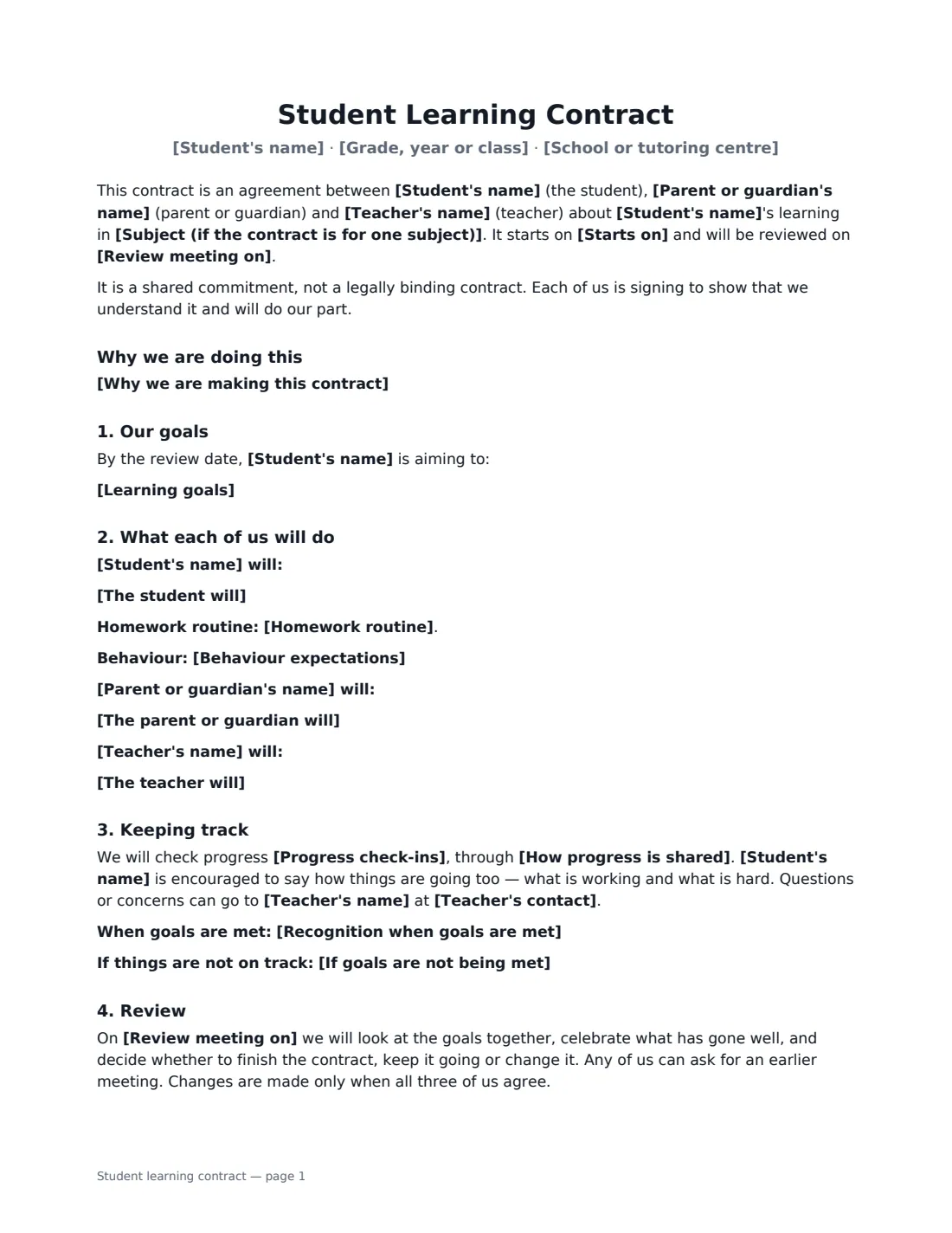
This template records the student, class and school or tutoring centre, and optionally the subject. It can say why you are making the contract, then lists the student's goals, what the student will do (with an optional homework routine and behaviour expectations), and what the parent and the teacher will each do to support them. It sets how often you'll check progress and how updates are shared, any recognition when goals are met, and what happens if things aren't on track — extra support, not punishment. It closes with a review meeting date. It states plainly that it is a shared commitment, not a legally binding contract, and all three sign.
- Best for
- Homework, grades, behaviour or a specific learning goal
- Signed by
- The student, a parent or guardian, and the teacher
- Check-ins
- Daily, twice a week, weekly or every two weeks, plus a review date
- Length
- 1–2 pages
When to Use a student learning contract
- A student whose homework has been late or missing
- Getting back on track after a drop in test scores
- A behaviour plan agreed after a conversation at school
- A tutoring student and family agreeing practice between sessions
- A student setting a goal before exams with support from home and school
What You Fill In
20 blanks, then the name and email of each person who signs: student, parent or guardian, teacher.
1 The student
- Student's name*
- Grade, year or class*
- School or tutoring centre*
- Subject (if the contract is for one subject)
2 The adults
- Parent or guardian's name*
- Teacher's name*
- Teacher's contact*
3 Dates
- Starts on*
- Review meeting on*
4 Goals
- Why we are making this contract
- Learning goals*
5 What each person will do
- The student will*
- Homework routine
- The parent or guardian will*
- The teacher will*
- Behaviour expectations
6 Tracking progress
- Progress check-ins* daily · twice a week · weekly · every two weeks
- How progress is shared*
- Recognition when goals are met
- If goals are not being met
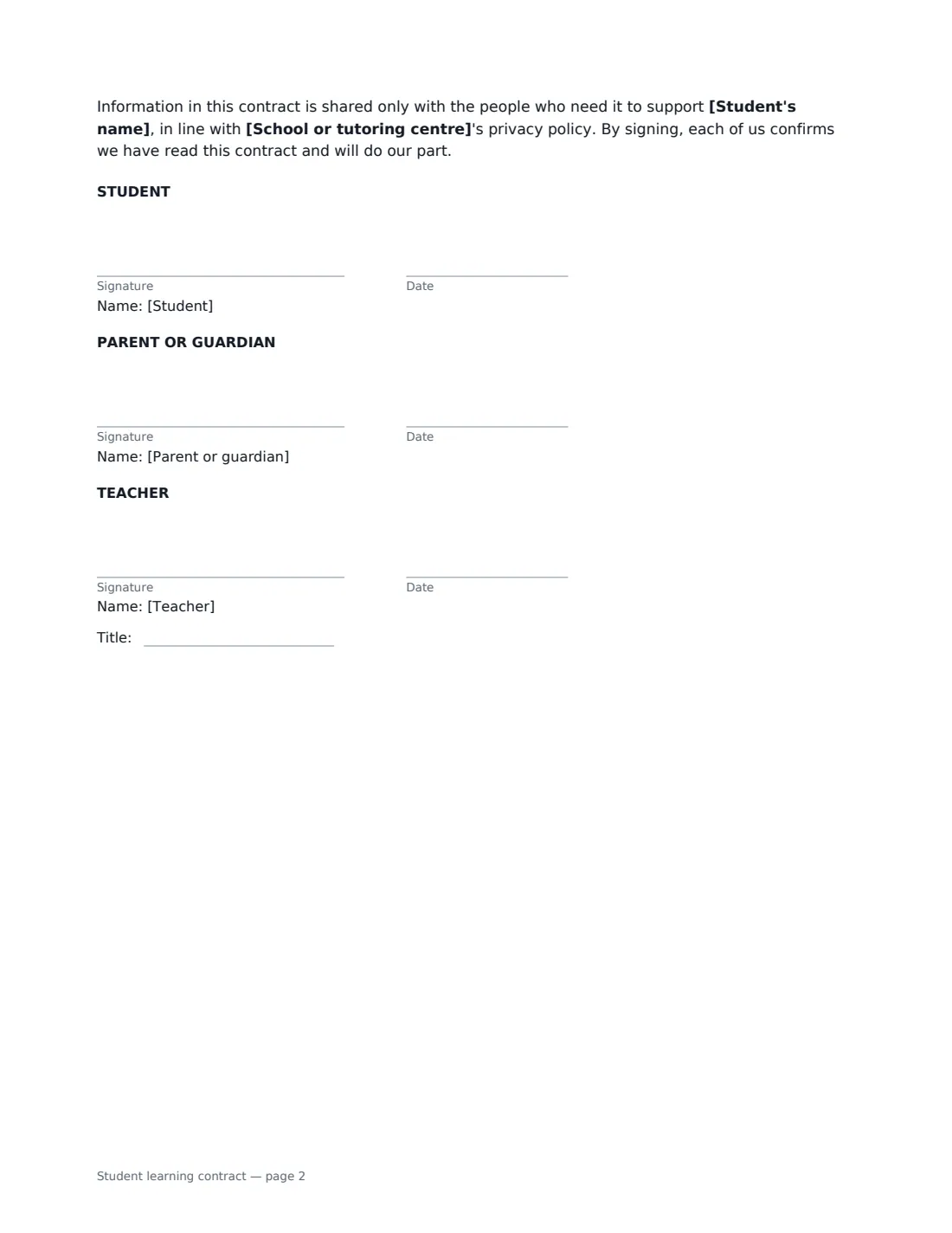
7 Who signs
- Student signature and date · The student agreeing to the goals. A parent can type the name for a young child who signs with help.
- Parent or guardian signature and date
- Teacher signature and date, job title · The teacher, tutor or head of year who will support and review the plan.
What the student learning contract Covers
- Why we are doing this
- Our goals
- What each of us will do
- Keeping track
- Review
Using the student learning contract, step by step
1 Agree the goals together
Sit down with the student first. Write two or three goals that are specific and measurable — "hand in every maths homework on time" rather than "try harder". Add a short, positive reason if it helps.
2 Say what each person will do
List the student's actions and, if useful, a homework routine and behaviour expectations. Then list what the parent and the teacher will each do — checking the planner, providing a quiet space, a weekly update, extra help sessions.
3 Set check-ins and the review
Choose how often you'll check progress and how updates are shared, add any recognition for meeting goals and the support that follows if things slip, and set a review date a few weeks away.
4 Everyone signs
Add the parent and student as signers and sign as the teacher. Each gets the signed PDF, and you can bring it to the review meeting.
Tips Before You Send It
- Keep it short. Three goals the student believes in beat ten imposed ones.
- Let the student write some of it in their own words — ownership is what makes it stick.
- Focus "if things aren't on track" on support rather than sanctions.
- Celebrate progress at the review, even if not every goal was met.
Sign It Online In Minutes
- Fill in the blanks. Names, dates and amounts go straight into the agreement — the preview shows exactly where.
- Name who signs. Tick “This is me” for your own part. VergeHR builds the PDF with every signature, date box on the right line, and you can check or move anything before sending.
- Send it. Each signer gets a secure link and signs from any device — no account needed. The signed PDF, with an audit trail and a Certificate of Completion, is filed in Files and emailed to everyone.
Student learning contract: frequently asked questions
Is a student learning contract legally binding?
No, and it says so. It is a shared commitment between student, parent and teacher — a clear plan everyone has agreed to, not a contract to enforce.
Can a young child sign it?
Yes. Signing helps a child feel part of the plan. A parent can help a younger child sign on a phone or tablet.
Can tutors use it?
Yes. Enter the tutoring centre or your own name as the school, and use the goals and actions for what happens between sessions.
Who keeps the signed copy?
Everyone who signs receives the signed PDF by email, and the sender's copy is filed in their VergeHR Files. Share it only with people who need it to support the student.
Is this template free?
Yes. The template is free to use with the eSignature app in VergeHR, and the parent and student don't need a VergeHR login to sign.