

What is a homeschool co-op agreement?
A homeschool co-op runs on trust and shared effort: parents teach classes, help in others, share costs and look after each other's children. A membership agreement makes the deal explicit before the term starts, so the co-op isn't left chasing fees, covering missed classes or dealing with a safety problem nobody planned for.
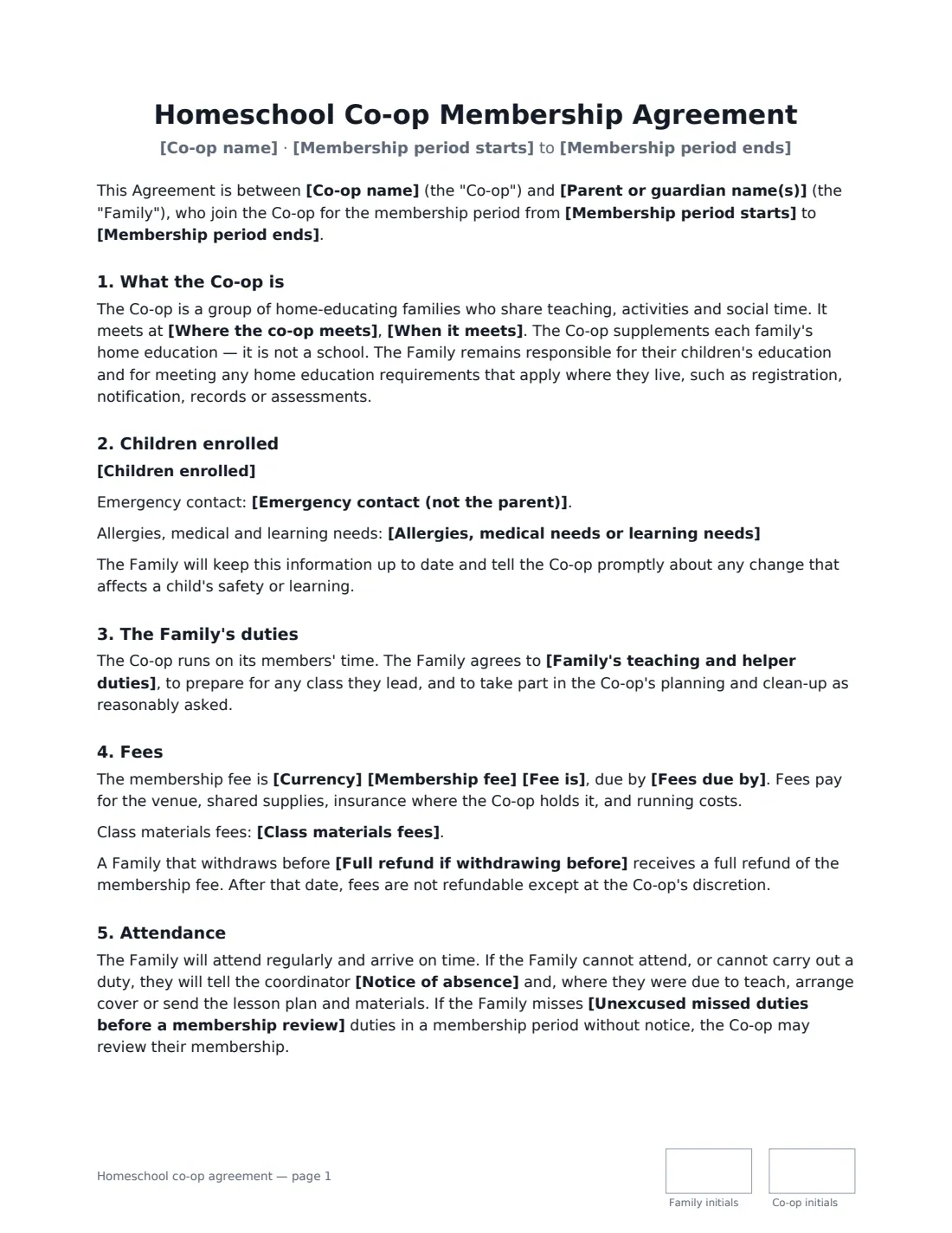
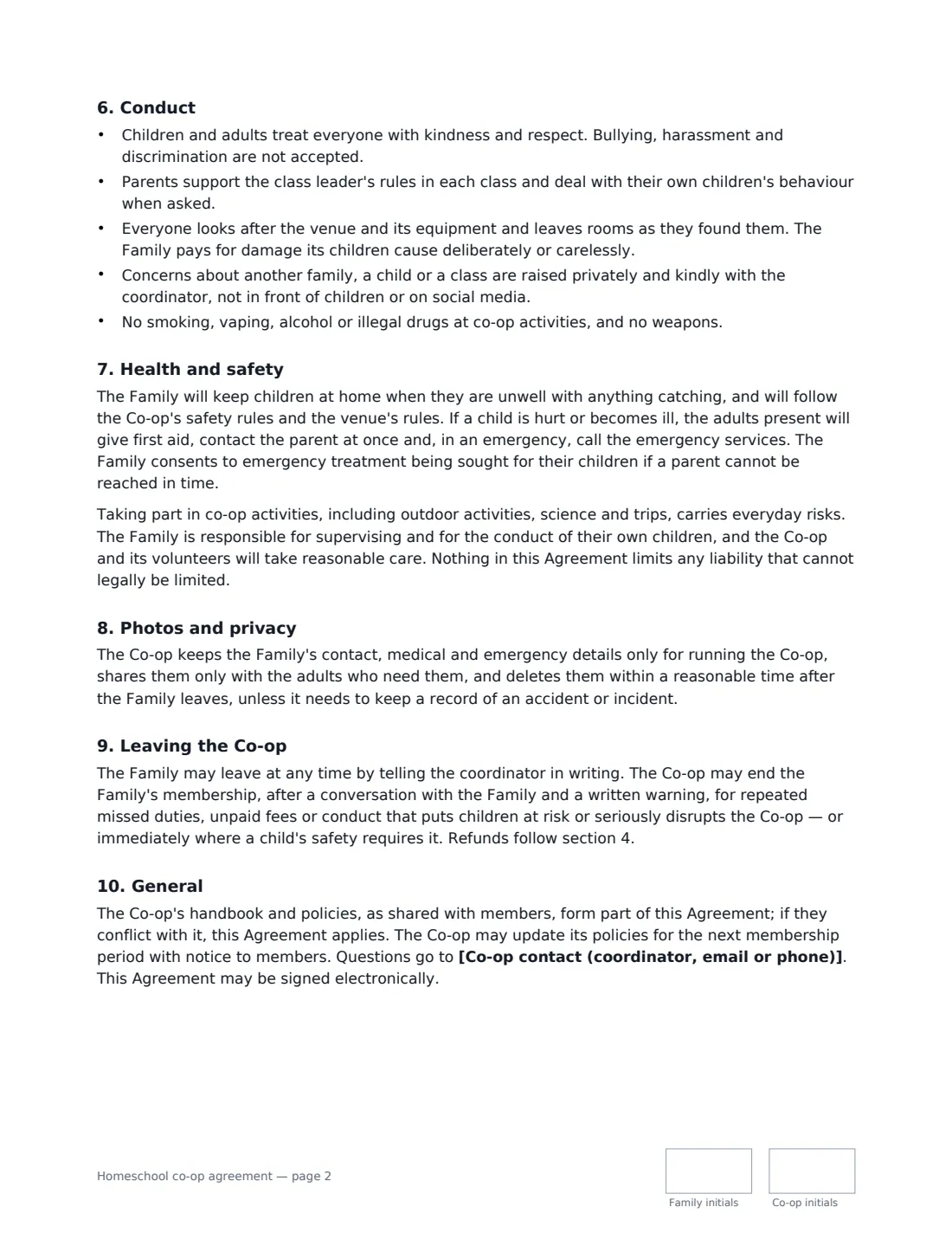
This template is signed by each joining family and the co-op's coordinator. It records the co-op's venue, schedule and membership dates, the children enrolled with emergency contacts and any allergies or medical needs, and the family's teaching and helper duties. You choose whether a parent must stay on site at all times or may arrange for another member to supervise, and whether adults who teach need a background check. It covers the membership fee (per family or per child, per term or per period), materials fees, the refund deadline, absence notice and the number of missed duties before a review, a conduct code, health and safety including emergency treatment consent, photo consent in three options, privacy of family details, and how a family leaves or can be asked to leave. It also makes clear that the co-op is not a school: each family remains responsible for its own children's education and any home education requirements where they live.
- Best for
- Homeschool co-ops, learning pods and parent-led enrichment groups
- Signed by
- A parent for the family, and the co-op coordinator
- Photo consent
- Members only, website and social media, or no photos
- Length
- 3 pages, initialled on every page
When to Use a homeschool co-op agreement
- A weekly co-op where every family teaches or assists a class
- A new family joining mid-year
- A small learning pod sharing a tutor and a venue
- A co-op renting a church or community hall that needs members to follow venue rules
- Renewing every family's membership at the start of the school year
What You Fill In
23 blanks, then the name and email of each person who signs: family, co-op.
1 The co-op
- Co-op name*
- Co-op contact (coordinator, email or phone)*
- Where the co-op meets*
- When it meets*
- Membership period starts*
- Membership period ends*
2 The family
- Parent or guardian name(s)*
- Family phone and email*
- Children enrolled*
- Emergency contact (not the parent)*
- Allergies, medical needs or learning needs
3 Duties
- Family's teaching and helper duties*
- Must a parent stay on site?* Yes, at all times · Yes, unless another member parent has agreed in writing to supervise their children
- Background checks for adults* Not required · Required for adults who teach or supervise
4 Fees
- Currency*
- Membership fee*
- Fee is* per family for the membership period · per child for the membership period · per family per term · per child per term
- Class materials fees
- Fees due by*
- Full refund if withdrawing before
5 Attendance
- Notice of absence*
- Unexcused missed duties before a membership review*
6 Consents
- Photos of the children* May be shared privately with member families only · May be used on the co-op's website and social media · Must not be taken or shared
7 Who signs
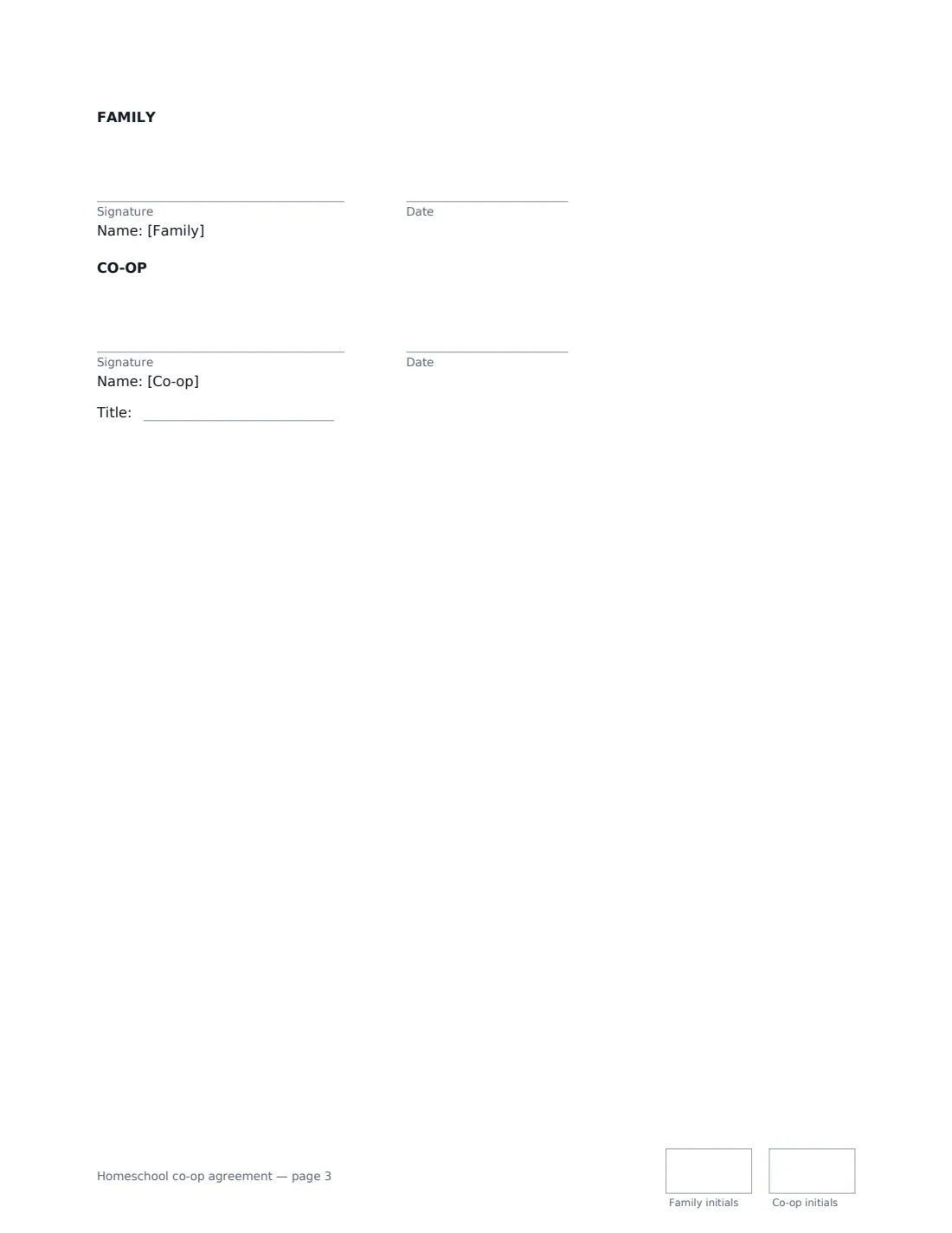
- Family signature and date, initials on every page · A parent or guardian joining the co-op on behalf of the family.
- Co-op signature and date, job title, initials on every page · The co-op's coordinator, director or another leader authorised to accept members.
What the homeschool co-op agreement Covers
- What the Co-op is
- Children enrolled
- The Family's duties
- Fees
- Attendance
- Conduct
- Health and safety
- Photos and privacy
- Leaving the Co-op
- General
Using the homeschool co-op agreement, step by step
1 Set up the co-op's details once
Enter the co-op name, contact, venue, weekly schedule and membership dates, and your standard duties, fees, refund date, absence notice and missed-duty limit. These rarely change between families.
2 Add the family
Enter the parents' names and contact details, each child with their age, an emergency contact who isn't a parent, and any allergies, medical or learning needs the co-op should know about.
3 Choose supervision and consents
Decide whether a parent must stay on site, whether background checks apply, and the family's choice on photos. The agreement prints only the options chosen.
4 Send to the family
Add the parent as a signer and sign as the coordinator. The signed PDF is filed in Files — keep one per family per membership period.
Tips Before You Send It
- Ask each family about photos rather than defaulting to public use — some have good reasons to keep their children offline.
- Keep medical and emergency details somewhere every class leader can reach quickly on co-op days.
- If your venue or insurer has requirements — background checks, headcounts, fire procedures — build them into the duties and conduct sections.
- Home education rules differ widely between countries and states; the agreement leaves compliance with each family, but it helps to share links to local guidance.
Sign It Online In Minutes
- Fill in the blanks. Names, dates and amounts go straight into the agreement — the preview shows exactly where.
- Name who signs. Tick “This is me” for your own part. VergeHR builds the PDF with every signature, date and initials box on the right line, and you can check or move anything before sending.
- Send it. Each signer gets a secure link and signs from any device — no account needed. The signed PDF, with an audit trail and a Certificate of Completion, is filed in Files and emailed to everyone.
Homeschool co-op agreement: frequently asked questions
Is a homeschool co-op a school?
Usually not, and the agreement says so: the co-op supplements each family's home education, and the family stays responsible for their children's education and any legal home education requirements where they live.
Can the co-op require background checks?
It can make them a condition of teaching or supervising. Choose "Required for adults who teach or supervise" and the agreement commits those adults to complete the co-op's check.
What if a family keeps missing their teaching duties?
They must give notice and arrange cover for each absence. After the number of unexcused missed duties you set, the co-op may review their membership, and it can end membership after a conversation and a written warning.
Can both parents sign?
The template has one signer for the family. Enter both parents' names in the family details and have either sign, or send a second copy if your co-op wants both signatures.
Is an online signature valid for this?
Electronic signatures are generally valid for ordinary agreements in the US (ESIGN Act and UETA), the UK, the EU (eIDAS) and Canada. VergeHR keeps an audit trail and a Certificate of Completion with the signed PDF.