

What is a virtual assistant agreement?
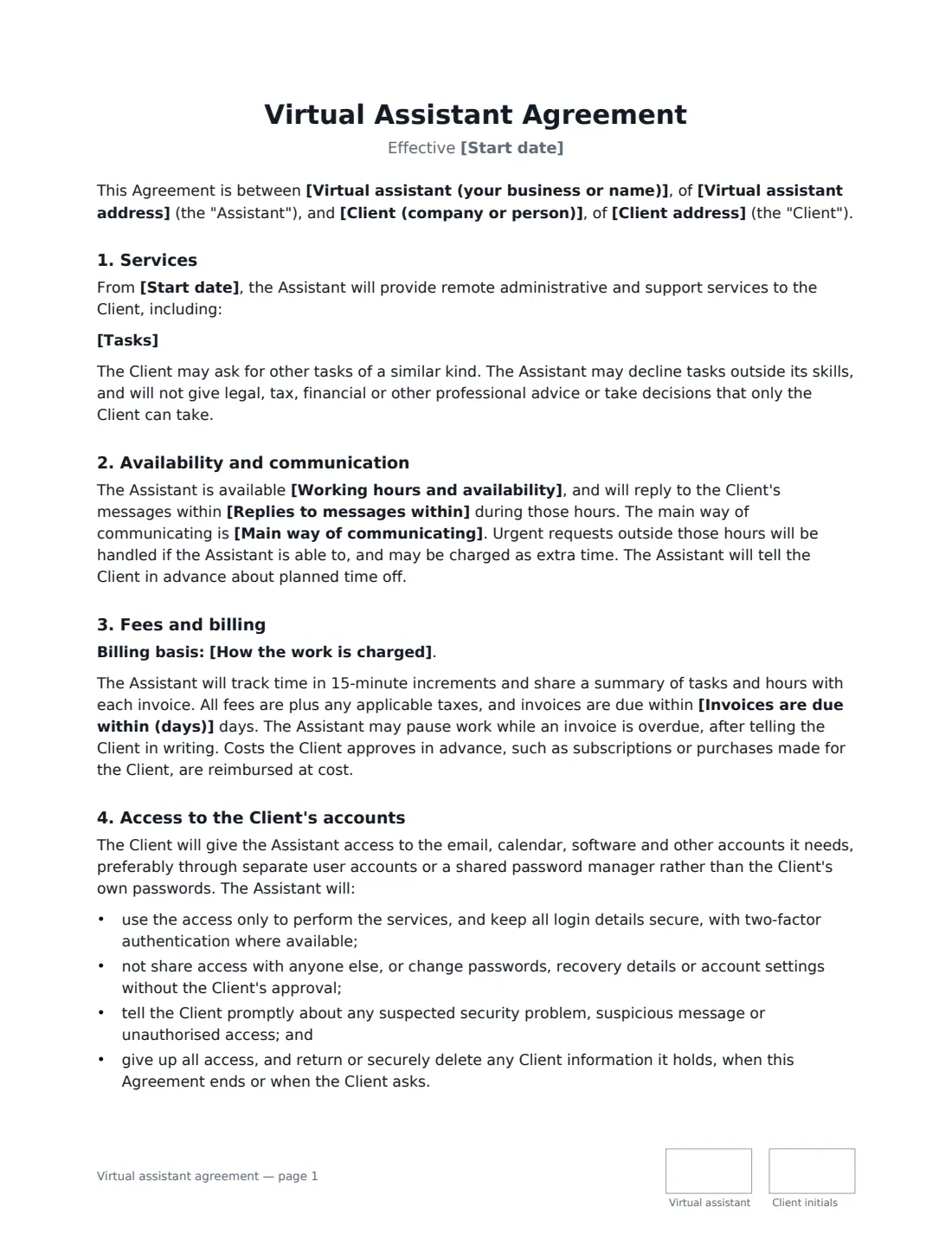
A virtual assistant agreement sets the terms between a remote assistant and the business or busy professional they support. Because a VA usually works inside the client's inbox, calendar, accounts and sometimes payment methods, the contract has to cover trust as well as tasks: how access is given and taken back, what the VA may buy without asking, and what they must never commit to in the client's name.
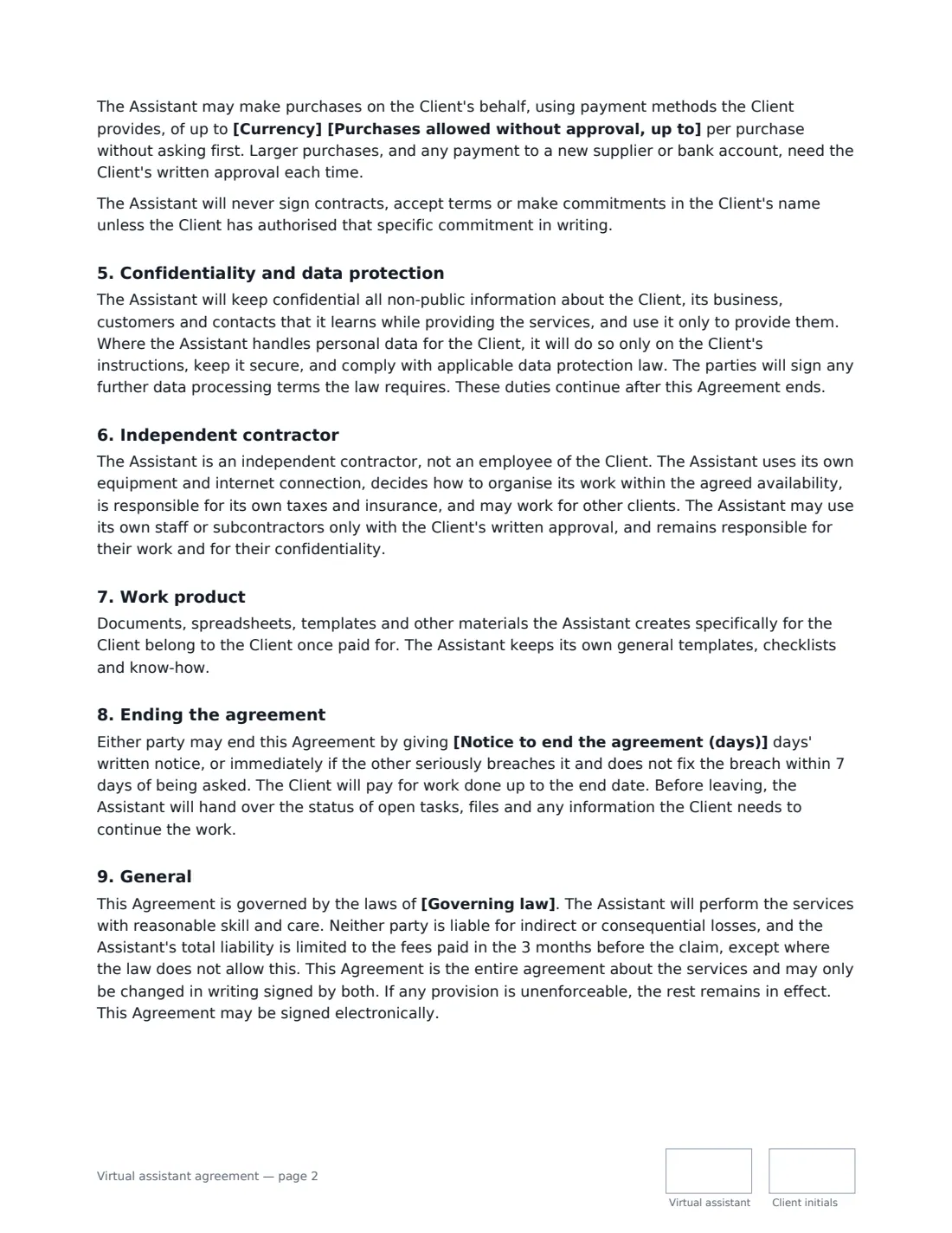
This template lists the tasks, the VA's working hours, reply time and main communication channel, and whether the work is a monthly package of hours (with a rollover choice and approval for extra hours) or an hourly rate billed monthly. It sets out safe account access and security duties, an optional per-purchase spending limit, a ban on signing contracts in the client's name, confidentiality and data protection, independent contractor status, ownership of work product, notice and a handover when the arrangement ends.
- Best for
- Freelance virtual assistants, executive assistants and online business managers
- Signed by
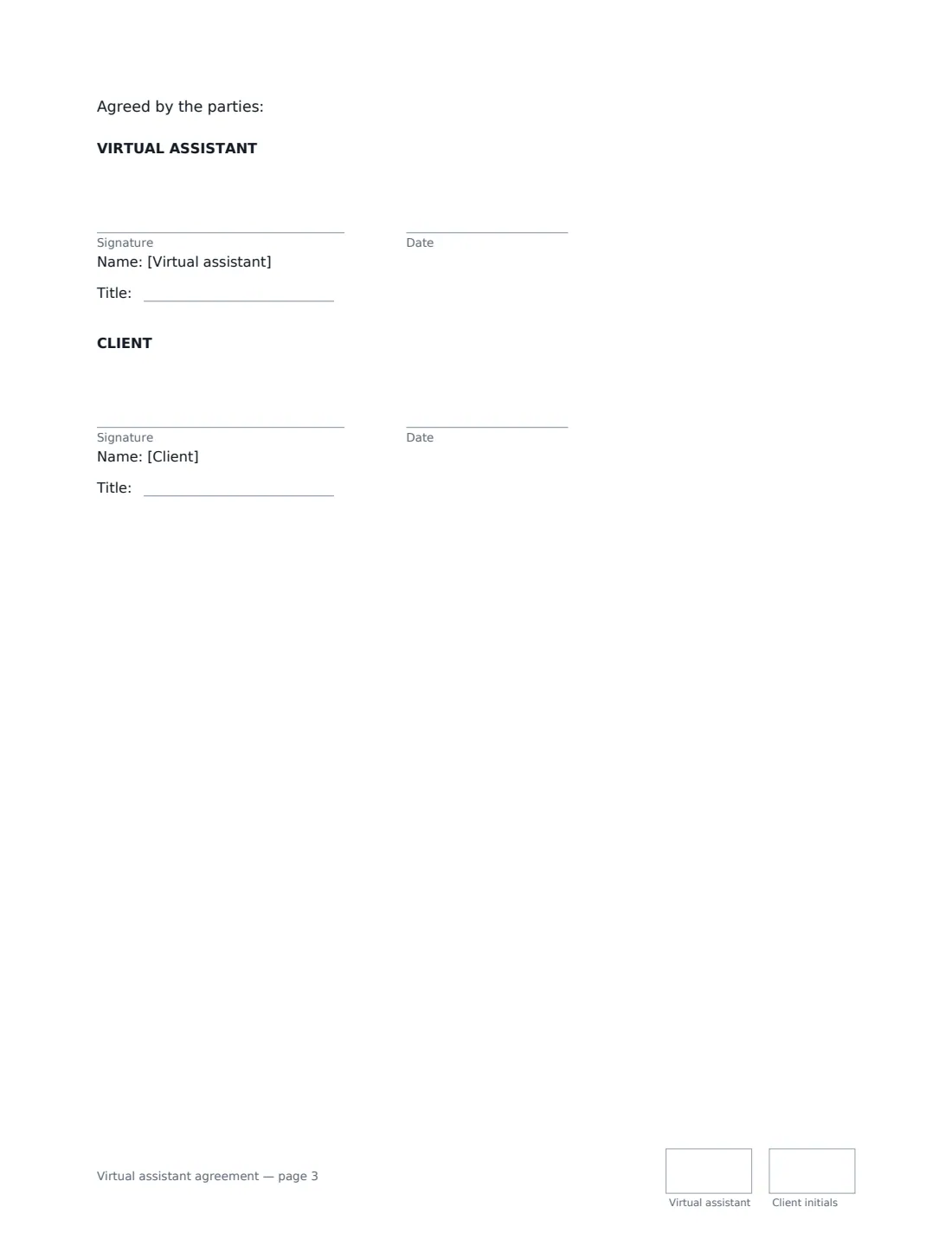
- The virtual assistant and the client, with job titles
- Billing
- Monthly package of hours or hourly rate, tracked in 15-minute increments
- Length
- About 3 pages, initialled on every page
When to Use a virtual assistant agreement
- A founder hires a VA for inbox, calendar and travel management
- A small business outsources invoicing and CRM updates
- A coach needs help scheduling clients and social posts
- A VA moves a client from ad-hoc hours to a monthly package
- A client wants a firm limit on purchases made on its card
What You Fill In
19 blanks, then the name and email of each person who signs: virtual assistant, client.
1 The parties
- Virtual assistant (your business or name)*
- Virtual assistant address
- Client (company or person)*
- Client address
2 The work
- Start date*
- Tasks*
- Working hours and availability*
- Replies to messages within*
- Main way of communicating*
3 Fees
- How the work is charged* A monthly package of hours · An hourly rate, billed monthly for time worked
- Currency*
- Monthly package fee
- Hours included in the package
- Unused package hours* do not roll over to the next month · roll over to the next month only, and then expire
- Hourly rate*
- Invoices are due within (days)*
4 Access and spending
- Purchases allowed without approval, up to
5 Other terms
- Notice to end the agreement (days)*
- Governing law*
6 Who signs
- Virtual assistant signature and date, job title, initials on every page
- Client signature and date, job title, initials on every page
What the virtual assistant agreement Covers
- Services
- Availability and communication
- Fees and billing
- Access to the Client's accounts
- Confidentiality and data protection
- Independent contractor
- Work product
- Ending the agreement
- General
Using the virtual assistant agreement, step by step
1 List the tasks and availability
Describe the tasks, your working hours and time zone, how quickly you reply, and the main communication channel.
2 Choose package or hourly
For a package, enter the monthly fee, included hours and whether unused hours roll over; you'll warn the client at 80% and get approval for extra hours. For hourly work, enter the rate — it's also the rate for extra hours on a package.
3 Set access and spending rules
Access is given through separate user accounts or a shared password manager where possible. Enter a per-purchase spending limit, or leave it empty so every purchase needs approval. New suppliers and bank accounts always need approval.
4 Send it
Add the client and send. Both of you sign and initial each page; the signed agreement is filed in Files.
Tips Before You Send It
- Use a password manager with shared vaults, so access can be revoked in one step.
- Always confirm new payment details by phone before paying — it's the most common fraud a VA sees.
- Share a weekly summary of what's done and what's waiting on the client.
- Agree what counts as urgent before the first out-of-hours message.
Sign It Online In Minutes
- Fill in the blanks. Names, dates and amounts go straight into the agreement — the preview shows exactly where.
- Name who signs. Tick “This is me” for your own part. VergeHR builds the PDF with every signature, date and initials box on the right line, and you can check or move anything before sending.
- Send it. Each signer gets a secure link and signs from any device — no account needed. The signed PDF, with an audit trail and a Certificate of Completion, is filed in Files and emailed to everyone.
Virtual assistant agreement: frequently asked questions
Is a virtual assistant an employee?
Under this agreement the VA is an independent contractor who uses their own equipment, organises their own work within the agreed availability, handles their own taxes and may have other clients. Whether someone is legally a contractor depends on how the relationship works in practice and the law where you are.
Can the VA spend money on my behalf?
Only within the per-purchase limit you set, using payment methods you provide. Larger purchases, and any payment to a new supplier or bank account, need your written approval each time. If you leave the limit empty, every purchase needs approval.
What happens to unused package hours?
You choose: they either don't roll over, or roll over to the next month only and then expire.
Is an agreement signed electronically legally binding?
In most countries, including the US (ESIGN Act and UETA), the UK, the EU (eIDAS) and Canada, an electronic signature is generally valid for an ordinary commercial contract like this one. VergeHR keeps an audit trail and a Certificate of Completion with the signed PDF as evidence of who signed and when.
Is this template free?
Yes. The template is free to use with the eSignature app in VergeHR. Your client doesn't need a VergeHR login to sign.