


What is a monthly retainer agreement?
A monthly retainer agreement is how a client books ongoing work from a freelancer, consultant or agency for a fixed monthly fee, instead of quoting every task separately. It suits marketing, design, bookkeeping, IT support, content and development work that comes in steadily but unpredictably. The questions that cause friction are always the same: how many hours does the fee buy, what happens to hours that aren't used, how fast will the provider respond, and what do extra hours cost?
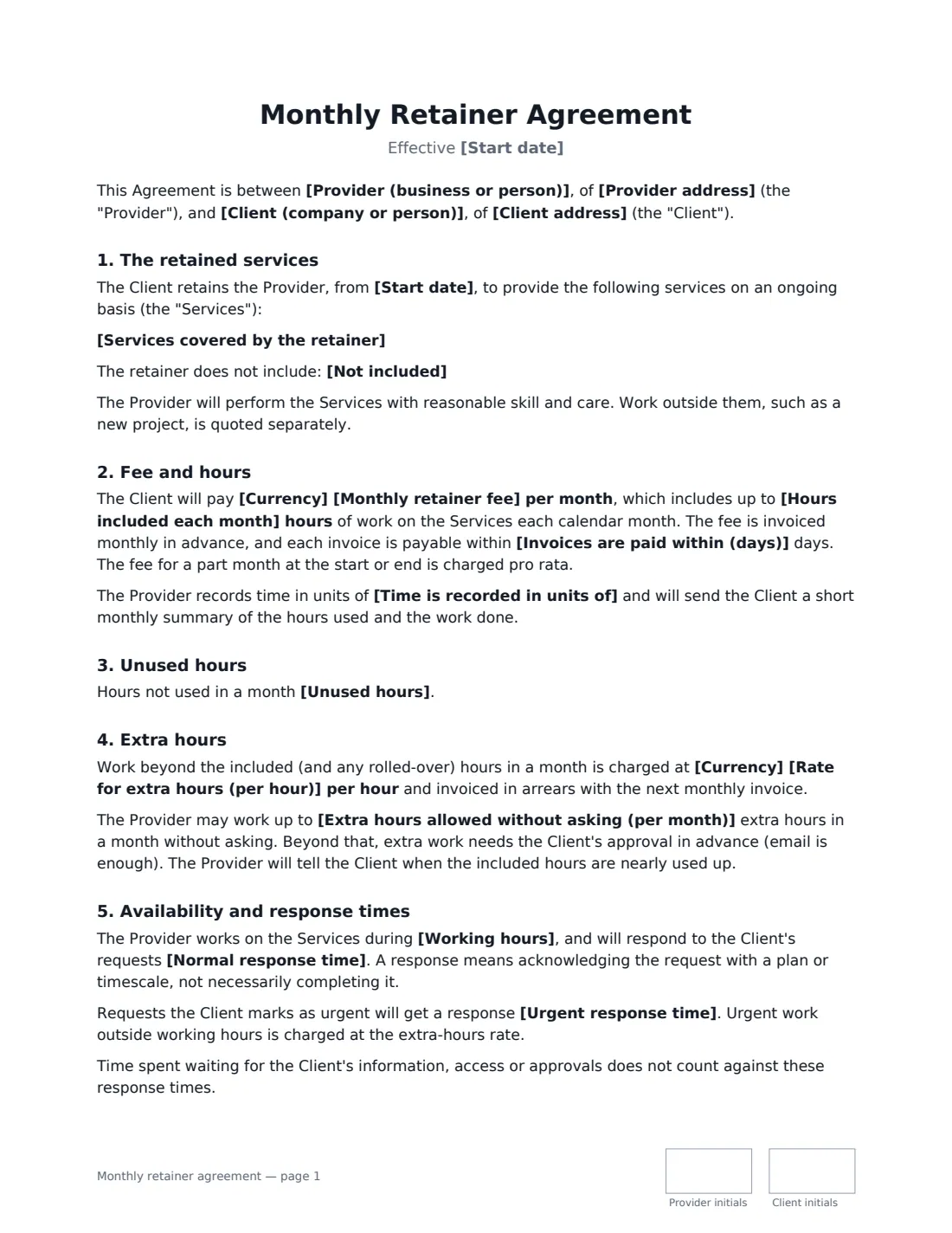
This template answers each of them. It describes the retained services and anything excluded, sets the monthly fee and hours included, and lets you choose whether unused hours roll over (not at all, one month, or up to three months). Extra hours are charged at your rate, either only with the client's approval or up to a monthly cap without asking. It records working hours, normal and urgent response times, and time-recording units, and adds ownership of work, confidentiality, independent-provider status, a liability limit, a minimum term, notice to end, and fee changes on notice.
- Best for
- Freelancers, agencies and consultants doing ongoing monthly work
- Signed by
- The client and the provider, with job titles
- Unused hours
- No rollover, one-month rollover, or up to three months — you choose
- Length
- 2–3 pages, initialled on every page
When to Use a monthly retainer agreement
- A marketing agency managing a client's social media and newsletter every month
- A designer on call for ad-hoc design requests
- An IT or web developer providing monthly support and maintenance hours
- A bookkeeper or virtual assistant with a set number of hours per month
- A consultant giving a client priority access for strategy and advice
What You Fill In
21 blanks, then the name and email of each person who signs: provider, client.
1 The parties
- Provider (business or person)*
- Provider address
- Client (company or person)*
- Client address
2 The services
- Start date*
- Services covered by the retainer*
- Not included
3 Fees and hours
- Currency*
- Monthly retainer fee*
- Hours included each month*
- Unused hours* do not roll over · roll over to the next month only · roll over for up to three months
- Rate for extra hours (per hour)*
- Extra hours allowed without asking (per month)
- Time is recorded in units of* 6 minutes · 15 minutes · 30 minutes
- Invoices are paid within (days)*
4 Availability
- Working hours*
- Normal response time*
- Urgent response time
5 Term
- Minimum term (months)
- Notice to end (days)*
- Governing law*
6 Who signs
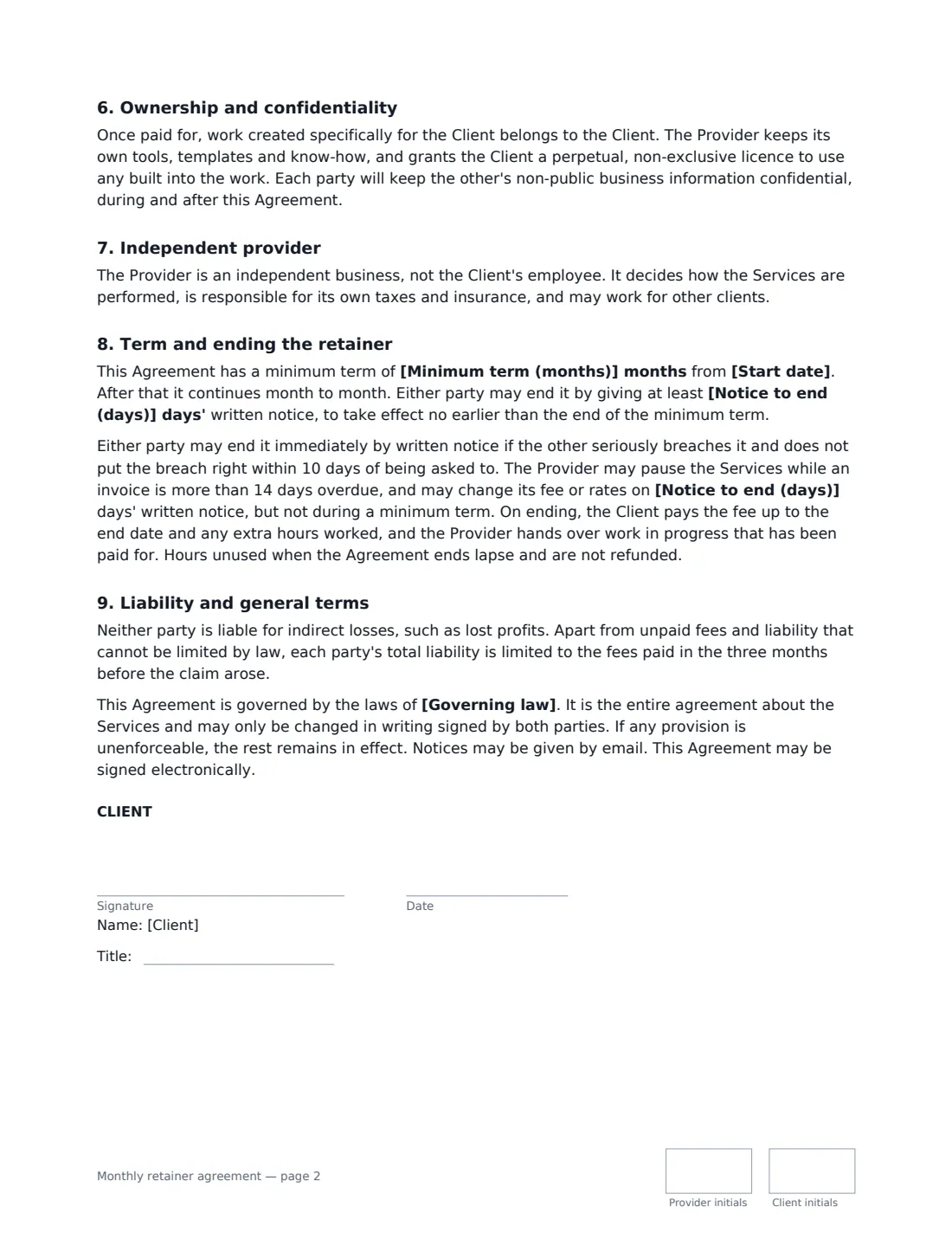
- Provider signature and date, job title, initials on every page · The freelancer, consultant or agency on retainer.
- Client signature and date, job title, initials on every page
What the monthly retainer agreement Covers
- The retained services
- Fee and hours
- Unused hours
- Extra hours
- Availability and response times
- Ownership and confidentiality
- Independent provider
- Term and ending the retainer
- Liability and general terms
Using the monthly retainer agreement, step by step
1 Describe the services
List what the retainer covers — and, if helpful, what it doesn't (ad spend, photography, new builds). New projects outside the scope are quoted separately.
2 Set the fee and hours
Enter the monthly fee and the hours it includes, pick a rollover rule, and set your rate for extra hours. Add an extra-hours cap if you may go over a little without asking.
3 Agree availability
Enter your working hours and normal response time, plus an urgent response time if you offer one. Waiting for the client's input doesn't count against your response times.
4 Choose term and notice
Add a minimum term if you want one, and the notice either side must give to end the retainer. Then add both signers and send.
Tips Before You Send It
- A response time is an acknowledgement with a plan, not a finished job — the agreement says so, which avoids arguments.
- Send the monthly hours summary the agreement promises. It's the easiest way to show value and justify extra hours.
- If you don't want to roll hours over, say why up front: the fee reserves your availability, whether or not it's used.
- Time-recording units matter on small tasks. 15 minutes is a common, easy-to-understand choice.
Sign It Online In Minutes
- Fill in the blanks. Names, dates and amounts go straight into the agreement — the preview shows exactly where.
- Name who signs. Tick “This is me” for your own part. VergeHR builds the PDF with every signature, date and initials box on the right line, and you can check or move anything before sending.
- Send it. Each signer gets a secure link and signs from any device — no account needed. The signed PDF, with an audit trail and a Certificate of Completion, is filed in Files and emailed to everyone.
Monthly retainer agreement: frequently asked questions
What happens to unused retainer hours?
You choose: they don't roll over, they roll over to the next month only, or they roll over for up to three months. Rolled-over hours are used first, oldest first. In every case, hours unused when the agreement ends lapse and aren't refunded.
How are extra hours handled?
Work beyond the included hours is charged at the extra-hours rate and invoiced with the next monthly invoice. Either every extra hour needs the client's approval in advance, or the provider may work up to a monthly cap you set without asking.
Can the provider raise the retainer fee?
Yes, by giving the notice period in the agreement in writing — but not during a minimum term.
Is a retainer agreement signed online binding?
Electronic signatures are generally valid for ordinary commercial contracts like this in the US (ESIGN Act and UETA), the UK, the EU (eIDAS) and Canada. VergeHR keeps an audit trail and a Certificate of Completion with the signed PDF.